
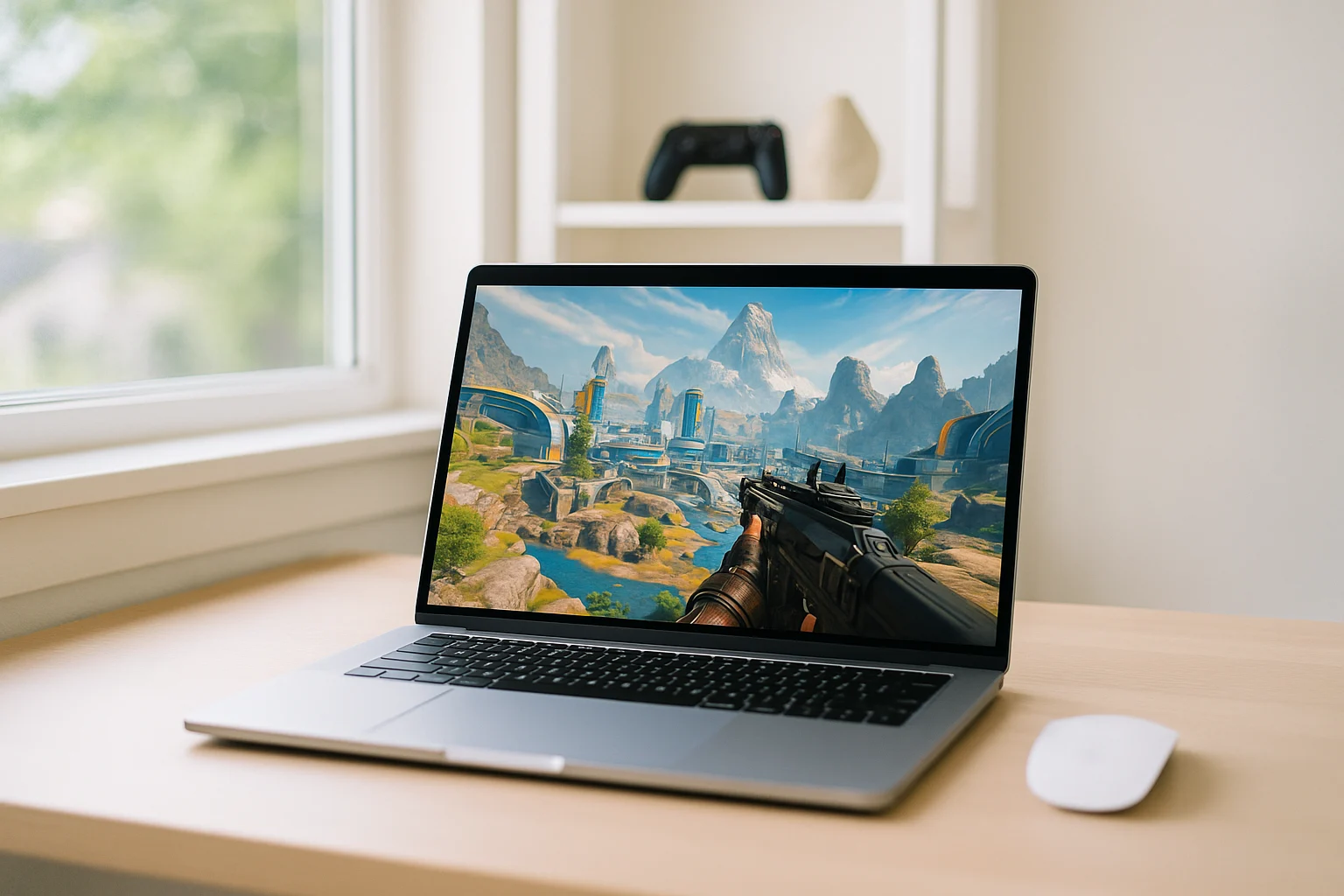
Why Apex Legends Cloud Gaming Appeals to Fast-Start Players
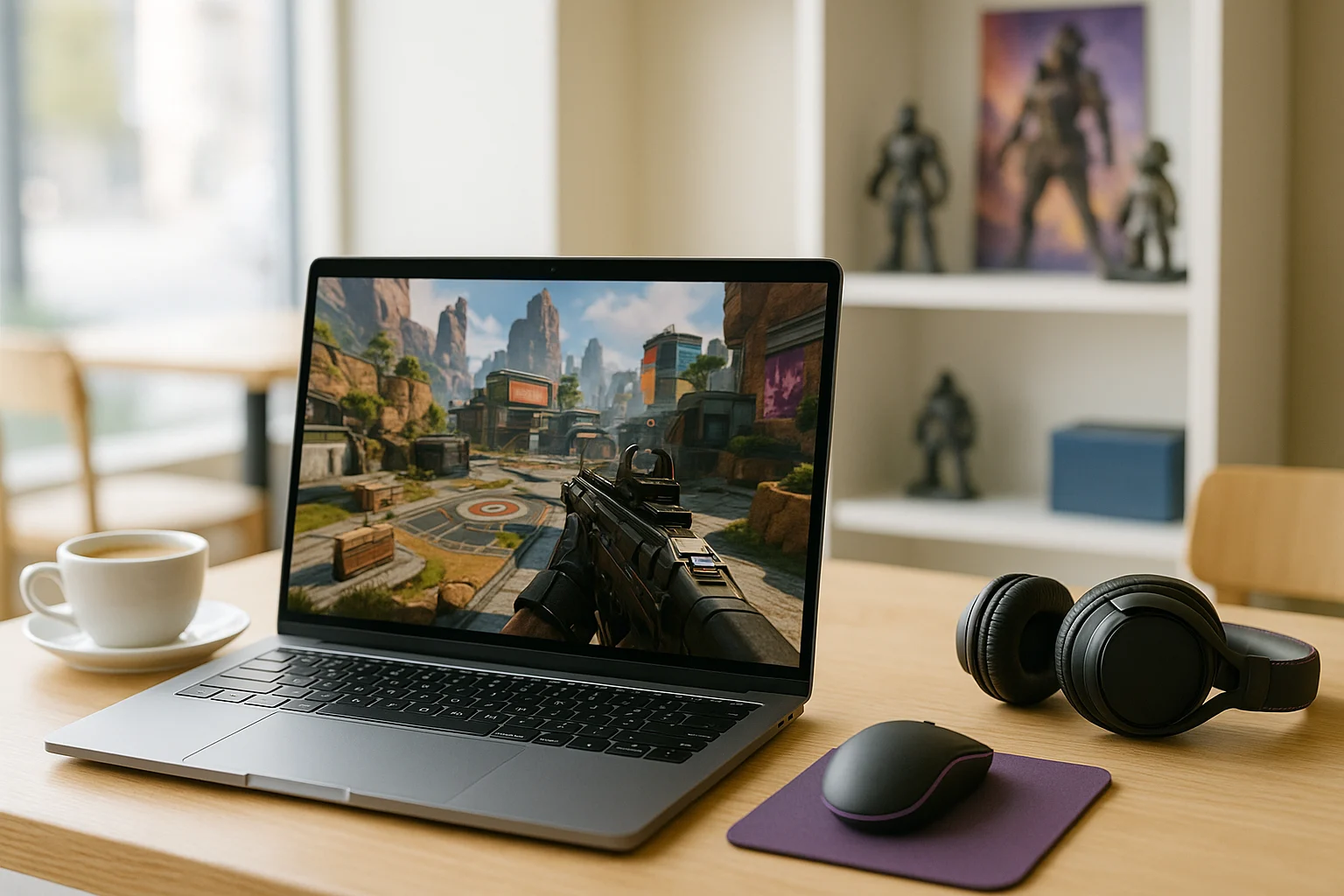
For many players, the real issue is not whether Apex Legends can run locally, but how long it takes to get there. A full install, follow-up updates, and the need for hardware that feels responsive in a fast shooter can turn a quick session into a project. That is why cloud gaming stands out for people who want to jump in quickly instead of managing storage, patches, and performance worries first.
This is especially relevant when your current device is only good enough for everyday use or when you do not want to depend on local hardware for a competitive match. Even if the game can be installed on some systems, that does not solve the delay of downloading everything or the risk of uneven performance once you launch. If your goal is immediate access and less friction, local setup starts to feel like the main obstacle.
Playing Apex Legends on a Gaming Console Instead
One obvious workaround is switching to a gaming console for Apex Legends. Players consider this because it avoids the need to tune a PC and can feel more straightforward than dealing with local hardware limitations on a weaker computer. If you already own a console, it may seem like the fastest way to avoid PC-side setup problems.
But this does not really solve the need for quick, flexible access. You still depend on separate hardware, system updates, game downloads, and having that console available when you want to play. For someone specifically looking for Apex Legends cloud gaming on their current device, moving to a console often replaces one layer of friction with another.
How Apex Legends Streaming Reduces Local Setup
A better fit for this situation is cloud streaming. With this approach, the game runs in the cloud while your device receives the video and audio and sends your inputs back to the game. That makes Apex Legends Cloud Gaming useful when you want access without tying the experience to local storage space or stronger hardware.
Compared with switching to a console, cloud access is more flexible because it stays centered on the device you already have in front of you. It also cuts down the local setup burden, which is exactly why people look for ways to play Apex Legends in a browser or explore practical Apex Legends streaming options. If speed and convenience matter more than maintaining another machine, cloud gaming is the more direct answer.
Using Apex Legends Cloud Gaming Through Aristeem Play
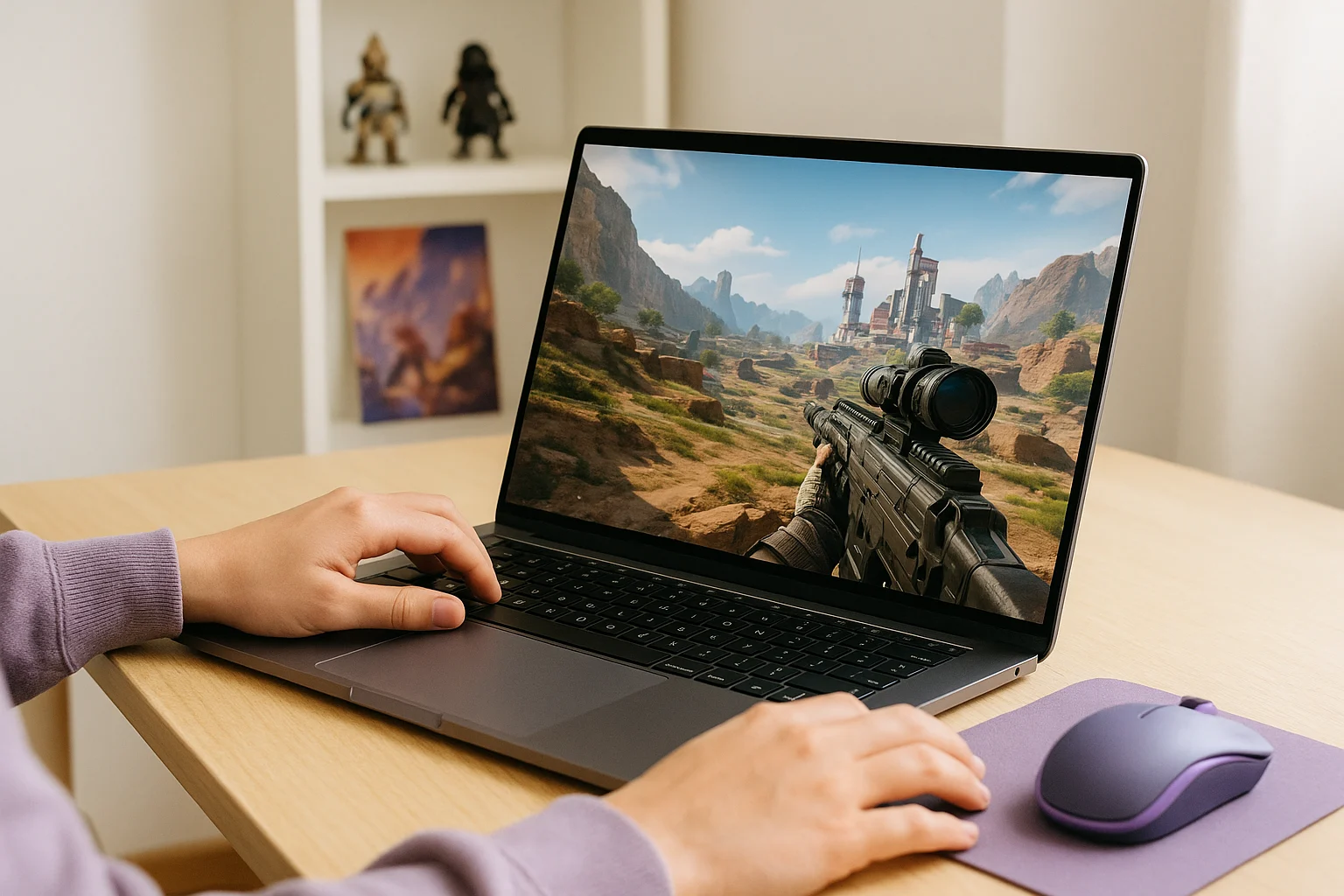
Aristeem Play fits this use case by letting you launch games from its Game Library in a browser without requiring a full local installation on your device. You select the game and click Install & Play, then the session starts on Aristeem’s cloud hardware while only video, audio, and input are streamed to you. That means your local machine is not doing the main performance work, which is exactly what makes this approach practical for fast access.
Depending on the game, you may need to sign in to Steam, Epic, or another game store. If your priority is a smoother path to Apex Legends streaming, this keeps the focus on launching the game rather than preparing your device for a full local installation.
Apex Legends Cloud Gaming for Quick Browser Access
For players who want to avoid a large local installation and use the device they already have, cloud gaming offers a simpler route to Apex Legends. Aristeem Play lets you launch the game from a browser and run the session on cloud hardware, making it a practical option when local storage or PC performance is the main limitation.