only for € 3.99 /month
Play supported PC games using powerful gaming hardware in the cloud. Stream gameplay to your device and enjoy your games without relying on a high-end local PC.
Start Playing View Game Library
Scroll Down
Cloud gaming runs your game on remote hardware and streams video to your device.
Your controls are sent back, letting you play without running the game locally.
Your Games, Just Running in the Cloud
Run demanding games on powerful cloud infrastructure without relying on your local device performance
Gameplay Streams Directly to Your Device
Stream high-quality gameplay directly from the cloud to your supported device over the internet
Your Controls always Stay Responsive
Get responsive controls and smooth gameplay with low-latency cloud game streaming technology
You are Less Dependent on Hardware
Play demanding PC games without investing in powerful gaming hardware or frequent upgrades
*Play your favorite games wherever you are, powered by the cloud. Simply connect your supported gaming accounts like Steam, Wargaming, Epic Games and more and access the games you already own or have access to
Enjoy PC gaming without building, upgrading, and maintaining a high-end gaming computer.
Play Instantly
— No Downloads
Skip downloads and installs. Launch your cloud gaming session and start playing
Connect with Popular platforms
Connect to you favourite game platform like XBox, War Gaming, Steam etc.
Play on the Device You Already Own
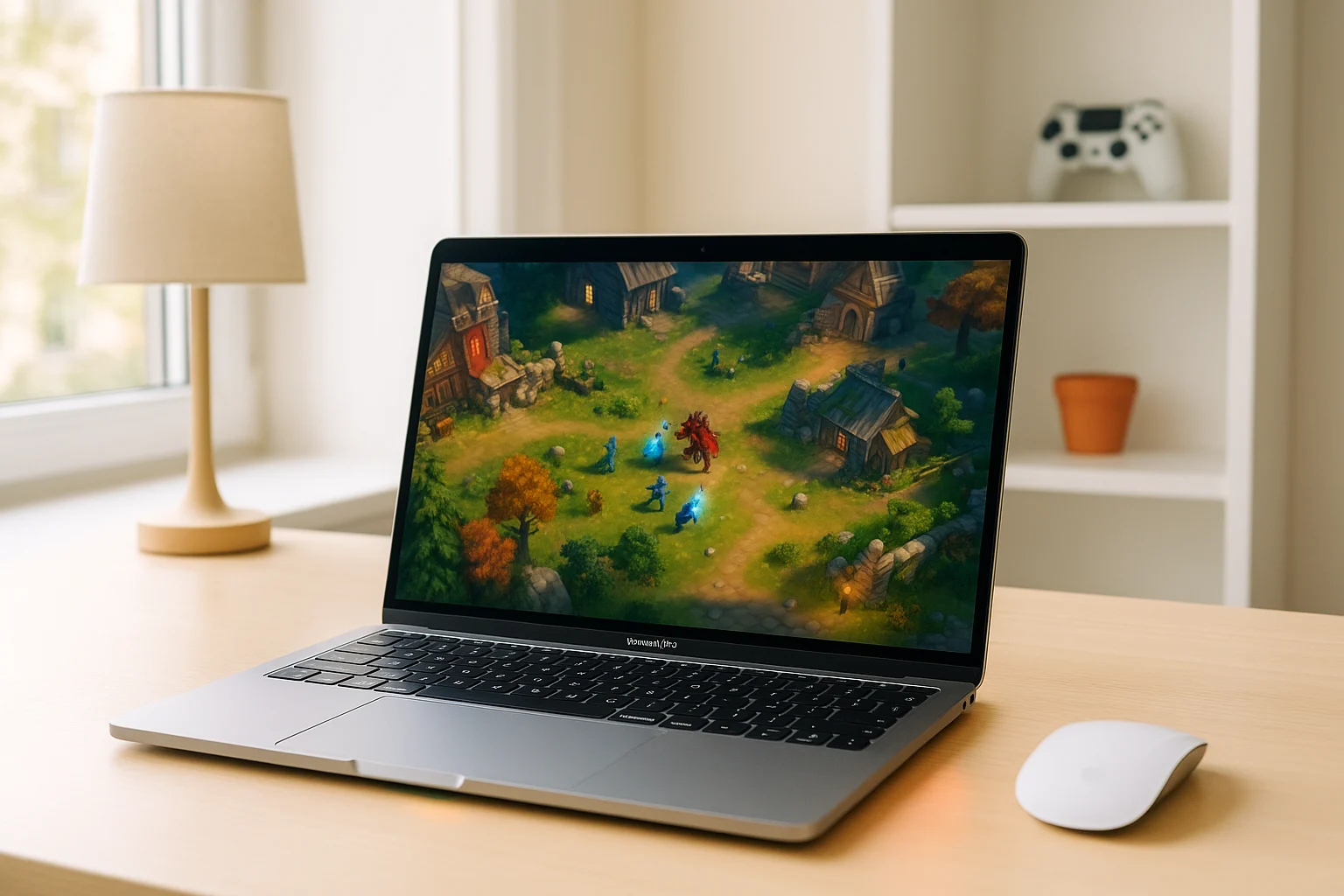
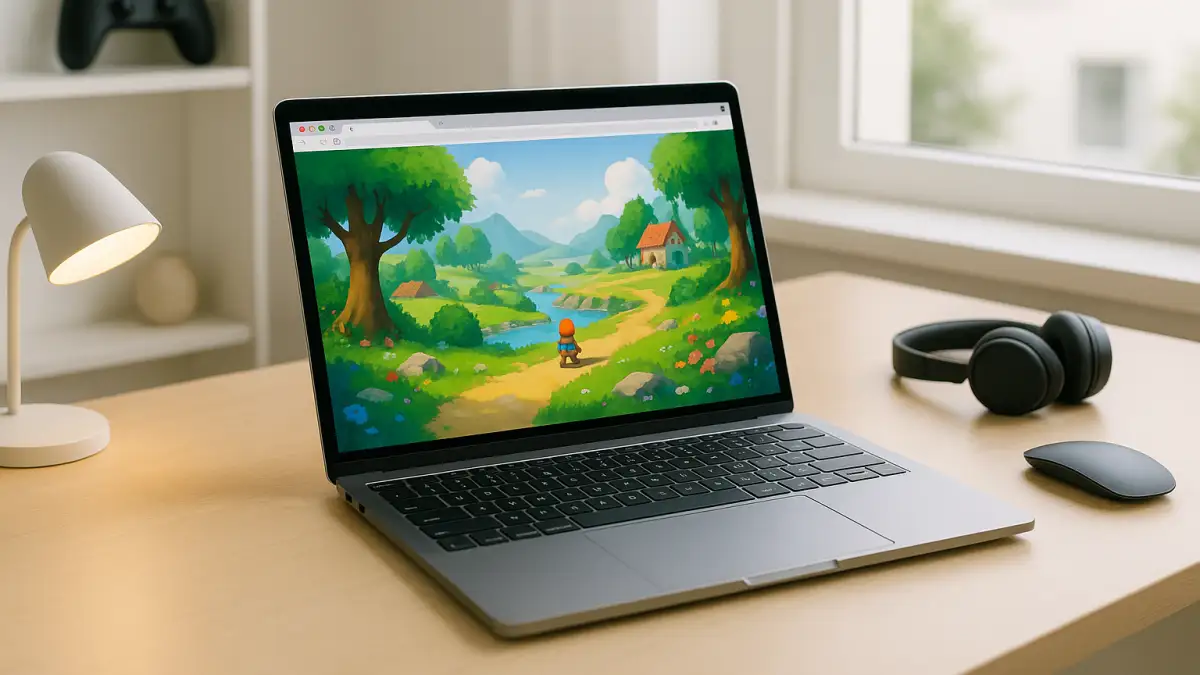
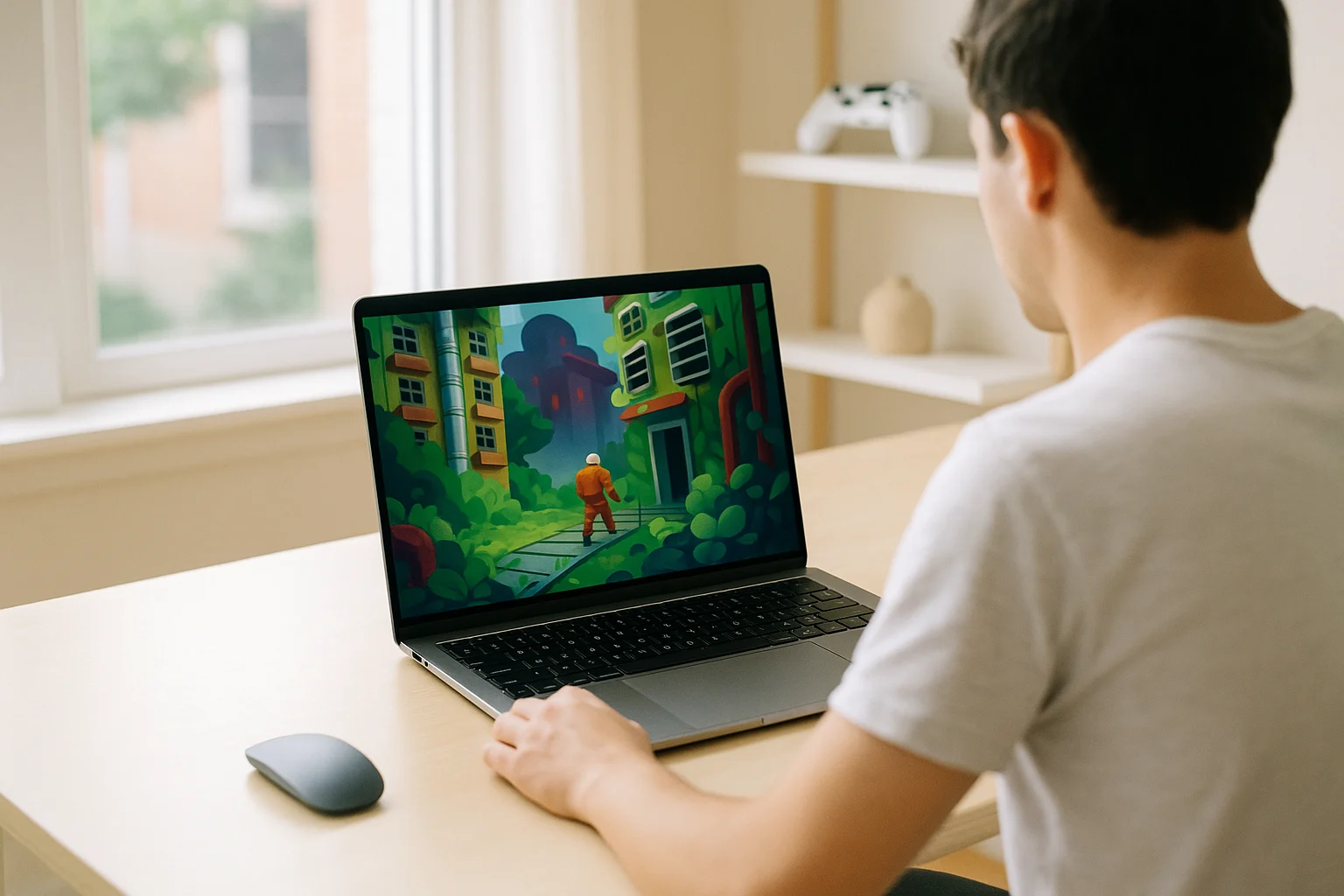
Turn your laptop or desktop into a gaming setup without buying a dedicated gaming PC
Skip Expensive PC Upgrades
Play demanding PC games without upgrading your GPU, CPU, RAM, or hardware
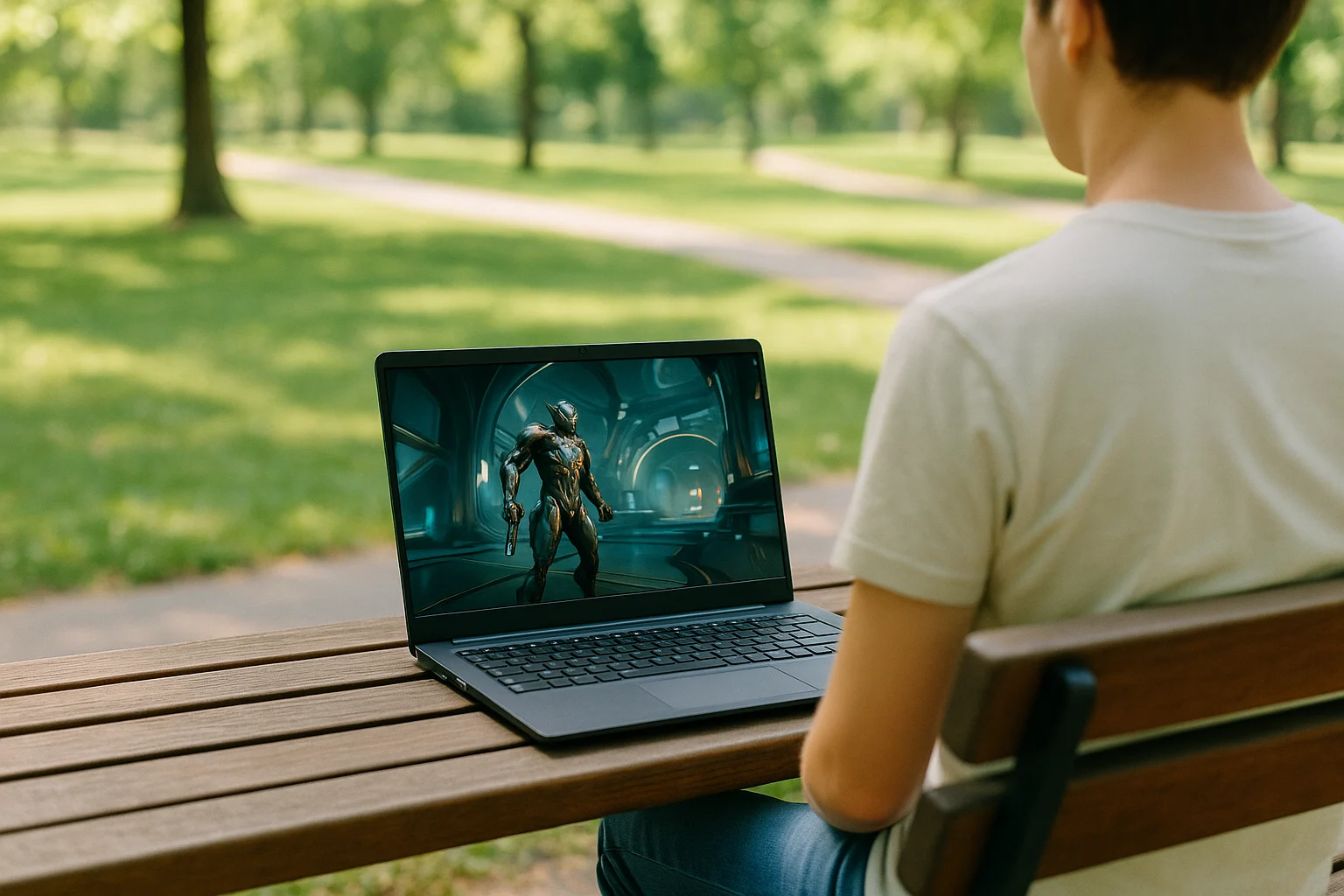
Take Your Games Anywhere You Want
Access your cloud gaming space from supported devices with a stable internet signal
Access from any Operation System
Dosen’t matter if your device has Windows, Mac OS/ iOS, Linux, Chrome OS or Android
Explore games available on Play Space and find what you want to play before starting your first cloud gaming session
View Game LibraryCreate your account, choose a supported game, and start your cloud gaming session.
| 1 | Create Your Aristeem Account Sign up to get started with Play Space |
| 2 | Choose Your Plan
Select the option that fits how you want to play |
| 3 | Choose Your Game
Find a supported game and connect your gaming account |
| 4 | Connect to your Platform
Connect to Steam, XBox or other supported |
| 5 | Start Playing
Launch your cloud gaming session from your device |
Create your account, choose a supported game, and start your cloud gaming session.
| 1 | Create Your Aristeem Account Sign up to get started with Play Space |
| 2 | Choose Your Plan
Select the option that fits how you want to play |
| 3 | Choose Your Game
Find a supported game and connect your gaming account |
| 4 | Connect to your Platform
Connect to Steam, XBox or other supported |
| 5 | Start Playing
Launch your cloud gaming session from your device |
Create your account, choose a supported game, and start your cloud gaming session.
| 1 | Create Your Aristeem Account Sign up to get started with Play Space |
| 2 | Choose Your Plan
Select the option that fits how you want to play |
| 3 | Choose Your Game
Find a supported game and connect your gaming account |
| 4 | Connect to your Platform
Connect to Steam, XBox or other supported |
| 5 | Start Playing
Launch your cloud gaming session from your device |
Create your account, choose a supported game, and start your cloud gaming session.
| 1 | Create Your Aristeem Account Sign up to get started with Play Space |
| 2 | Choose Your Plan
Select the option that fits how you want to play |
| 3 | Choose Your Game
Find a supported game and connect your gaming account |
| 4 | Connect to your Platform
Connect to Steam, XBox or other supported |
| 5 | Start Playing
Launch your cloud gaming session from your device |
Create your account, choose a supported game, and start your cloud gaming session.
| 1 | Create Your Aristeem Account Sign up to get started with Play Space |
| 2 | Choose Your Plan
Select the option that fits how you want to play |
| 3 | Choose Your Game
Find a supported game and connect your gaming account |
| 4 | Connect to your Platform
Connect to Steam, XBox or other supported |
| 5 | Start Playing
Launch your cloud gaming session from your device |
Explore games available on Play Space and find what you want to play before starting your first cloud gaming session
View More Articles