
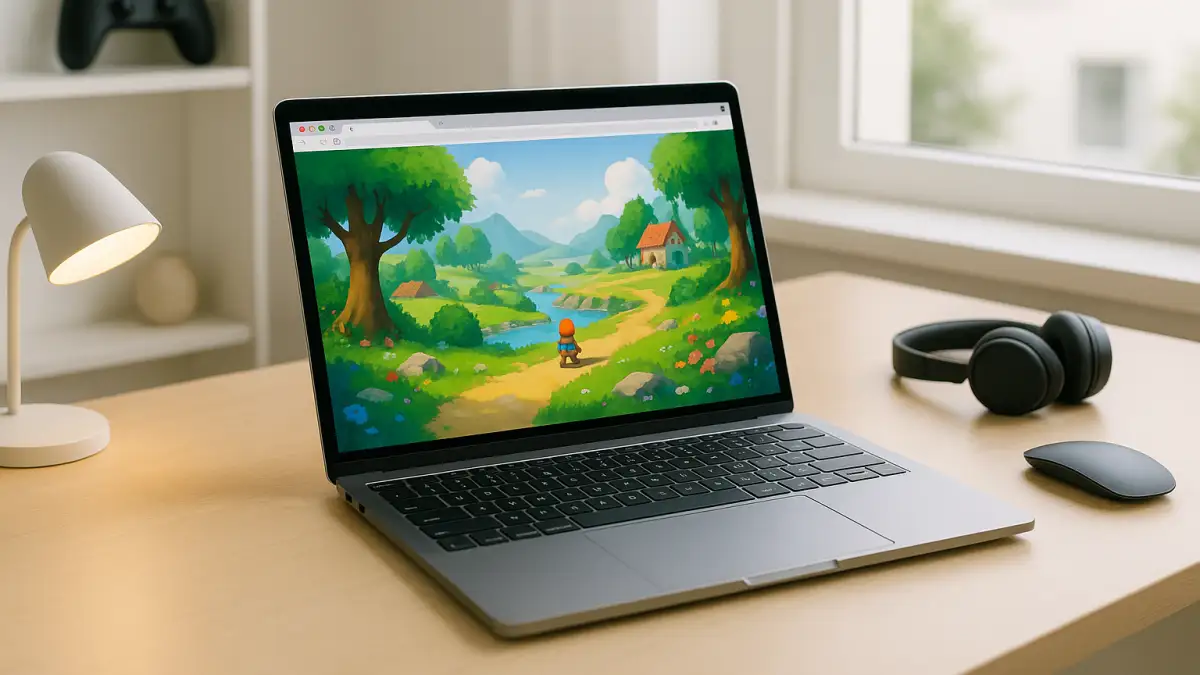
Why Cloud Gaming Platforms Appeal to Frustrated PC Players
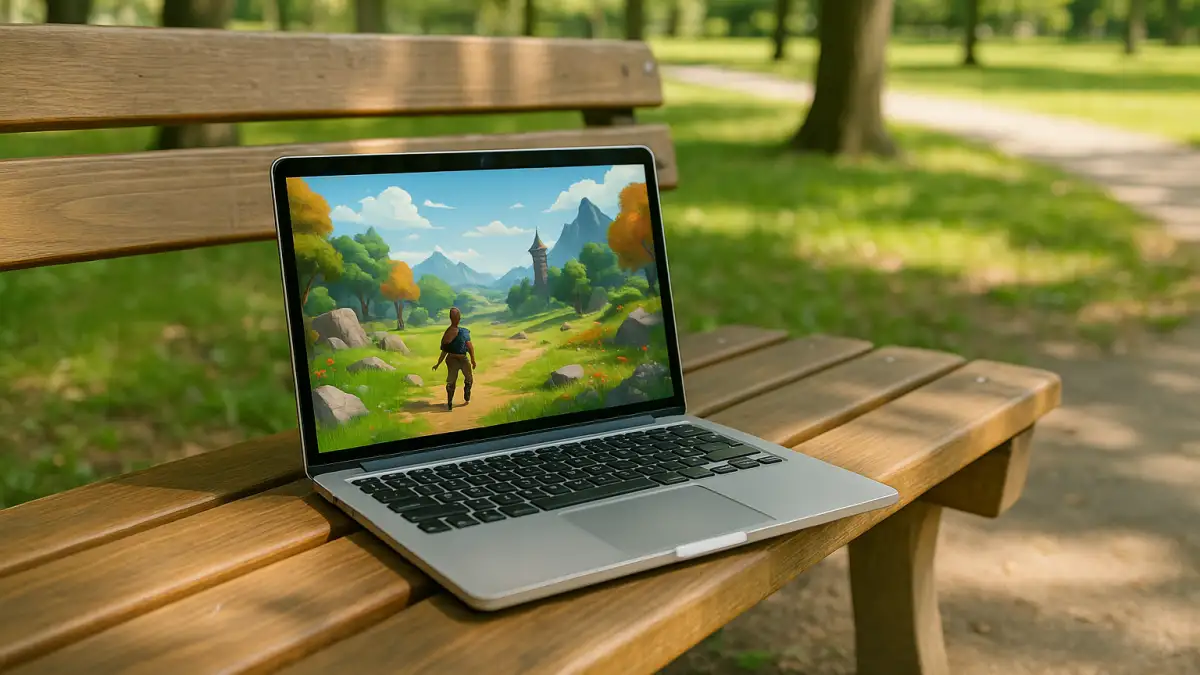
Cloud gaming platforms differ in how players access games, which devices they support, and what happens between opening a service and starting a session. Some focus on streaming games from a supported library, while others provide access to prepared PC games through a cloud session. These differences matter when choosing a service for a particular device, game, and playing routine.
This is why the question is not just whether cloud play is possible, but when it is the smarter choice. If your main problem is avoiding local installs and not having to keep upgrading hardware for occasional gaming, then traditional PC ownership starts to look inefficient. That is where a practical cloud gaming platforms becomes useful, because the best option depends on how often you play, what device you use, and how much friction you want to remove.
Buying a Gaming PC Instead of Using Cloud Game Streaming Platforms
A gaming PC runs games locally, while cloud gaming platforms process gameplay on remote hardware and stream it to your device. The practical difference is what you need to manage yourself: local installations, storage, hardware upgrades, and game updates on a PC, versus service compatibility, internet quality, and the available game selection when streaming. The better option depends on whether you prioritize local control or access without running demanding games on your own hardware.
How to Choose Cloud Gaming Platforms for Lower Friction
When comparing cloud gaming platforms, start with device compatibility and access requirements. Check whether the service works through a browser on your device, whether your preferred games are available, and whether you must connect an existing Steam, Epic Games, or other store account. A service with a convenient interface is not necessarily the right fit if it does not support the games you want to play.
Next, consider the path from opening the service to starting a game. Some services let you launch prepared games, while others depend on supported libraries or account-linked titles. Check what setup is required for each game, whether progress and account access work as expected, and how sensitive the experience may be to your internet connection. These criteria make it easier to compare cloud gaming platforms by practical usability rather than by convenience claims alone.
A Practical Start With Cloud Gaming Platforms Through Aristeem
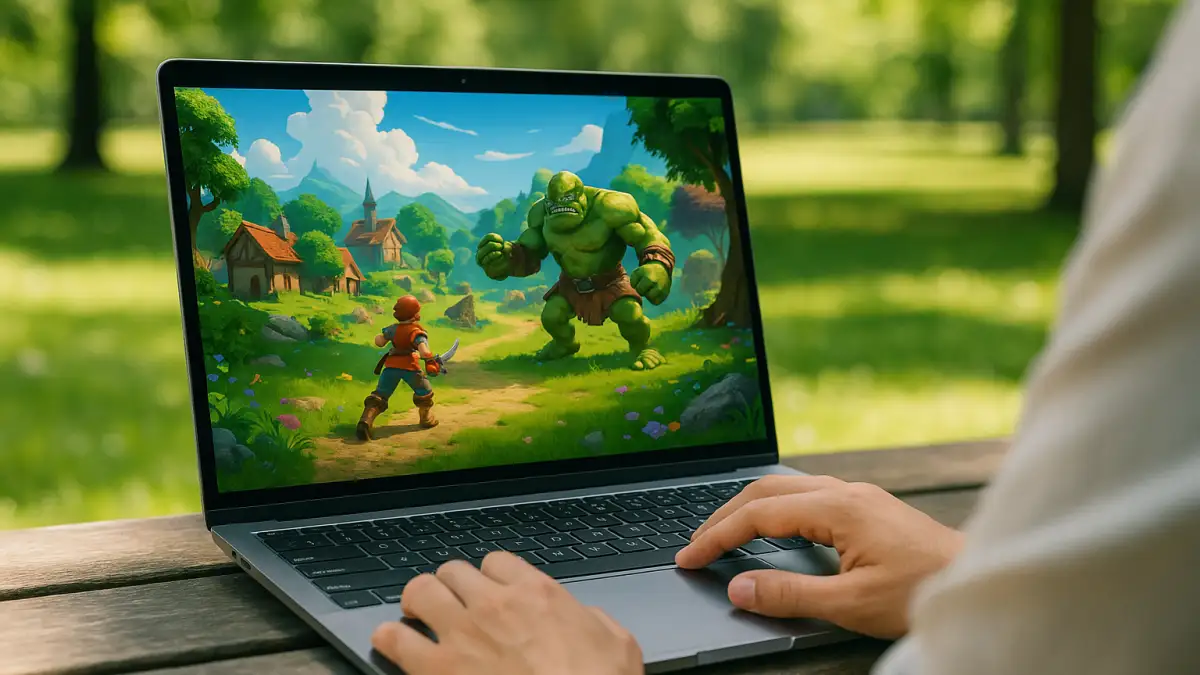
Aristeem Play lets you access PC games through a browser without installing them on your local device. Open the Game Library, select a game, and click Install & Play. The game runs on Aristeem’s cloud hardware, which streams video and audio to your device and receives your inputs.
Depending on the title, Aristeem Play may require you to sign in to Steam, Epic Games, or another relevant store. This makes the available game selection and any required account access important parts of deciding whether the service fits your needs. For a real-world example of cloud gaming on macOS, see our guide to playing Diablo on Mac.
When Cloud Gaming Platforms Make the Most Sense
Choosing between cloud gaming platforms comes down to finding the right games, convenient access, and a setup that fits your needs. Aristeem Play brings PC gaming to your browser, giving you an alternative to running demanding games on your own hardware. Explore the Aristeem Play game library to discover available titles, find your next gaming experience without investing in a dedicated gaming PC, and see for yourself whether Aristeem Play is the right cloud gaming platform for you.