
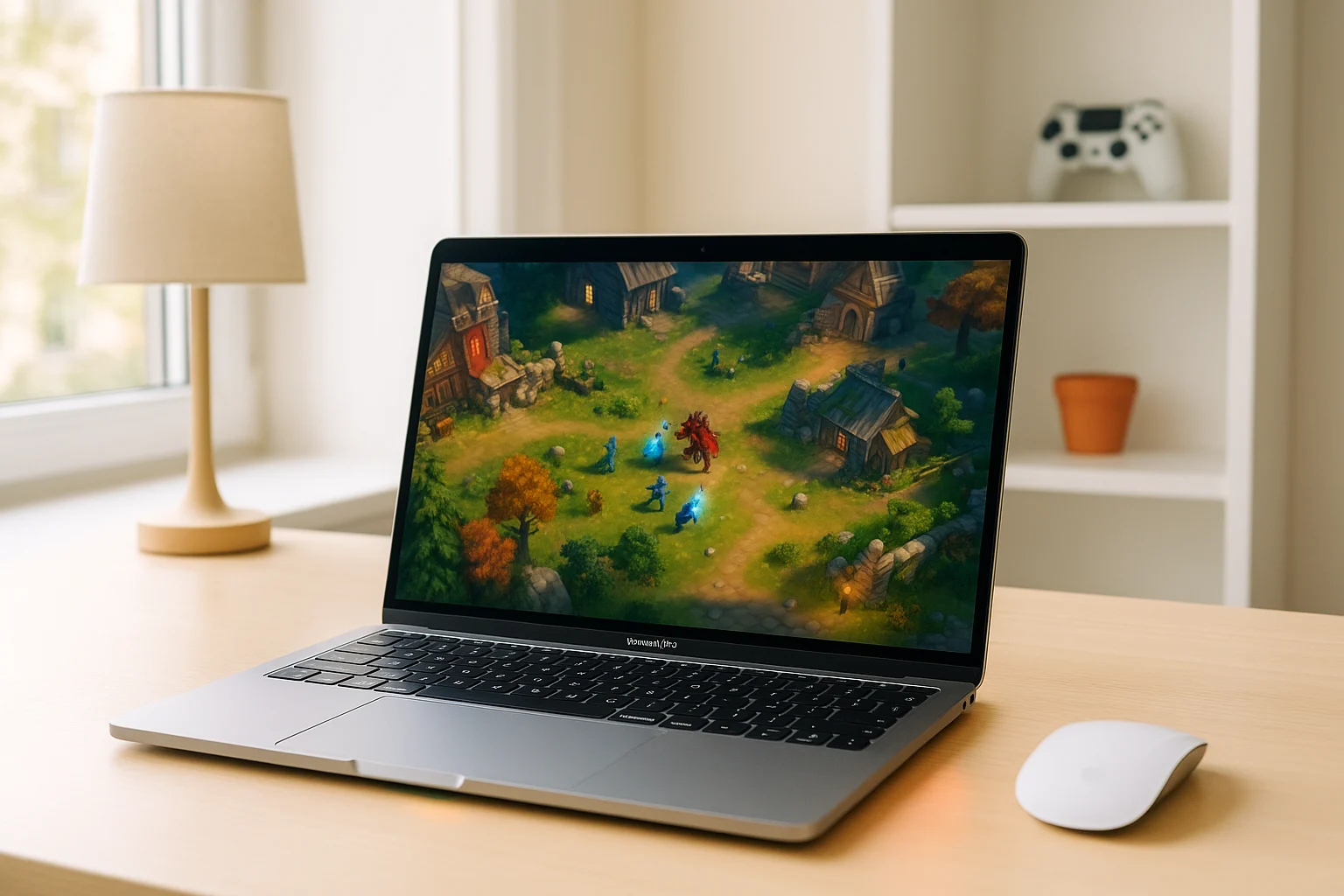
Diablo 4 Mac Performance: What to Expect
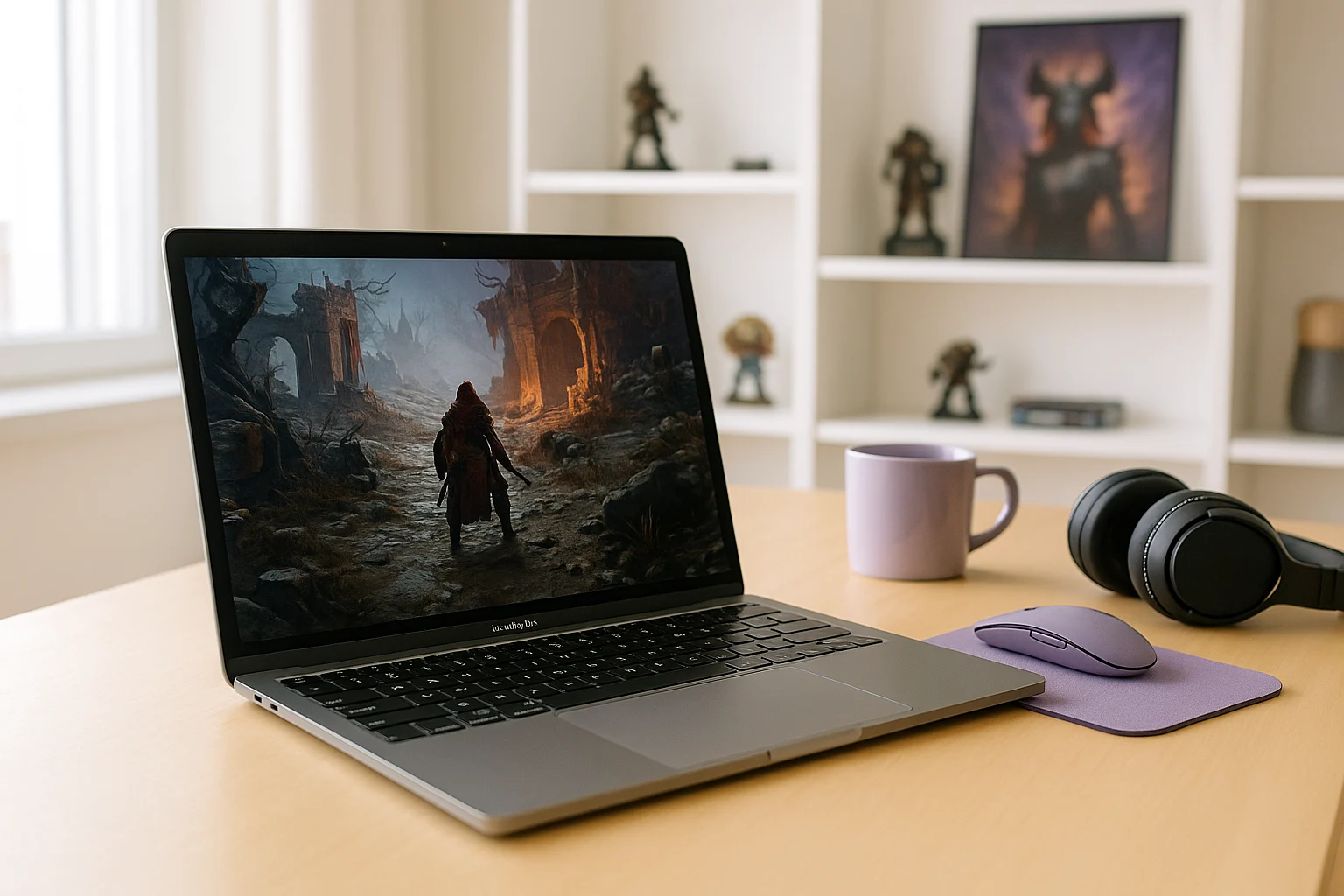
Diablo 4 has no native macOS version, so playing it locally on a Mac requires an alternative to the standard installation process. Performance and compatibility depend on the Mac’s hardware and the method used to run the game. Even when the game can be accessed through unofficial methods, the real issue for most players is not just launching it but getting stable performance without heavy compromises to image quality, heat, and responsiveness.
That is why Diablo 4 Mac searches usually come from players on machines with integrated graphics, limited RAM, or thin cooling systems. Diablo 4 is a demanding action RPG with busy combat effects, large areas, and a substantial install footprint, so older Macs and lighter MacBooks can run into stutter, fan noise, battery drain, and thermal throttling long before the experience feels comfortable.
Why Diablo 4 Mac Performance Drops on Local Hardware
The bottleneck is local hardware. Diablo 4 puts steady pressure on graphics performance, memory, and storage, and that becomes difficult on Macs that were built more for everyday work than for sustained gaming loads. When visual effects stack up in combat or crowded zones, the GPU side becomes especially important, and weaker graphics hardware has less room to keep frame pacing smooth.
RAM and CPU limits also matter because background apps, the game itself, and the operating system all compete for resources. Add the need for storage space for the game and future patches, and a Mac with a smaller SSD can feel cramped quickly. On laptops, long sessions often bring more heat, louder fans, and reduced performance over time, which is why Diablo 4 Mac performance can feel acceptable at first and then less stable later in a session.
Playing Diablo 4 on a Gaming Console Instead
Some players look at a console because it avoids pushing Mac hardware past its limits. That makes sense if your main concern is smooth gameplay without worrying about graphics settings, storage juggling on a work machine, or a laptop heating up during longer dungeon runs. A console can be a cleaner local gaming option than forcing a Mac to carry a workload it was not built to handle.
The downside is that this is still a separate hardware purchase, plus the extra space, cables, updates, and switching between devices whenever you want to play. It solves the Mac performance problem by moving you away from the Mac entirely, which is not ideal if you want to stay on the same machine for everyday use and gaming. For many players, that is the point where running the game on cloud hardware starts to make more sense than relying on local device power.
How Diablo 4 Mac Play Changes With Cloud Hardware
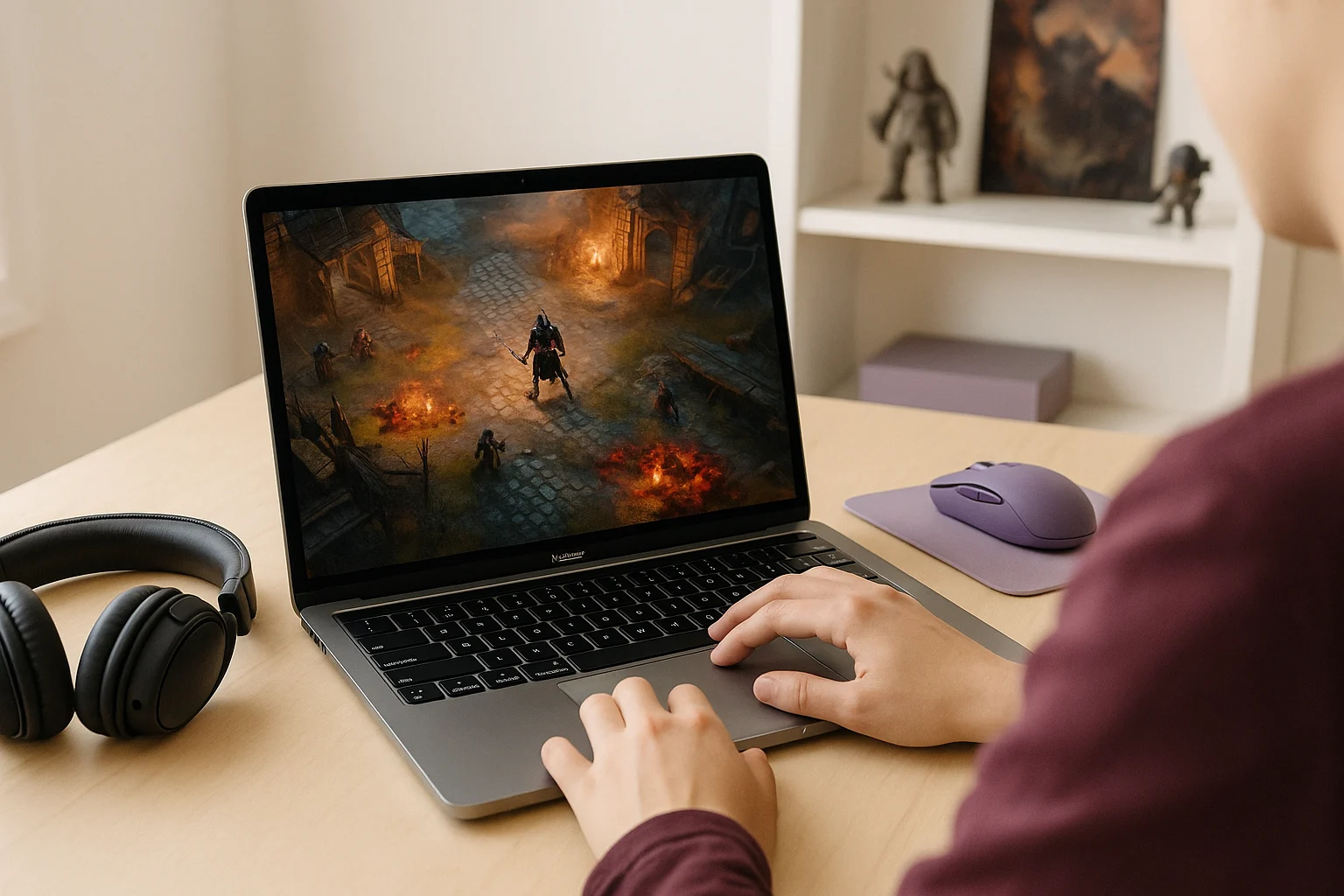
Diablo 4 has no native Mac version, so there is no official macOS build you can simply install and run locally. Instead of installing the game on your Mac, you launch it through Aristeem Play, where it runs on cloud hardware and is streamed to your device. That changes the equation because your Mac no longer needs to render the game locally or dedicate large amounts of storage to the install itself.
You open the Game Library, choose the game, and start a session on Aristeem’s side, with only video, audio, and your inputs reaching the Mac. Depending on the title, you may need to sign in to Steam, Epic or another relevant store, but the heavy lifting happens remotely rather than on your laptop or desktop.
Should You Keep Trying to Run Diablo 4 on Mac
If your goal is enjoyable local play, many Macs are not a great fit for Diablo 4 once you factor in graphics load, memory pressure, storage needs, and thermal limits. That is the real answer behind questions like Can Mac run Diablo 4 and Run Diablo 4 on Mac: some systems may cope better than others, but smooth long-session play often demands compromises that make the experience less appealing.
If you do not want to buy separate gaming hardware or keep fighting local performance, cloud access is the more practical route. It lets you focus on playing Diablo 4 on a Mac without local hardware limits instead of tuning around the weaknesses of the machine in front of you.