

Warframe for Linux Support Status

Warframe has no native Linux client, and Linux is not officially supported. The official system requirements list Windows as the supported operating system. Although some players may explore unofficial compatibility methods, these are different from a native Linux release and may not provide a reliable setup for every user.
For Linux users, the important distinction is between official support and unofficial compatibility methods. Community reports may describe successful setups, but they do not establish official support or guarantee that every configuration will work. If you want to avoid troubleshooting a local setup, cloud gaming offers another way to access Warframe from a Linux device.
Why Warframe for Linux Runs Into Compatibility Limits
The reason is straightforward: games need platform-specific builds, and Warframe does not have one for Linux. When a game is developed and distributed for another operating system, Linux users are left outside the normal install path, even if the hardware itself is capable of running modern games.
Unofficial compatibility methods can introduce additional setup and troubleshooting because they are not the same as a supported Linux client. Results may vary by configuration, so players should not assume that a workaround will remain reliable after every game or software update.
Using a Windows Gaming PC Instead of Linux
Some players avoid the Linux compatibility question entirely by switching to a Windows gaming PC for Warframe. That approach makes sense if your goal is to use the platform the game is built for, especially when you are tired of guessing whether Linux-specific setups will hold up over time.
A separate Windows gaming PC provides an officially supported environment for Warframe, but it also means buying or maintaining another device. If you prefer to keep using your existing Linux computer, cloud gaming is an alternative that avoids the need to install and run the game locally.
How Cloud Gaming Changes Warframe for Linux
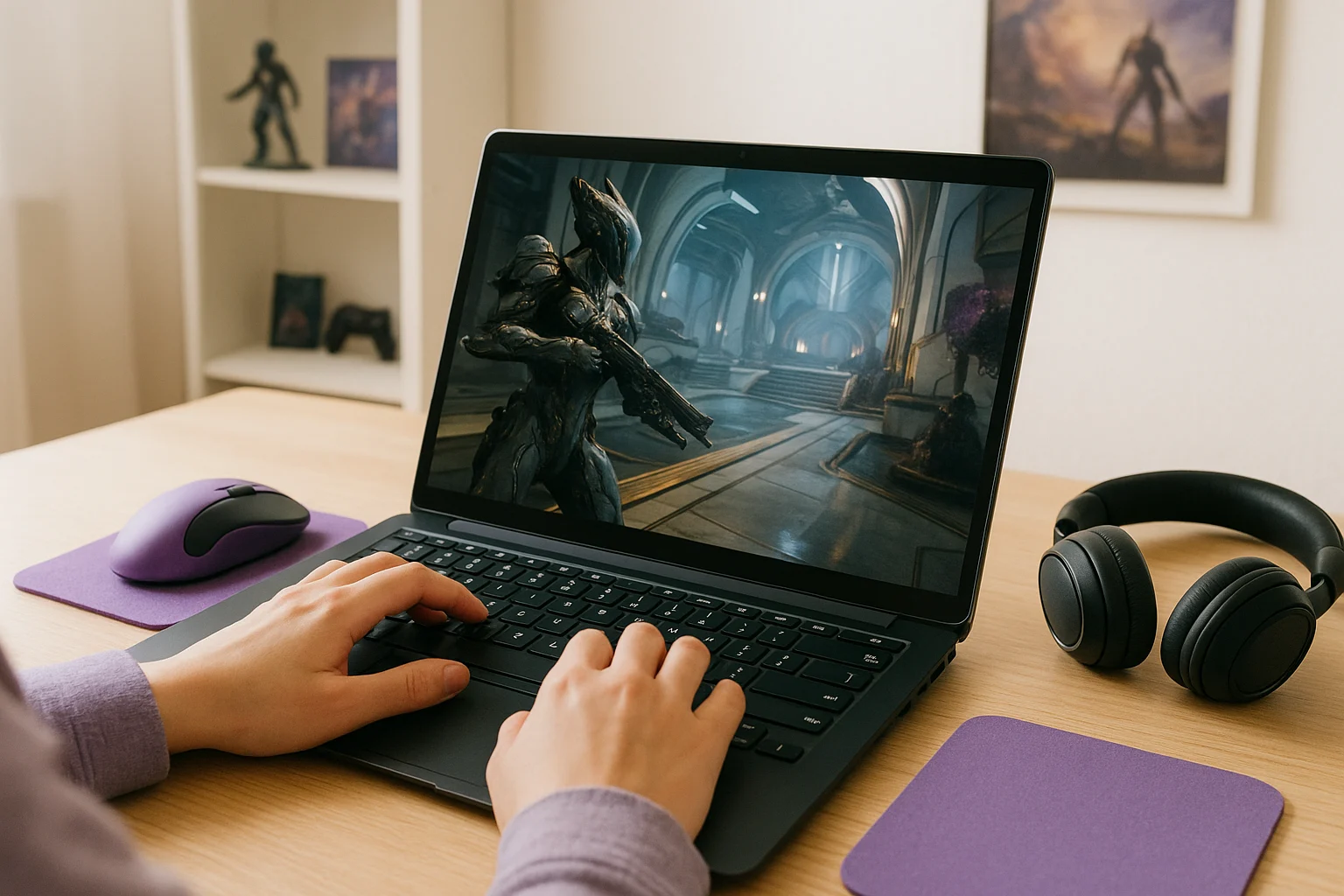
Instead of installing the game on your Linux device, you launch it through Aristeem Play, where it runs on cloud hardware and is streamed to your device. That changes the compatibility picture because your local operating system no longer decides whether the game has to run natively on Linux. You open the Game Library, choose the title, and start a session while video, audio, and your inputs are delivered between your device and the cloud.
Depending on the game, you may need to sign in to a store such as Steam, Epic or another relevant store. For Linux players who want to avoid local compatibility issues or the cost of a separate PC, cloud gaming provides another way to access Warframe. To understand how browser access works beyond this specific game, see our guide to online cloud gaming in a browser.
Warframe for Linux Final Answer
Warframe for Linux has no native Linux client, and Linux is not officially supported. Although unofficial compatibility methods may work for some configurations, they are not equivalent to an officially supported release. Players who want to avoid local setup and troubleshooting can consider cloud gaming as an alternative.
If you want to keep using Linux without installing Warframe locally, Aristeem Play offers a cloud-based way to access the game. Warframe runs on cloud hardware, and the gameplay is streamed to your device, so your Linux computer does not need to run the game itself.