
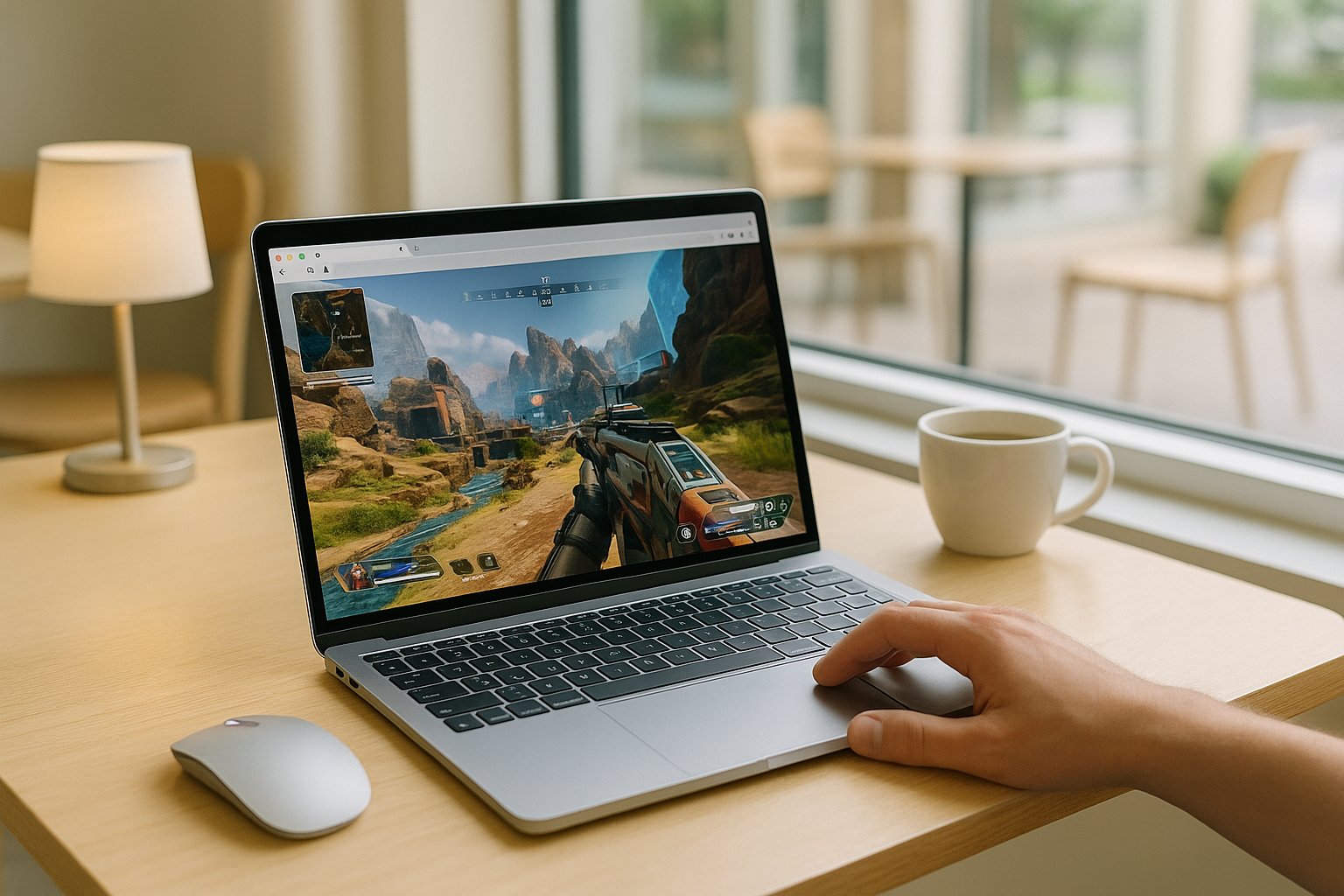
Why Apex Legends Mac Is Difficult on macOS
Playing Apex Legends on Mac can be frustrating because the PC version is built for Windows rather than macOS. That means Mac users often run into compatibility limits before they even think about performance, storage, or updates. If your goal is to jump into matches quickly, the local path usually starts with extra setup instead of a direct launch.
This is why many people looking for Apex Legends Mac are really trying to avoid a long chain of workarounds. Even when a Mac has enough storage, the process can still involve installing another system, managing patches, and dealing with uncertain results. For someone who just wants reliable access without turning their Mac into a project, that becomes the main problem.
Playing Apex Legends on Mac by Switching to a Console
Some players consider a console because it avoids macOS compatibility issues entirely. If you already own one, it can seem like the simplest way to play without dealing with Windows installation, compatibility tools, or large local game files on your Mac. That makes it understandable as a fallback when you want stable access to the game itself.
The downside is that this does not really solve the original Mac problem. You still need separate hardware, a different setup location, and a shift away from the device you actually want to use. For players trying to keep everything on one screen and start quickly from their Mac, moving to a console adds another device rather than removing friction.
How to Play Apex Legends Mac Through Cloud Streaming
A more direct option is cloud streaming. Instead of asking your Mac to run the game locally, the game runs in a cloud environment and your device receives video, audio, and your inputs. That makes it possible to access the PC version from macOS with fewer local setup steps and without relying on your Mac to handle the main workload.
Compared with switching to a console, this approach keeps the experience centered on the Mac you already use. It also avoids the storage burden, update cycle, and compatibility uncertainty that often come with local workarounds. If you want to play Apex Legends on Mac with less waiting and less device-specific hassle, this is the route that best matches that goal.
Using Apex Legends on Mac Through Aristeem Play
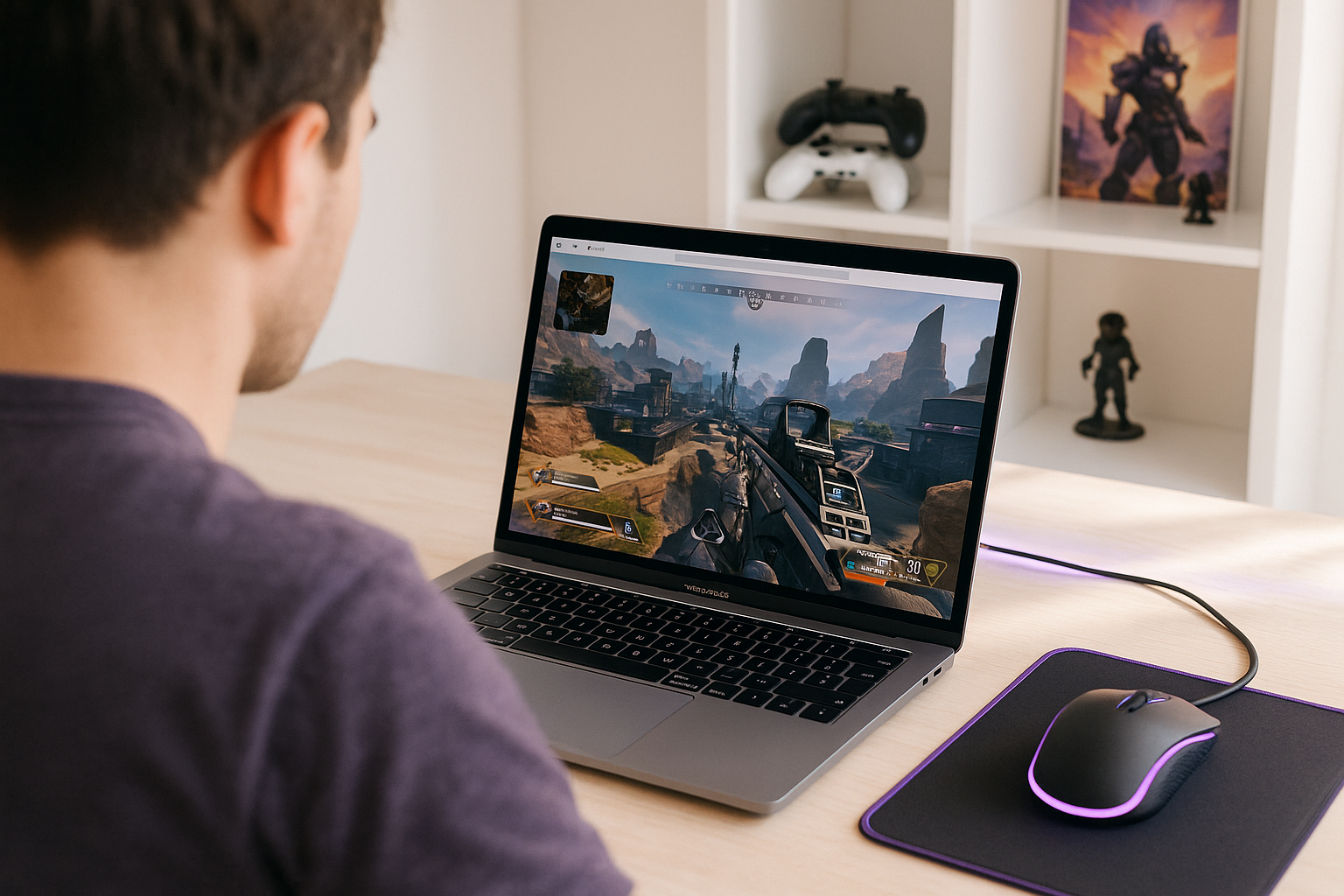
With Aristeem Play, you open the Game Library, choose the game, and click Install & Play instead of setting up a local install on your Mac. The game runs on Aristeem’s cloud hardware while video, audio, and your inputs are streamed to your device, so local Mac hardware is not doing the heavy lifting. Depending on the game, you may need to sign in to Steam, Epic, or another supported game store.
That makes it a practical fit for people who want Apex Legends on Mac without turning macOS access into a long setup process. You stay on your Mac, avoid relying on local compatibility workarounds, and skip the usual burden of large installs and ongoing updates on your own device.
The Practical Path for Apex Legends Mac on macOS
Because the PC version is not built for macOS, Apex Legends Mac usually comes down to workarounds, extra hardware, or a different way to access the game. Cloud streaming fits this situation well because it removes most of the local burden while letting you stay on the Mac you already use. If you want to play Apex Legends on Mac without a local setup, Aristeem Play lets you access the game through cloud gaming from your Mac.


