

Why Players Want to Play Fallout 4 Online

For many players, the biggest obstacle is not the game itself but everything that happens before it starts. A full local install can mean waiting through a large download, launcher steps, patches, and storage cleanup before you even reach the opening moments.
So, can you play Fallout 4 online with other players? Fallout 4 is primarily a single-player game and has no official built-in multiplayer mode. Playing it through a cloud gaming service does not add multiplayer functionality, but it does offer another way to access the game without installing it locally. This can be useful if you have limited storage, use a shared machine, or want to avoid lengthy downloads and updates.
What to Consider When You Play Fallout 4 Online
If you want Fallout 4 online in browser access to feel smooth, a few practical factors matter. A stable internet connection helps keep the session consistent, while latency affects how quickly your inputs match what you see on screen. Your control method also matters, because the overall experience depends on how comfortably you can move, aim, and navigate menus.
It also helps to think about what your browser is actually doing. With local play, the game runs on your own device, so its hardware, storage, installation, and updates all become part of the setup. With a cloud-based approach, the game runs on remote hardware instead, while your device connects to the active session, and the browser simply serves as one way to access that session rather than being where the game itself runs.
A Faster Way to Approach Fallout 4 Web Play
Cloud streaming changes where the game runs, not how it plays. With a local installation, your device handles the game files, updates, and processing. With cloud gaming, the game runs on remote hardware, while your device receives the streamed video and audio and sends your inputs back to the session.
This approach can reduce local setup and storage requirements, making it convenient when you want to access Fallout 4 without a full installation. However, a stable internet connection is still important for responsive gameplay.
How to Play Fallout 4 Online Through Aristeem Play
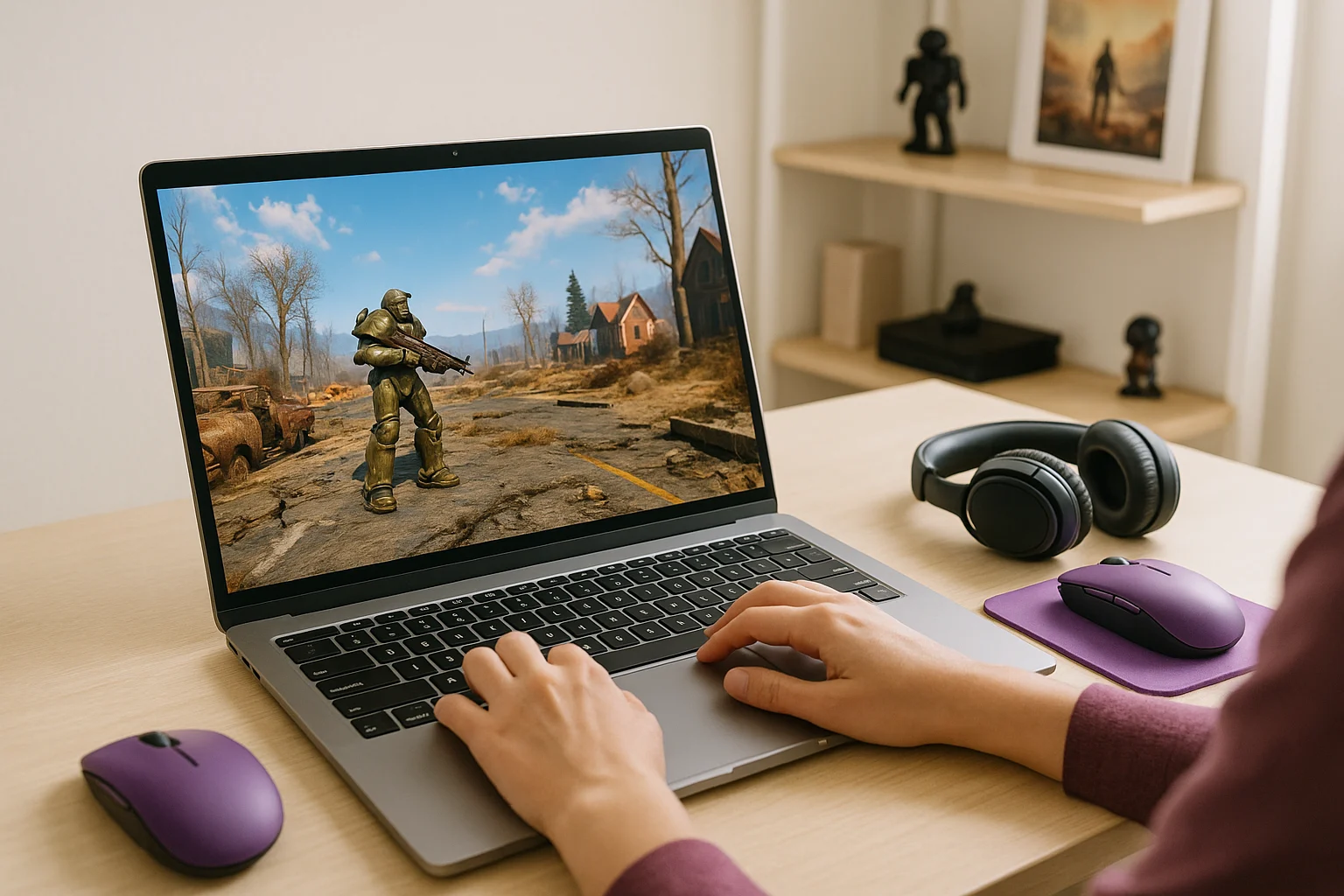
Aristeem Play fits this situation by letting you open the Game Library, choose a game, and click Install & Play instead of setting everything up on your own device first. The session launches on Aristeem’s cloud servers, where the game runs on Aristeem’s hardware, while only video, audio, and your inputs are streamed to you. That means the focus stays on getting into the game rather than preparing local storage and handling a full install.
Depending on the game, you may need to sign in to a store such as Steam or Epic Games. If your goal is quick access, this makes play Fallout 4 online a more practical route than waiting through the usual local setup, especially when you want speed and less maintenance on your side. If you want to access Fallout 4 without waiting for a full local download, see our guide to playing Fallout 4 online without downloading the full game.
can you play Fallout 4 online Without the Full Install
If your main problem is the delay caused by downloads, patches, launcher steps, and storage management, then a streamed approach makes far more sense than a traditional local setup. It removes much of the friction that slows down quick sessions and shifts the process toward simple access through the web.
For players who want a practical answer to can you play Fallout 4 online, Aristeem Play offers a straightforward way to explore launching Fallout 4 online through a browser without relying on a full local install first. That makes it a useful option when speed and convenience matter most.