
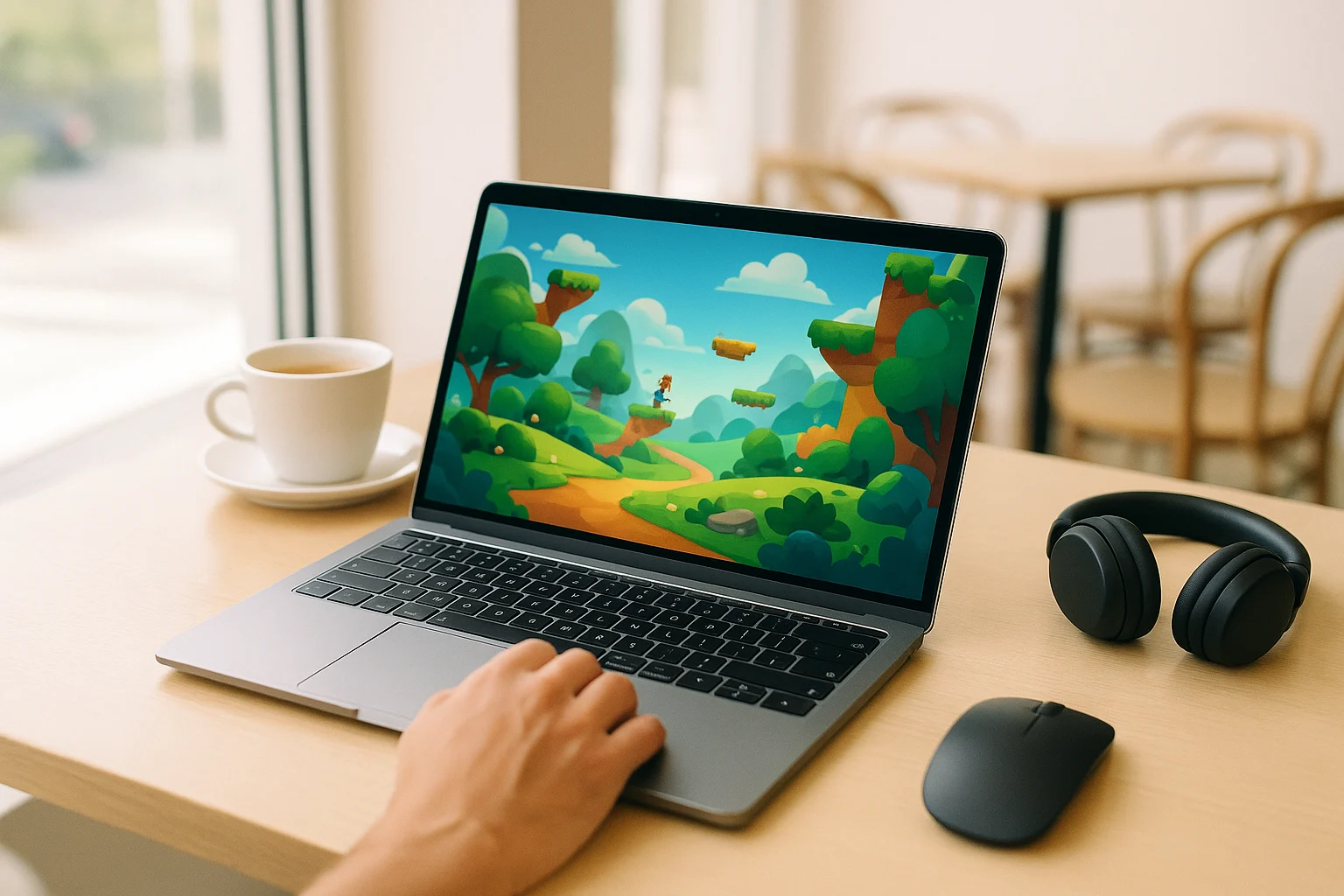
Why a Chrome Cloud Game Setup Appeals to PC Players
Many players want a Chrome cloud game option because local installs create friction before the game even starts. A large PC title can take a long time to download, then require patches, launcher updates, and extra storage space. Chrome itself opens quickly, but the game may still take much longer to access when everything depends on a local installation.
This is especially frustrating when you only want to play PC games in Chrome for a quick session. Maybe you are using a workhorse laptop with limited storage, sharing a family computer, or trying to avoid driver issues and long installs. In those cases, Chrome browser cloud gaming becomes attractive because the browser is already familiar, fast to open, and available on many everyday devices.
Playing Less Demanding Games Directly in the Browser
One workaround is to stick to lighter browser titles and avoid demanding PC releases altogether. Players consider this because it is simple: open Chrome, load a game page, and start without worrying much about storage or performance. For short sessions, that can feel convenient and close to the idea of cloud gaming in Chrome, even though it does not solve access to full PC titles.
The problem appears when your goal is to play actual PC games in Chrome rather than only lightweight browser games. Less demanding titles can also offer a very different experience from the PC game you actually want to play. If your aim is to skip local installs while still reaching full PC releases, this workaround quickly becomes limiting.
A Better Way to Play PC Games in Chrome
When you compare local installation with browser streaming, the difference is mostly about where the game runs. A traditional install requires downloads, updates, local storage, and the hardware needed to run the game. A browser-based approach moves the game session to the cloud, which is why many users searching for a Chrome cloud game setup are really looking for a simpler path to full PC titles.
That is where cloud gaming in Chrome makes more sense than forcing lighter browser games to replace what you actually want to play. Instead of managing downloads and updates before every new title is ready, you open Chrome and access the game through streaming. For players who want speed and a simpler route to full PC games, Chrome browser cloud gaming is the more practical fit.
How Chrome Cloud Game Access Works With Aristeem Play
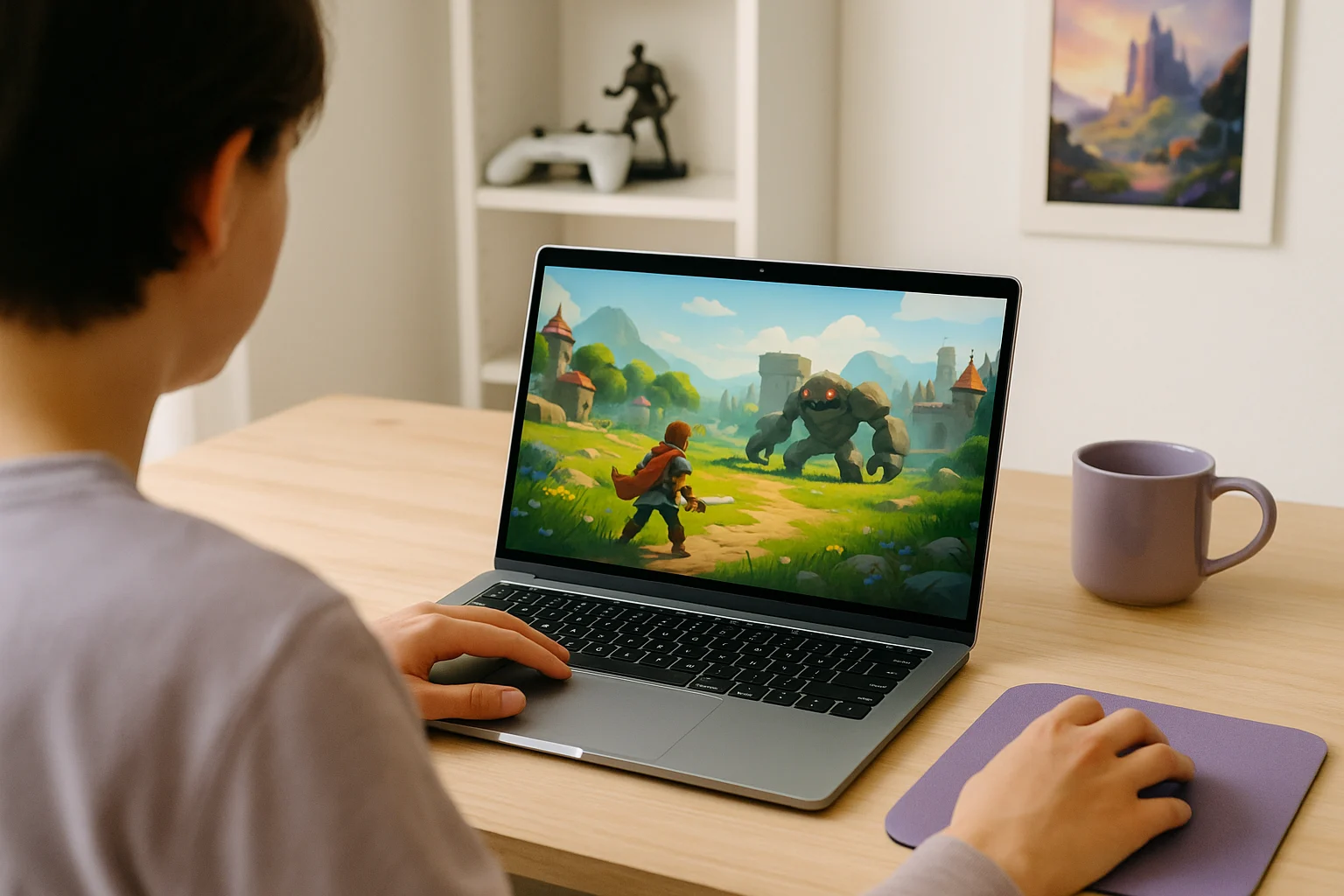
Aristeem Play gives you a practical way to use Chrome for browser-based PC gaming without installing the game on your own device. You open the Game Library, choose a title, and click Install & Play. That starts a session on Aristeem’s cloud servers, where the game runs on cloud hardware while video, audio, and your inputs are streamed to Chrome.
This means you are not relying on your laptop or desktop to run the game locally, and you are not filling your own storage with full game files. Depending on the title, you may need to sign in to a relevant store such as Steam or Epic before launch.
Choosing the Right Chrome Cloud Game Approach
If your goal is to launch PC titles fast in Chrome, the key is choosing a method that avoids long local installs without reducing your options to lightweight browser games. A strong Chrome cloud game setup keeps the convenience of the browser while giving you access to full PC titles through streaming. That is the main advantage over the traditional download-and-update cycle.
For players who want a straightforward way to play PC games in Chrome, Aristeem Play provides browser access to cloud gaming without requiring a full local game installation.