

Why Chromebook Cloud Gaming Matters for PC Access
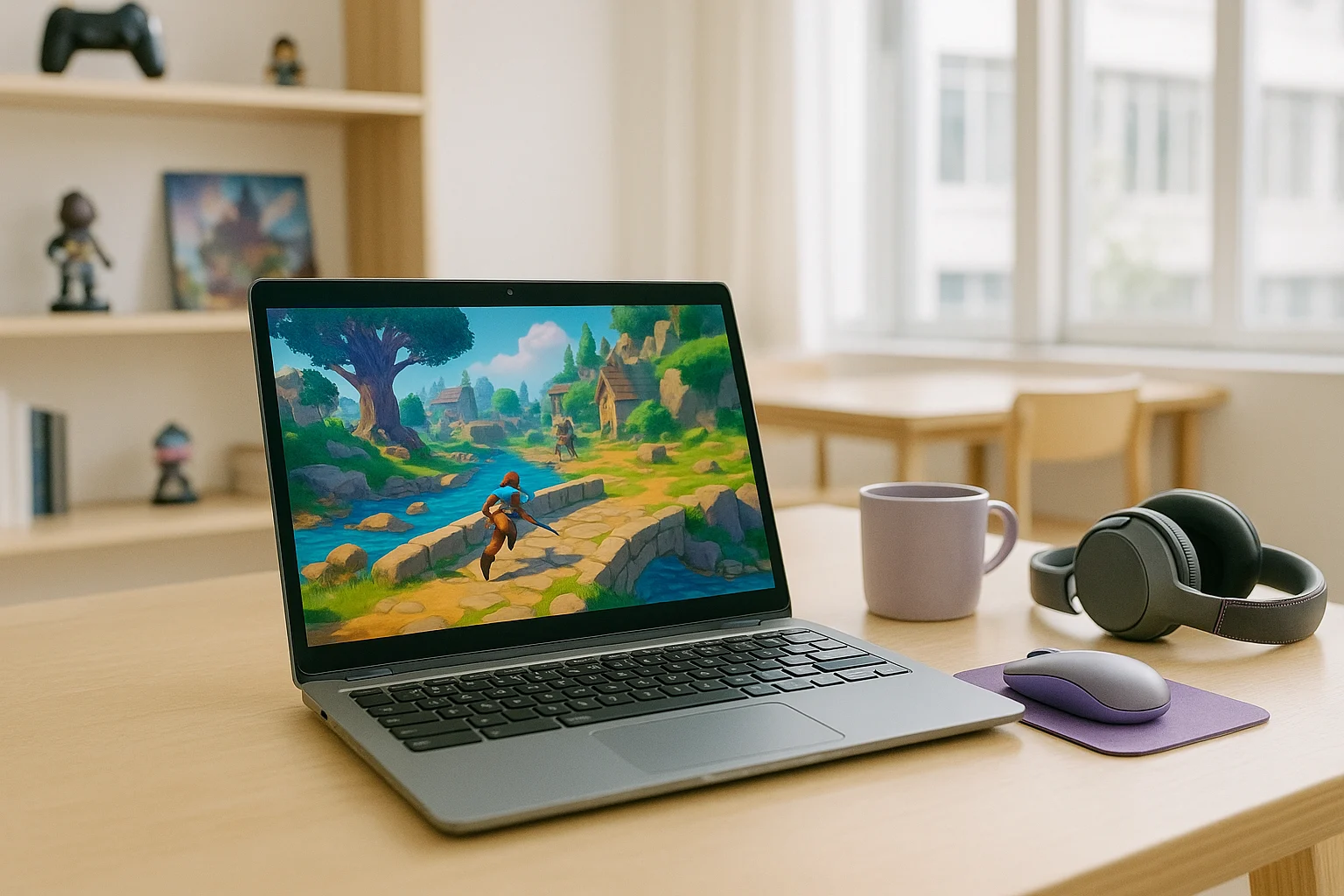
A Chromebook can be a convenient device for accessing PC games without switching to a gaming laptop or desktop. With Chromebook cloud gaming, you can use your browser to reach games that would otherwise require a Windows PC, while keeping your everyday device for browsing, study, travel, and play. The key is choosing a way to access the game without installing and running its PC version locally.
For Chromebook users, the main benefit is access to PC titles without having to move their gaming activity to another computer. Whether you use your device at home, at school, or while travelling, cloud gaming can make supported games accessible through the same device you already carry and use every day.
Gaming on a Chromebook at Home or While Travelling
A Chromebook is easy to carry between home, school, and other locations, making it convenient for gaming during free time away from a desk. With cloud gaming, you can access supported PC titles from your Chromebook without needing to bring a dedicated gaming computer with you.
This can be useful for players who want occasional access to PC games rather than a setup built exclusively for gaming. The main considerations are whether the service supports the title you want to play and whether your current internet connection can handle streaming.
Which PC Games Can You Play on a Chromebook?
Access to PC games through cloud gaming depends on the titles supported by the service you choose. Before deciding how to play, check whether the game is available in its library and whether any additional sign-in or account requirements apply.
Your internet connection also affects the experience, since gameplay is streamed to your device rather than rendered locally. A suitable connection and a supported title are the two practical starting points when choosing Chromebook cloud gaming for a particular game.
How Chromebook Cloud Gaming Works With Aristeem Play
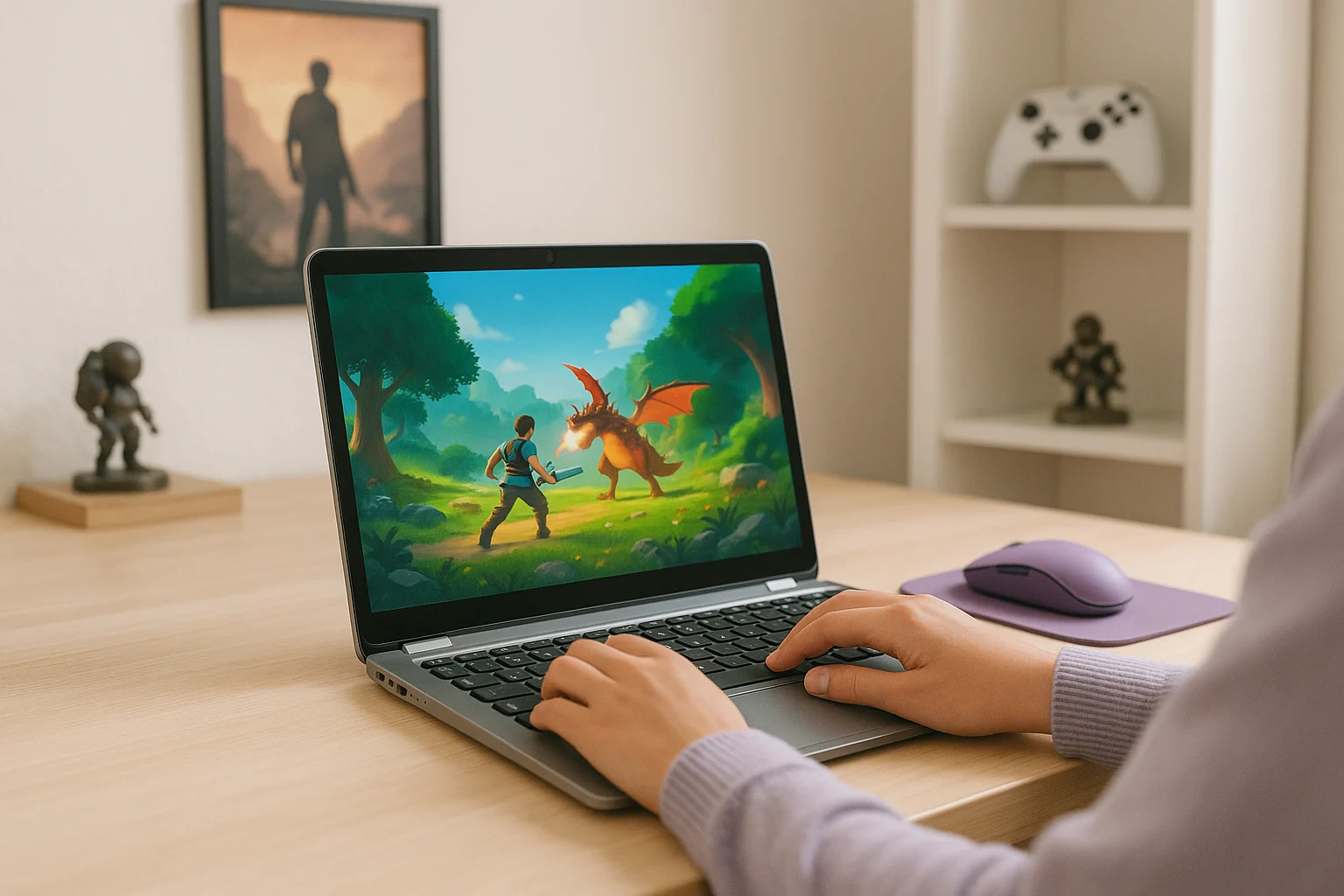
With Aristeem Play, you open the Game Library, choose a title, and click Install & Play instead of installing the game on your Chromebook. The game runs on Aristeem’s cloud hardware, while only video, audio, and your inputs are streamed to the device, so local Chromebook power is not doing the main work. Depending on the game, you may need to sign in to Steam, Epic Games, or another supported game store.
This makes Aristeem Play a practical fit for Chromebook users who want browser access to PC games without building their setup around local installs or separate hardware.
Start PC Gaming on Your Chromebook
Chromebook cloud gaming offers an alternative for players who want to enjoy PC titles without switching to a Windows laptop or desktop. It lets you keep your Chromebook for everyday tasks while accessing supported games through cloud hardware. This can be especially convenient when you travel, use a lightweight device, or prefer not to maintain a separate computer just for gaming.
The best starting point is to check which games are available and whether the service supports the titles you have in mind. Visit Aristeem Play to explore its Game Library and find PC games that match your interests.