
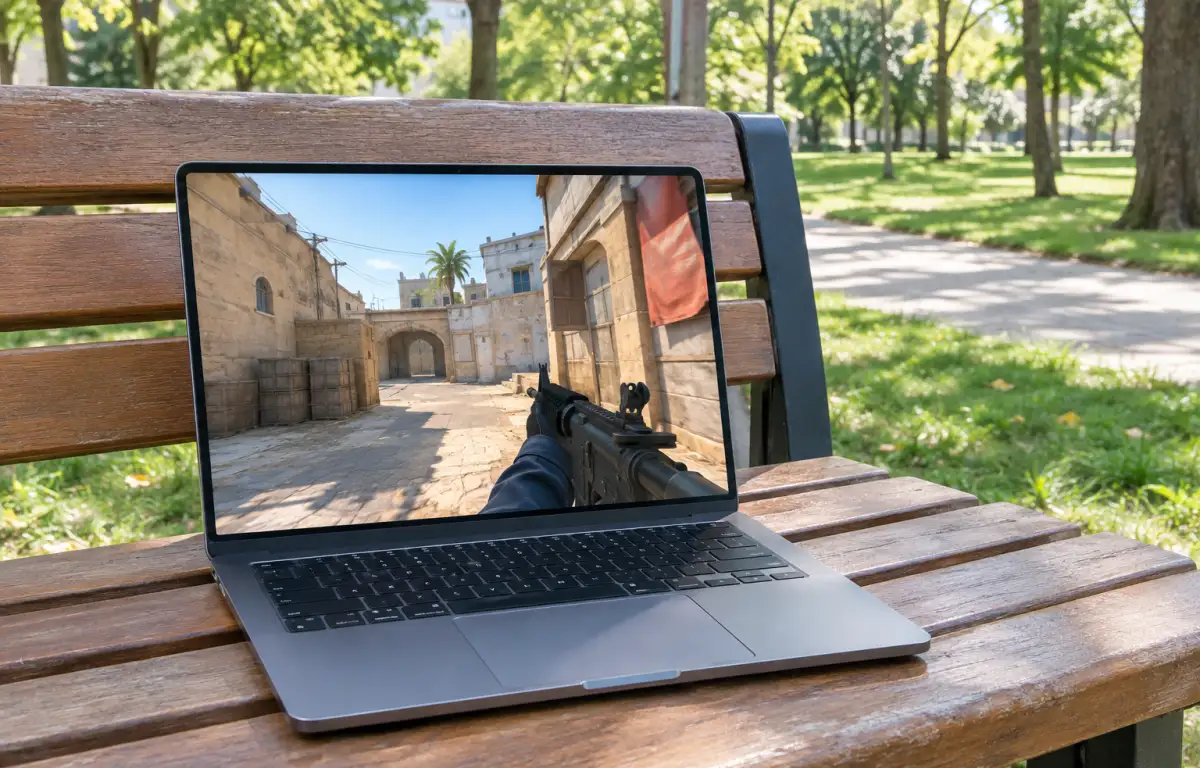
Why Counter Strike 2 Online Game Access Matters
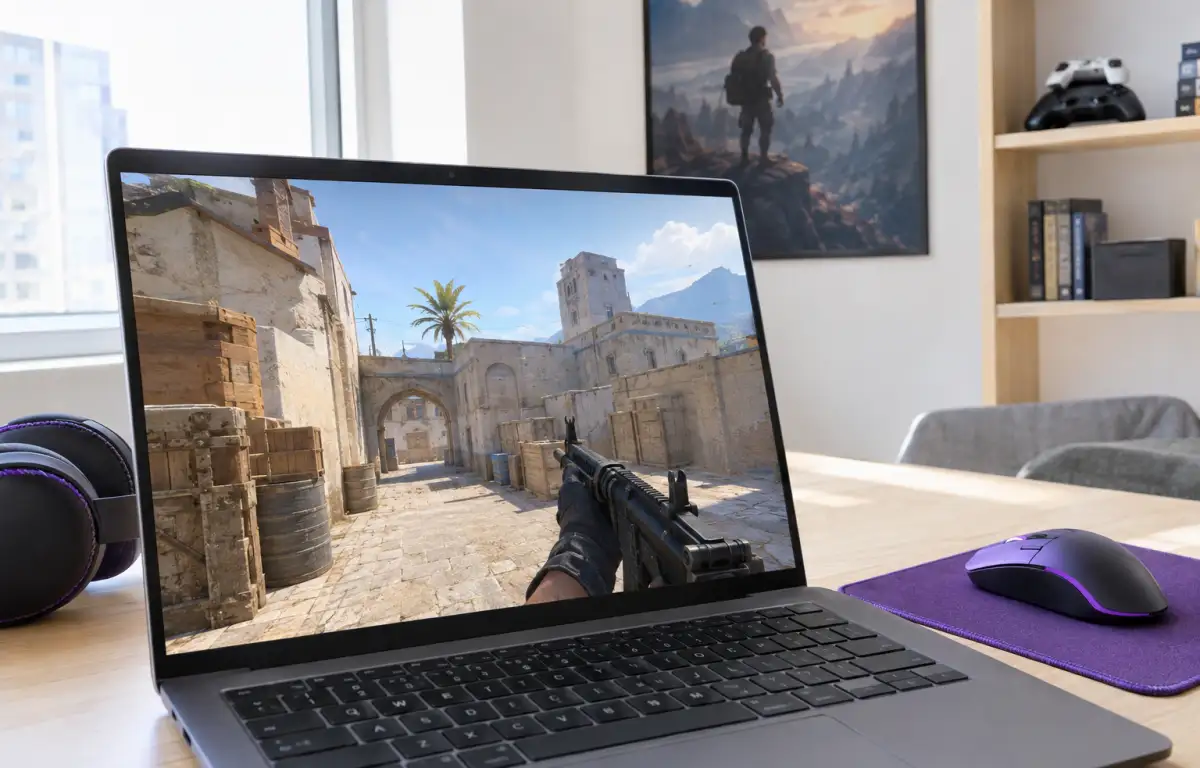
For many players, getting into a Counter-Strike 2 match involves more than simply launching the game. Downloading the files, installing updates, managing the Steam client, and finding enough local storage can all delay the start of a session. This makes alternative ways to access a Counter Strike 2 online game appealing to players who want to spend less time preparing and more time playing.
This can be particularly inconvenient when you have limited time to play or use a device with restricted storage. Instead of managing another large installation, you may prefer a way to access Counter-Strike 2 online without keeping all its game files on your own computer.
What to Consider When Playing Counter Strike 2 Online
If you want to play Counter-Strike 2 online through a browser-based approach, a few practical factors shape the experience. A stable internet connection matters because interruptions can affect the session, and low latency matters because it influences how quickly your inputs appear on screen. Your device still needs to handle video streaming smoothly, and your control method should feel comfortable for a competitive shooter.
The most important point, though, is where the game is actually running. With local play, the game runs on your own device, so its hardware, storage, installation, and updates all become part of the setup. With a cloud-based approach, the game runs on remote hardware instead. Your device connects to the active session and receives the streamed video and audio while sending your inputs back to the cloud system. The browser serves as an access method rather than running the game itself.
A Faster Way to Play Counter Strike 2 Online
Cloud gaming changes the process by moving the main game workload away from your local device. Instead of downloading and maintaining the game files on your computer, you connect to a session running on remote hardware. This can reduce local setup requirements and make it easier to access supported games on devices with limited storage or gaming capabilities.
How Aristeem Fits the Counter Strike 2 Online Setup
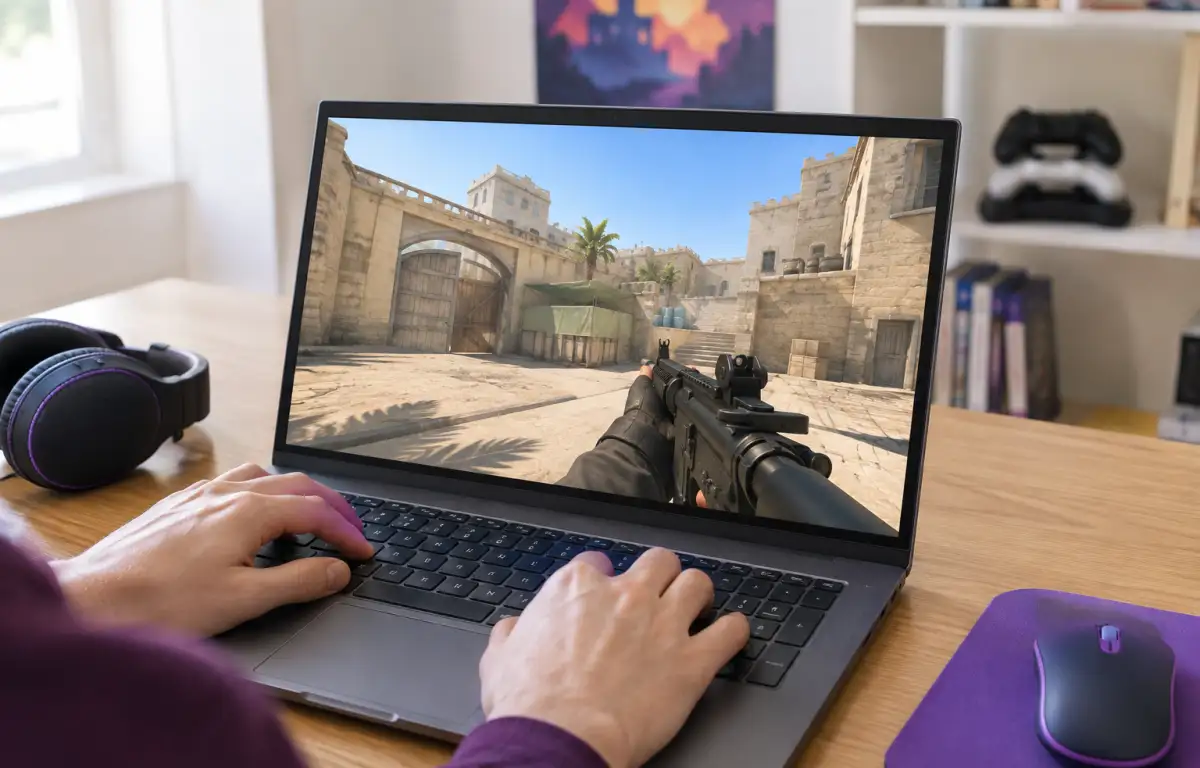
Aristeem Play fits this scenario by letting you open the Game Library, choose the game, and use Install & Play instead of setting up a full local install on your own device. The game runs on Aristeem’s cloud hardware, while only video, audio, and your inputs are streamed to you, so local hardware power is not what determines whether the session can run. Depending on the game, you may need to sign in to Steam, Epic, or another relevant store.
That makes Aristeem Play a practical route when your goal is speed rather than maintenance. Learn more about online cloud gaming through a browser and how it lets you access supported PC games without installing them on your own device.
Is Cloud Gaming Right for Counter-Strike 2?
Choosing how to play Counter-Strike 2 online depends on your priorities. Local installation remains a better fit for players who prioritize competitive responsiveness and minimal input latency. Cloud gaming offers an alternative when avoiding local downloads, installation requirements, and storage demands matters more.
If cloud access suits your needs, check the available games in Aristeem Play and explore another way to access PC gaming without relying entirely on your device’s local hardware.