
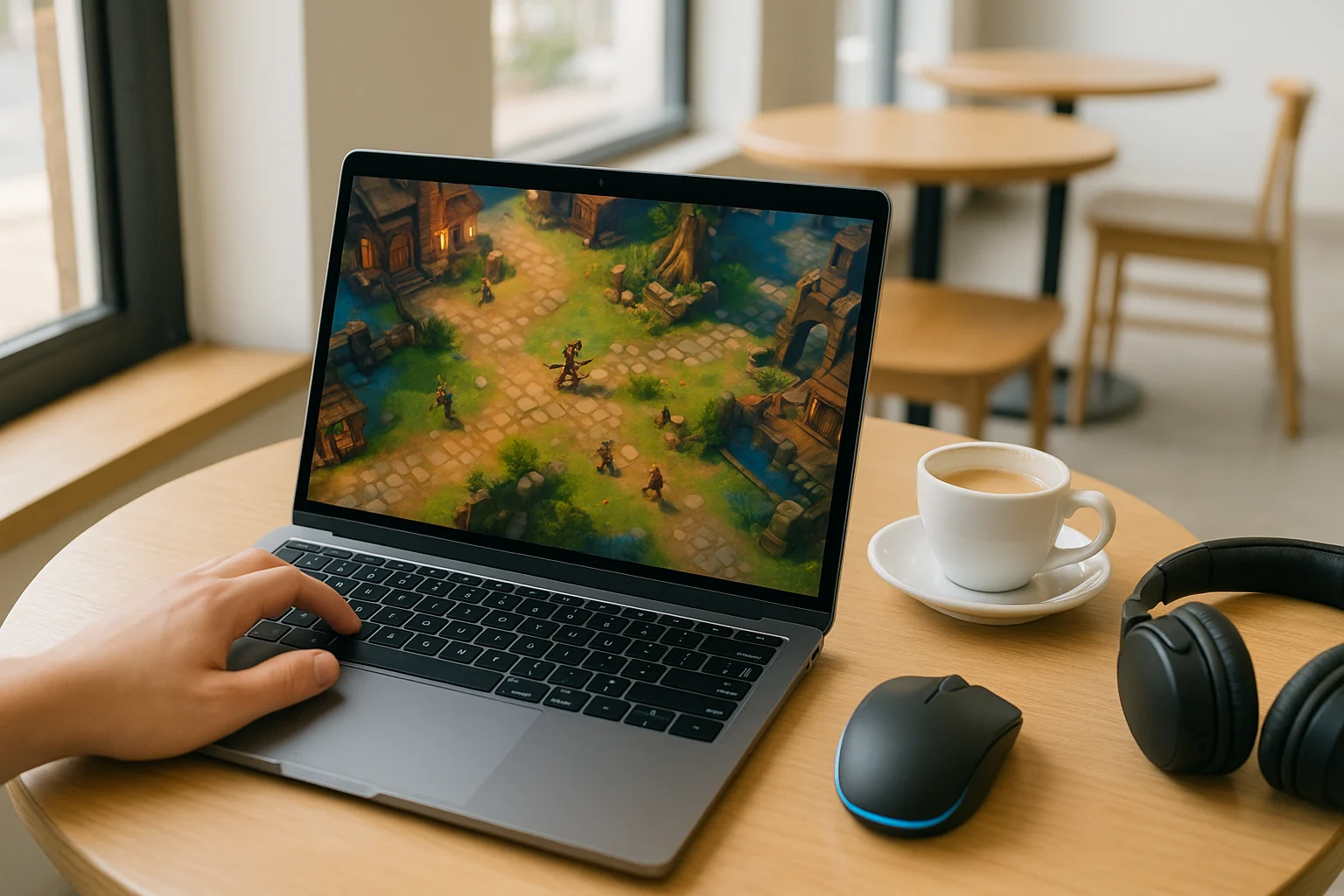
Why Diablo 4 Cloud Gaming Can Be an Alternative to a Gaming PC
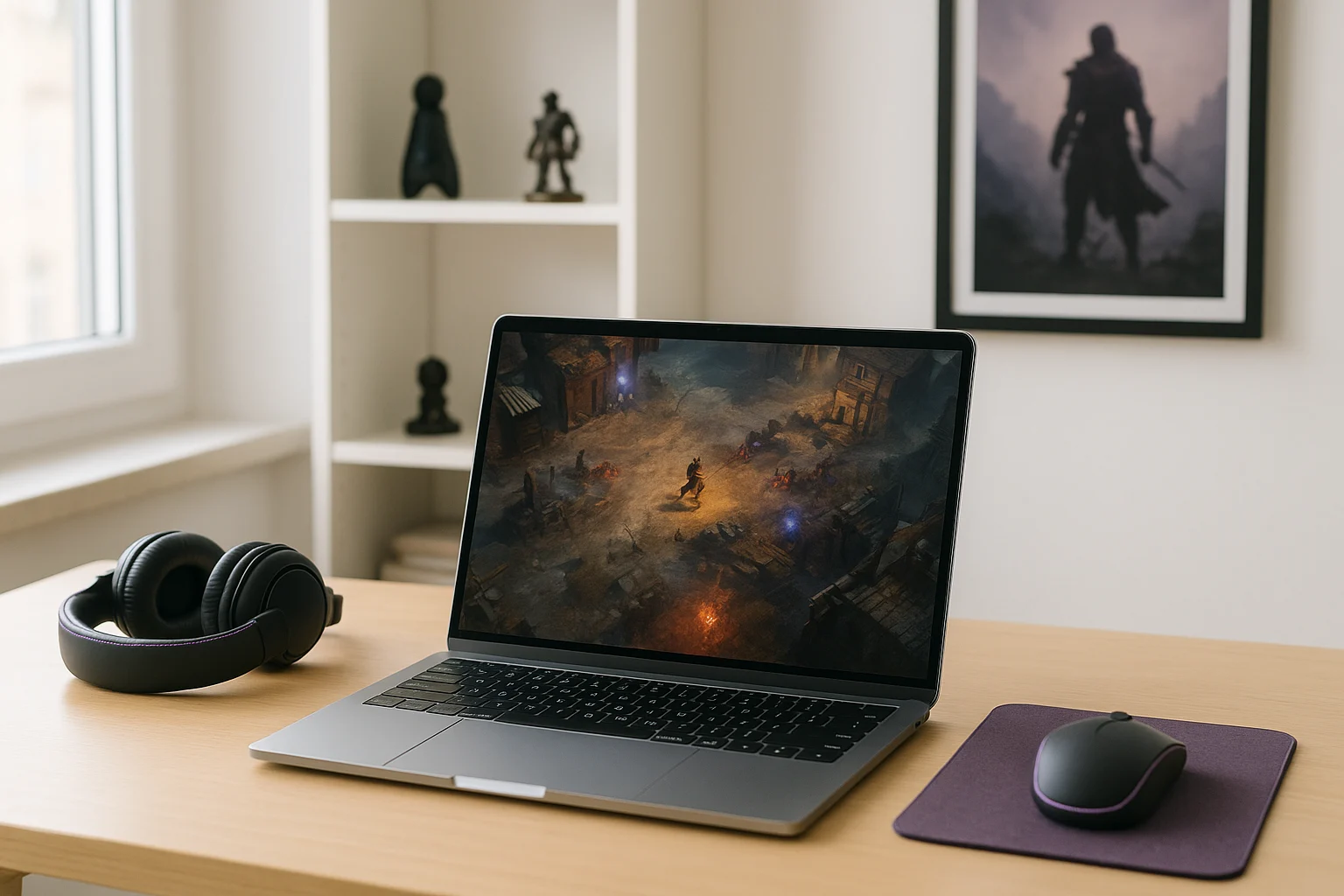
Diablo IV does not have to run on the device in front of you. With cloud gaming, the game runs on remote hardware while your device receives the stream and sends your inputs. This gives players another option when considering whether to upgrade their PC just to play Diablo IV, particularly if they want to use a laptop or another supported device without relying on its local graphics performance.
Buying a Gaming PC for Diablo 4 Streaming Service Goals
Some players consider buying a gaming PC because it seems like the direct way to remove performance worries and run Diablo 4 locally. That idea makes sense if your current machine struggles, but it does not really solve the bigger convenience problem behind a Diablo 4 streaming service mindset. You still need to install the game, keep it updated, manage storage, and stay tied to one main device that does the heavy work.
It can also become frustrating if your main goal was speed and flexibility rather than owning more hardware. A new gaming PC adds cost, setup time, maintenance, and the same patch cycle you were trying to avoid in the first place, so it often feels like a heavy answer to a problem that is really about easier access.
How to Play Diablo 4 on Cloud Instead of Upgrading Hardware
A cloud approach changes the model completely. Instead of depending on your own machine to install and run the game, the game runs in a cloud environment and your device mainly handles the stream, inputs, and display. That makes it possible to Diablo 4 cloud gaming from devices that are less convenient for large local installs or do not offer the performance you want.
Compared with buying a gaming PC, this is usually a better fit for players who care about starting quickly and moving across devices. You avoid turning the problem into a hardware purchase, and you reduce the local setup burden because the demanding part of the session is handled remotely rather than by your own system.
Using Diablo 4 Cloud Gaming Through Aristeem Play
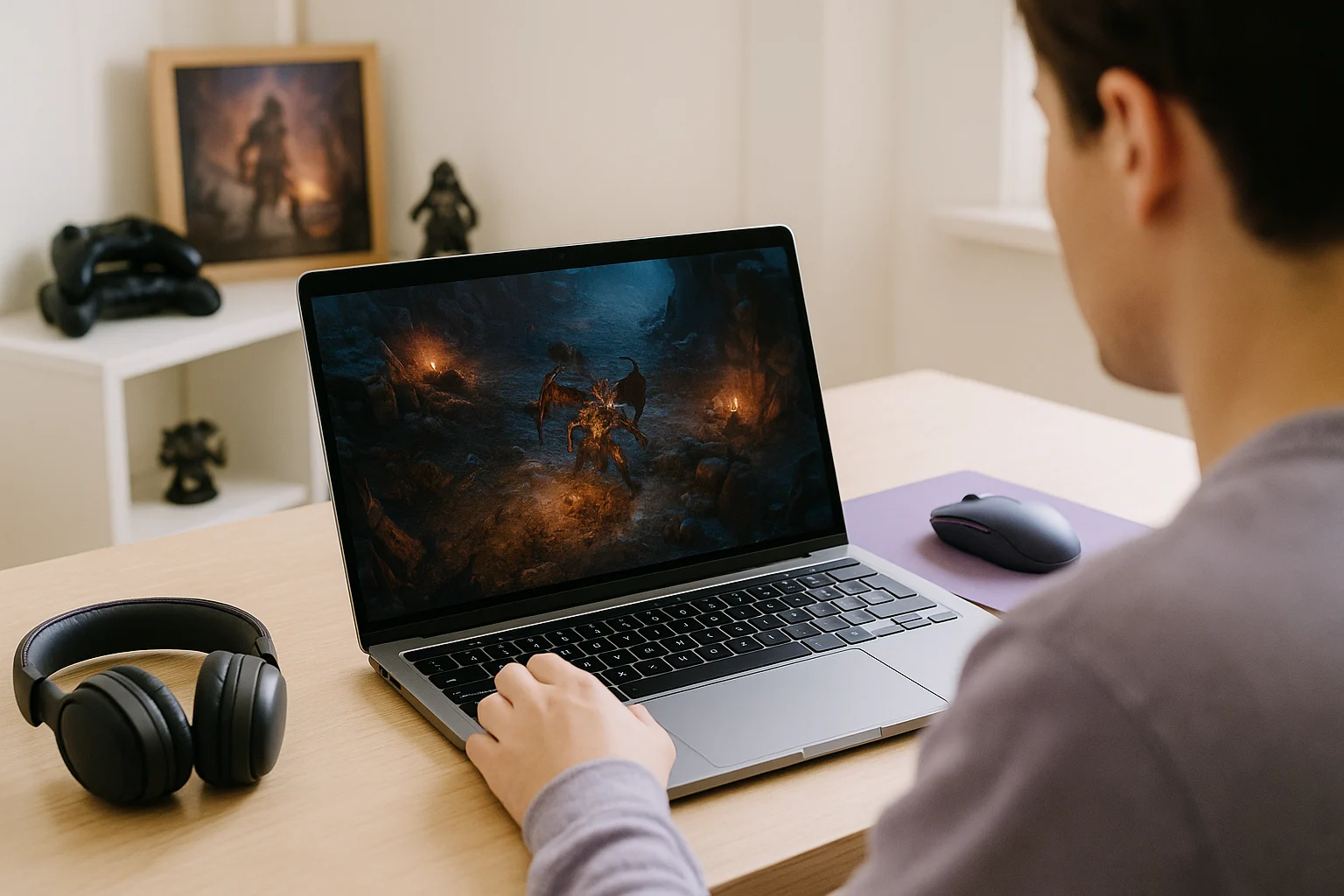
Aristeem Play fits this use case by giving you a browser-based way to launch supported games from its Game Library instead of installing them on your own device. You select the game and click Install & Play, then the session starts on Aristeem’s cloud hardware while video, audio, and your inputs are streamed to you. Depending on the game, you may need to sign in to Steam, Epic and other to launch it.
That means your local device is not doing the main performance work, which is exactly why this model is useful for players focused on convenience and flexibility. If your priority is a practical route into Diablo 4 cloud gaming without building your setup around local installs and stronger hardware, this browser-based flow is much closer to that goal than buying a new PC.
Is Diablo 4 Cloud Gaming the Practical Way to Start
If you want to jump into Diablo 4 without managing a full local install, repeated patches, or the limits of your own hardware, cloud gaming is the option that matches that need most directly. It removes much of the device dependence that makes local play slower to start and less flexible across screens.
Aristeem Play is a practical fit for that kind of player because it keeps the game off your own device and streams the session through the browser, which makes launching Diablo 4 cloud gaming in a browser a more natural path than buying more hardware just to reduce friction.