
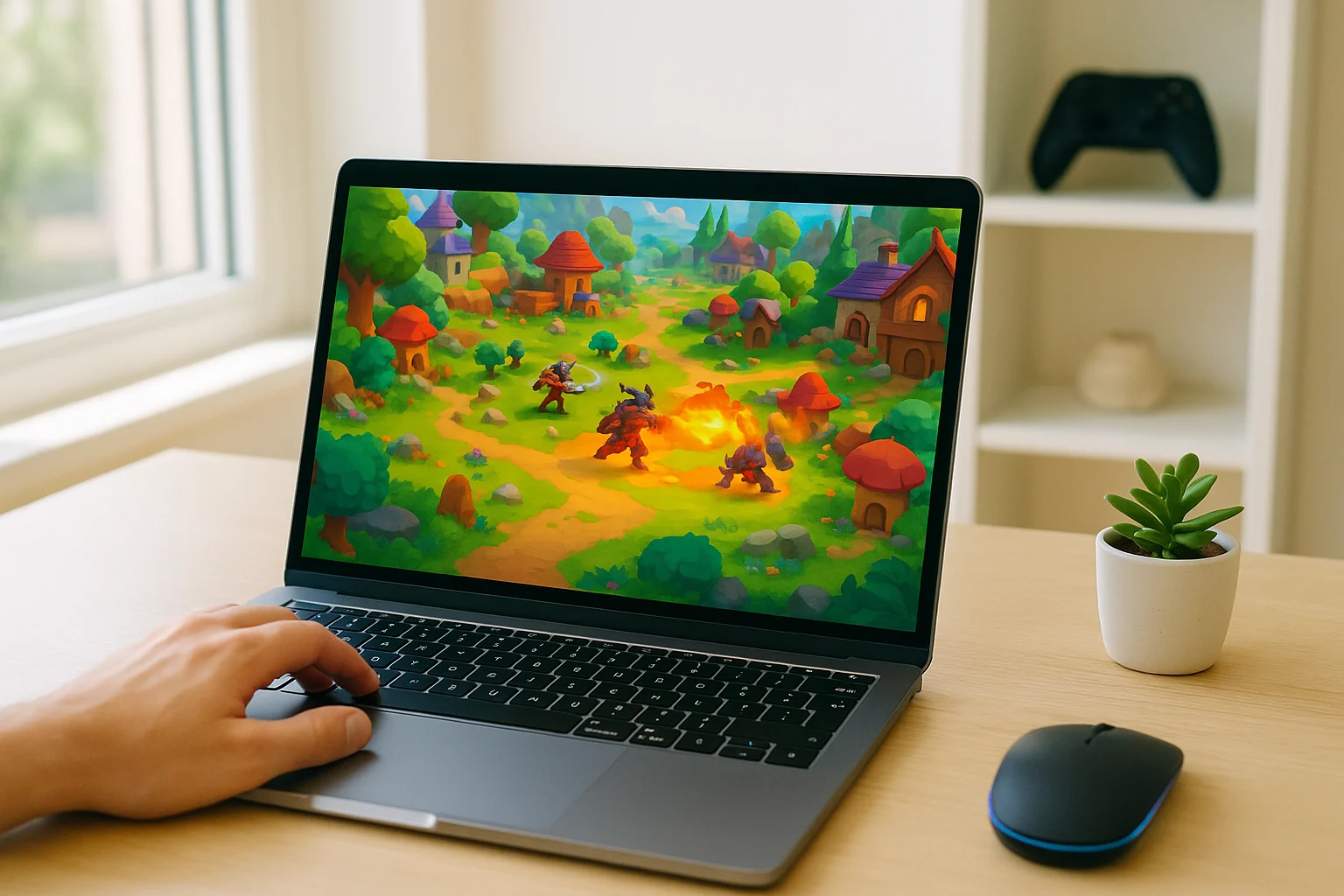
Why Diablo 4 Online Appeals to Players Who Want Faster Access
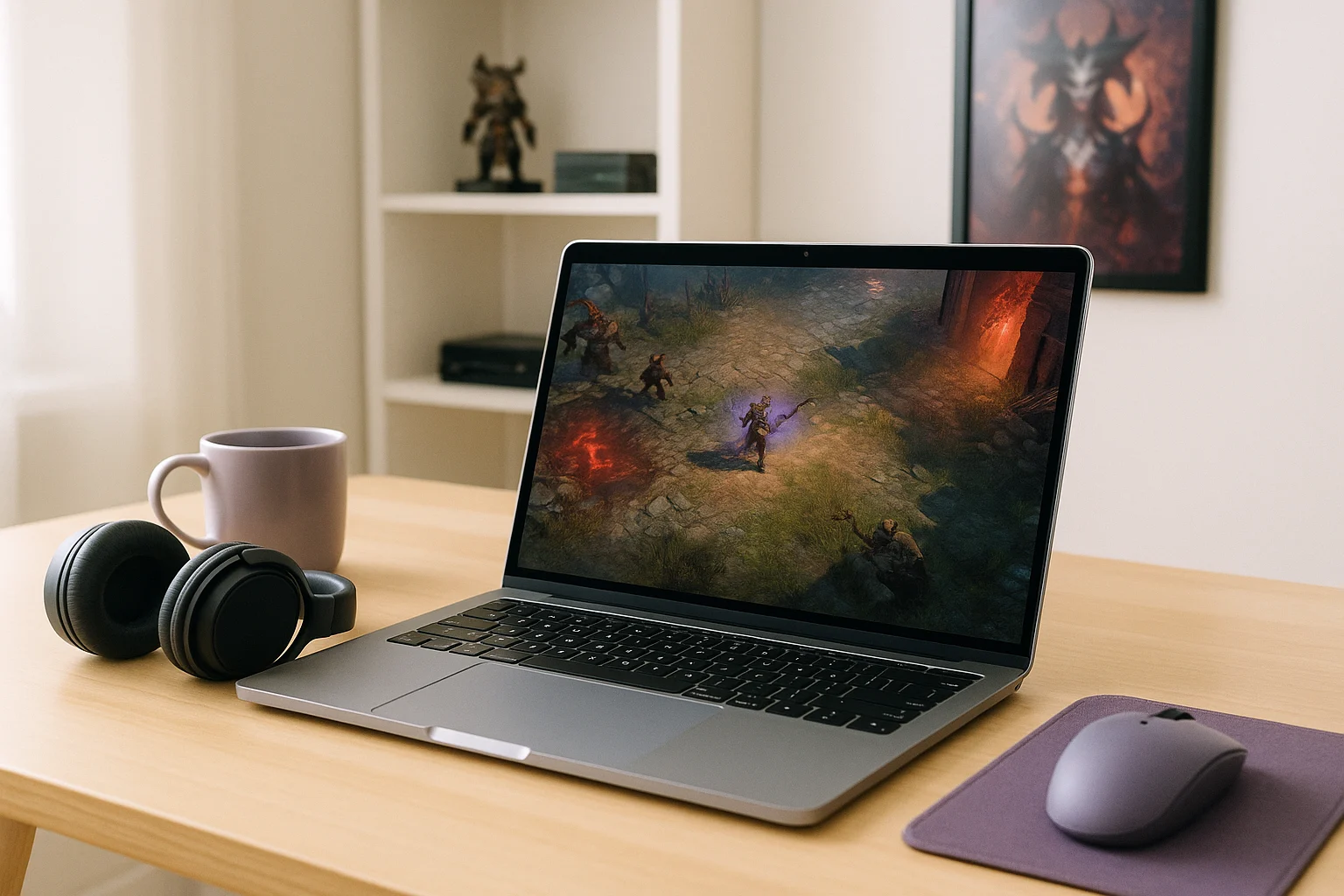
For many players, the biggest obstacle is not the game itself but everything that happens before it starts. A full local install can mean a large download, launcher steps, update checks, and enough free storage to hold the game comfortably. If you only want to jump in for a session, that preparation can feel like wasted time.
This is why Diablo 4 online is really about access rather than technology. Maybe you are using a shared machine, a restricted setup where installing software is inconvenient, or you simply do not want to spend your evening managing files and patches. In all of those cases, the goal is the same: start playing sooner and avoid turning game time into setup time.
What to Consider When You Play Diablo 4 Online
If you want browser-based access to feel smooth, a few practical factors matter more than anything else. You need a stable internet connection, reasonable latency between your input and what appears on screen, support for the device you are using, and a control method that feels comfortable for longer sessions. Those details shape whether online access feels convenient or frustrating.
It also helps to understand what the browser is actually doing. With local play, the game runs on your own device, so its hardware, storage, installation, and updates all become part of the setup. With a cloud-based approach, the game runs on remote hardware instead, while your device connects to the active session, and the browser can simply serve as one way to access that session rather than being where the game itself runs.
A More Direct Way to Play Diablo 4 Online
A streaming approach changes the experience from local preparation to direct access. Instead of spending time getting the machine ready, you can move toward opening a session and getting into the game with less friction. That makes it a practical fit for temporary play, quick sessions, or any moment when you want to avoid a full install cycle.
This is also the clearest answer to how to play Diablo 4 online without turning it into a maintenance task. The focus shifts away from downloads, patching, and storage management and toward simply reaching the game quickly.
How Aristeem Fits the Diablo 4 Online Use Case
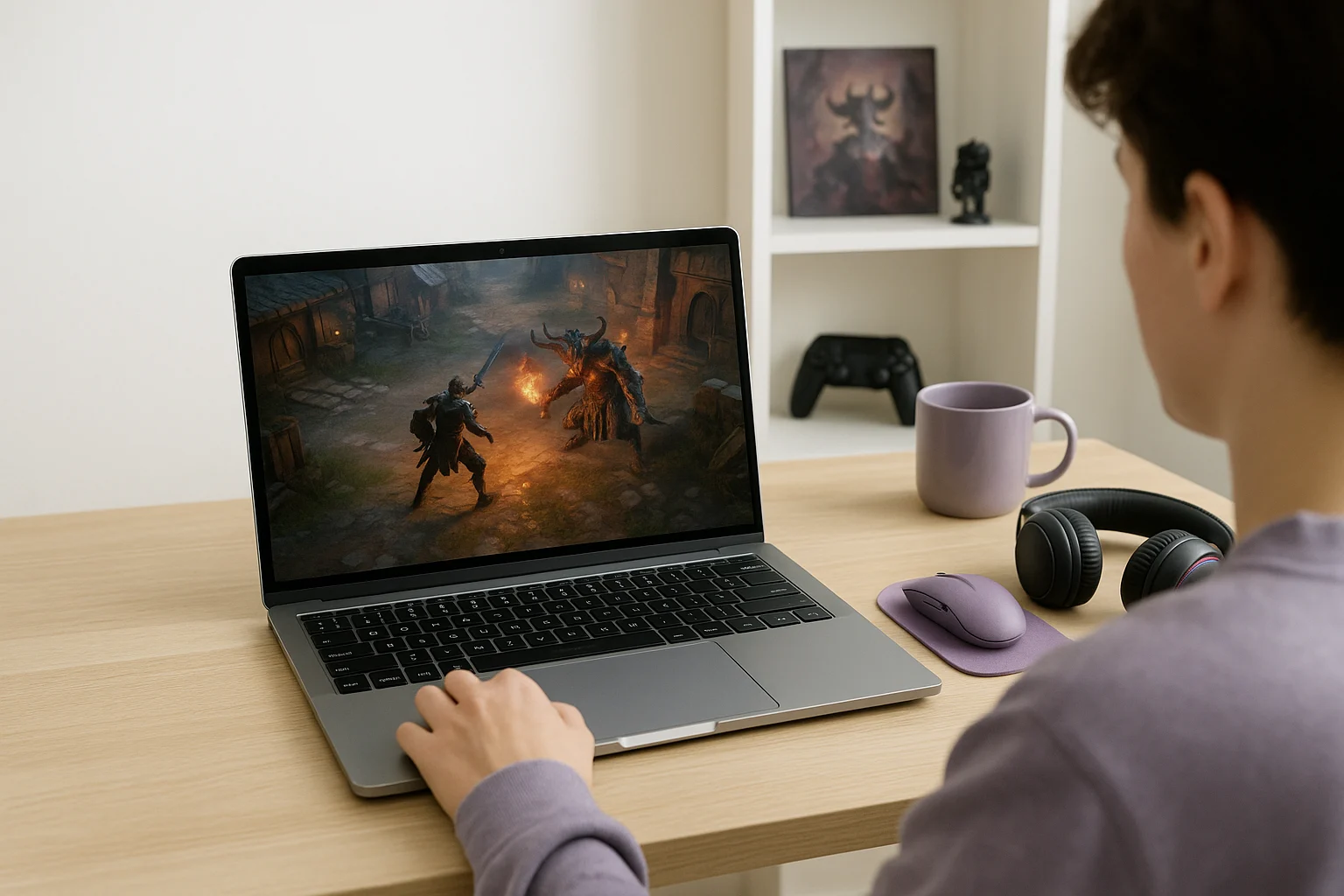
Aristeem Play fits this scenario by letting you open the Game Library, choose a title, and click Install & Play instead of setting everything up on your own device first. The game runs on Aristeem’s cloud hardware while video, audio, and your inputs are streamed to your device, so you are not relying on a local installation or your device’s hardware to run the game locally. If required, you can also sign in to the relevant game store, such as Steam or Epic.
That makes it useful for players who want quick access without committing time and storage to a full local setup. Instead of preparing the machine before every session, you can focus on getting into the game, which is exactly the kind of shortcut many people want when they play Diablo 4 online.
How to Play Diablo 4 Online Without a Local Install
If your main problem is waiting through downloads, updates, and storage-heavy installation before you can even begin, a streaming model is the most direct way around that friction. It reduces the amount of local preparation needed and makes fast access the priority instead of ongoing setup work.
For players who want quick access without a full local installation, Aristeem Play provides a direct way to launch Diablo 4 online through a browser. That makes it a practical fit when you want to spend less time preparing the game and more time playing.