
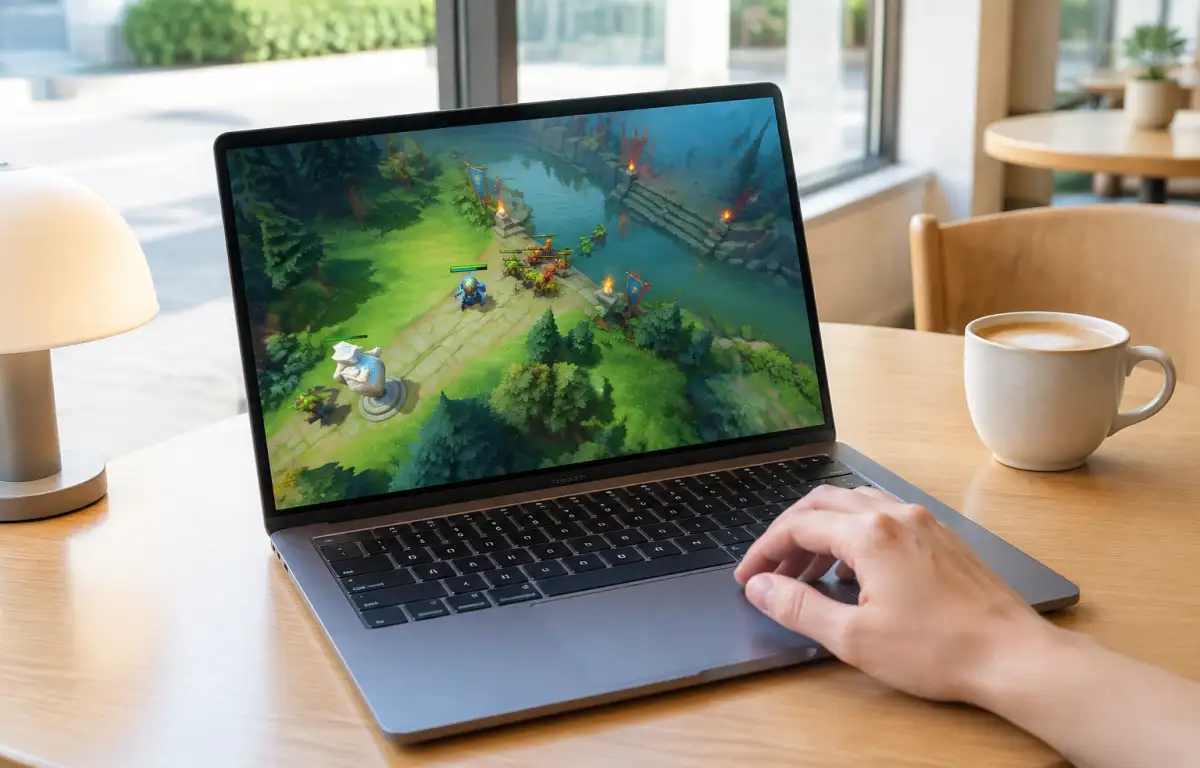
Getting Dota 2 on Laptop Started Fast
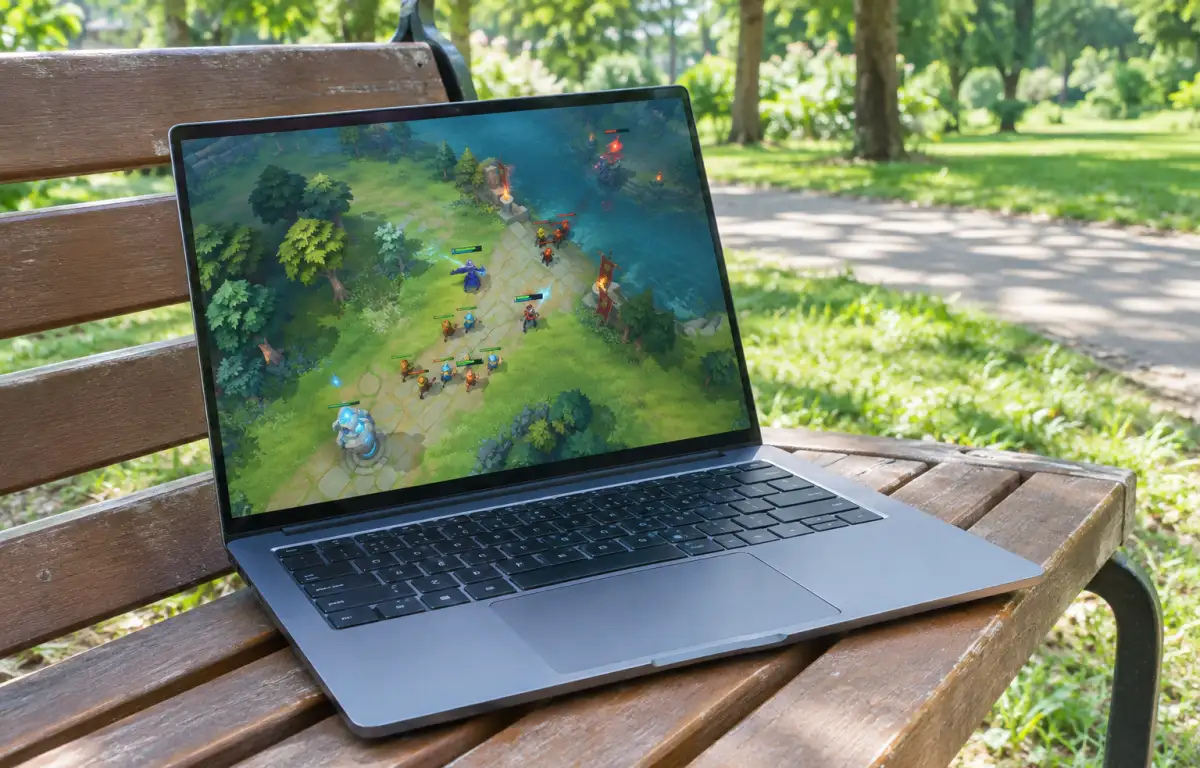
You want to play Dota 2 on laptop today, but the fastest path is not always obvious once you open your laptop and try to get into a match. What sounds simple can turn into downloading Steam, waiting through game files and updates, checking disk space, and dealing with setup steps before you even reach the main menu.
That is why many players look for a faster way to access Dota 2 on a laptop without waiting for a full local installation. Some just want a few matches after work or class, while others are reinstalling on a secondary device and do not want to spend the evening managing installs, patches, and storage instead of actually playing.
Why Access to Dota 2 on Laptop Can Feel Slow
The usual route for Dota 2 on laptop means local installation first, and that adds friction before gameplay begins. You need the launcher, the game download, enough available storage, and then the extra waiting that comes with updates and verification when something does not go smoothly.
Even when a laptop can handle the game, the access process itself can be the annoying part. If the device is shared, low on space, or used for work and study, players may need to free up disk space, pause other downloads, or wait for patches to finish before they can play.
Why Lower Graphics Settings Don’t Solve Every Laptop Issue
Lowering graphics settings can help improve performance on laptops with limited hardware resources. Reducing resolution, shadows, and other demanding effects may make gameplay smoother without upgrading the device. However, these adjustments only affect performance after the game has launched.
The problem is that lower settings do not remove the main access friction. You still have to install the launcher, download the game, keep up with patches, and manage local storage, and then you may still spend time adjusting options instead of jumping into a match. It can help once the game is already running, but it does not really solve the question of the quickest way to begin, which is why many players look for a route where the game is reached by streaming from cloud hardware instead.
A Faster Way to Launch Dota 2 on Laptop
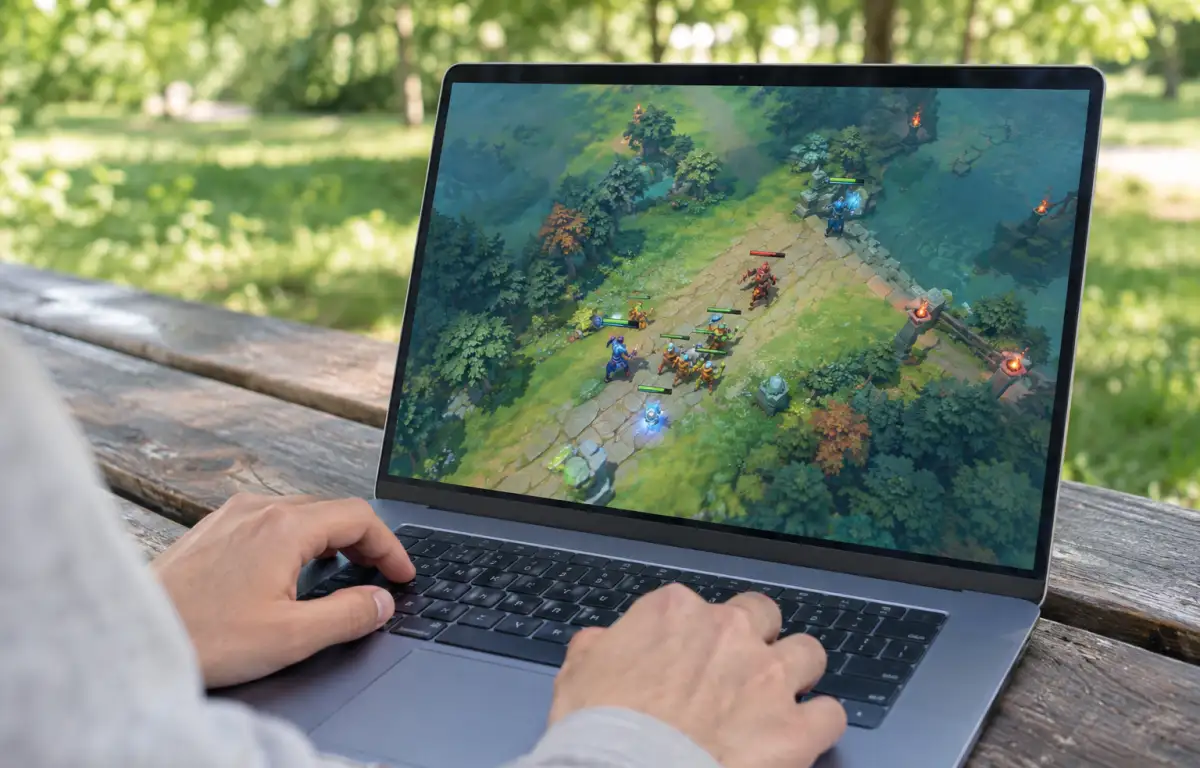
Instead of installing the game on your laptop, you launch it through Aristeem Play, where it runs on cloud hardware and is streamed to your device. You open the Game Library, select Dota 2, and click Install & Play, which gives you a more direct path than handling local downloads, patching, and storage cleanup on the laptop itself.
This approach is useful when your priority is speed and convenience rather than managing a full local setup. Depending on the game, you may need to sign in to a store such as Steam, Epic or another relevant store, and from there the session runs in the cloud while your laptop receives video, audio, and your inputs. This gives players a more convenient way to access Dota 2 through cloud gaming in a browser without relying on their laptop’s local storage or hardware resources to run the game.
The Simplest Way to Start Dota 2 on Laptop Today
If your goal is to get into Dota 2 quickly, the slow part is usually not learning the game but getting through installers, launcher steps, patches, and storage management on the laptop. A local install still makes sense if you want everything stored on the device and do not mind the waiting, but it is rarely the fastest route when you want to start right now.
For the simplest start, cloud gaming is the more direct option because the game runs on remote hardware instead of depending on your laptop setup. Want to get into a match without waiting for downloads and updates? Try Dota 2 through Aristeem Play and start playing without a lengthy local setup.