
Can a Laptop Run Dota 2 Smoothly?
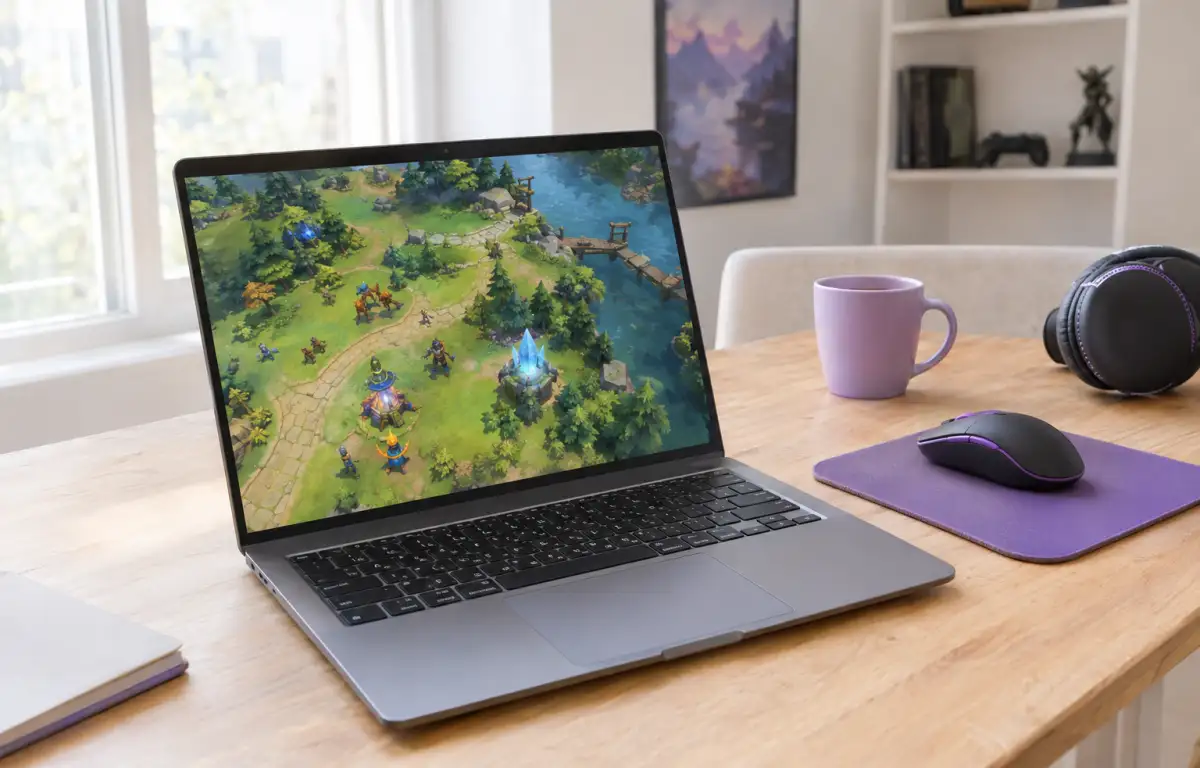
Whether a laptop can run Dota 2 smoothly depends on its processor, graphics capabilities, available RAM, and cooling system. Many everyday laptops can launch the game, but weaker models may struggle to maintain consistent performance when team fights and visual effects put more demand on the hardware. A basic laptop with integrated graphics, limited RAM, and modest cooling can launch Dota, yet smooth play is not guaranteed when effects stack up and the system starts heating up.
Older laptops and thin budget models can still run into familiar problems: weak graphics performance, limited RAM, overheating, fan noise, battery drain, and sudden FPS drops during longer sessions. Even if Dota 2 launches successfully, that does not mean the laptop can maintain stable performance throughout a match. The difference becomes especially noticeable during team fights, when several abilities and visual effects appear at once.
Why Laptop Hardware Becomes the Bottleneck
The main issue is that Dota still depends on steady graphics and CPU performance, especially when team fights, spell effects, and map activity increase at the same time. A laptop with integrated graphics shares memory with the system, so both visual load and RAM pressure can rise together. That is often where players asking can my laptop run Dota discover that launching the game is easier than keeping it consistently responsive.
Storage and cooling also matter more than many expect from a competitive title. Even if the install fits, a nearly full drive can make updates and general system responsiveness more annoying, while thin laptop cooling can lead to thermal throttling after a while. In practice, the answer to dota laptop requirements is less about the game opening at all and more about whether your machine can hold stable performance without overheating, draining fast, or turning every match into a settings compromise.
What Happens to Dota 2 Performance During Team Fights
Dota 2 can feel very different during a quiet farming phase and a large team fight. When several heroes use abilities at once, visual effects fill the screen, and multiple units interact, the laptop has to handle more activity simultaneously. This is where weaker processors and integrated graphics may struggle to maintain consistent frame rates.
A laptop that seems perfectly capable during the early minutes of a match may start showing FPS drops, stuttering, or delayed responses during intense fights. These fluctuations can affect gameplay more than a consistently lower but stable frame rate. That is why evaluating a Dota laptop requires looking beyond whether the game launches or runs smoothly in less demanding situations.
How Aristeem Play Helps When a Laptop Falls Short
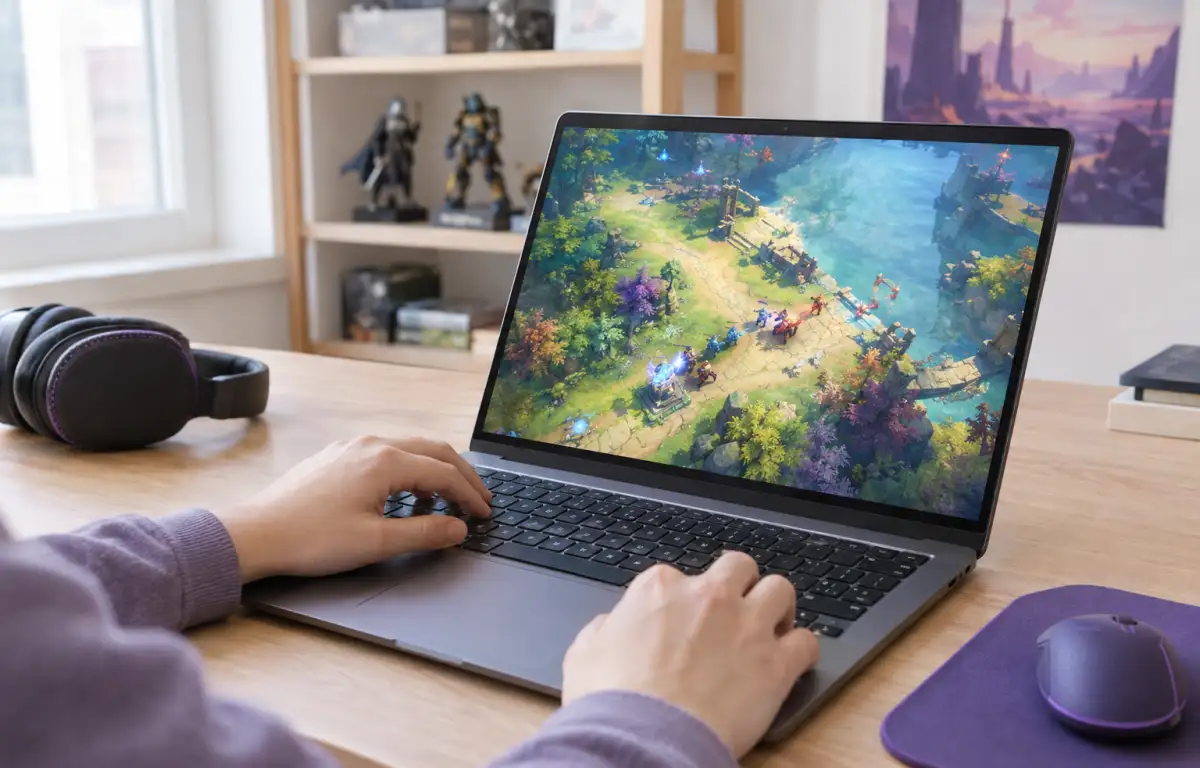
Instead of forcing your laptop to render everything locally, Aristeem Play changes where the work happens. You open the Game Library, choose Dota, and start a session where the game runs on cloud hardware while only video, audio, and your inputs are streamed to the laptop. That means the local machine does not need to carry the same graphics load or dedicate storage space to the full game install.
This is the practical next step when lowering settings is no longer enough. Depending on the game, you may need to sign in to Steam, Epic or another relevant store, but the key difference is that your laptop is no longer the device doing the heavy rendering. For players who find their laptop’s hardware insufficient for smooth local gameplay, cloud gaming services offer another way to access Dota 2. The game runs on Aristeem’s cloud hardware rather than relying on the laptop’s own GPU and CPU to render the game.
Should You Keep Playing Dota on a Laptop
A laptop with sufficient processing power, graphics capabilities, and cooling can provide a good local Dota 2 experience. However, older or entry-level models may struggle to maintain consistent performance during demanding team fights, even after adjusting graphics settings.
If your laptop cannot deliver the gameplay experience you want, cloud gaming offers an alternative. With Aristeem Play, Dota 2 runs on remote hardware and is streamed to your laptop, reducing the need to rely on its local graphics capabilities for rendering the game.