
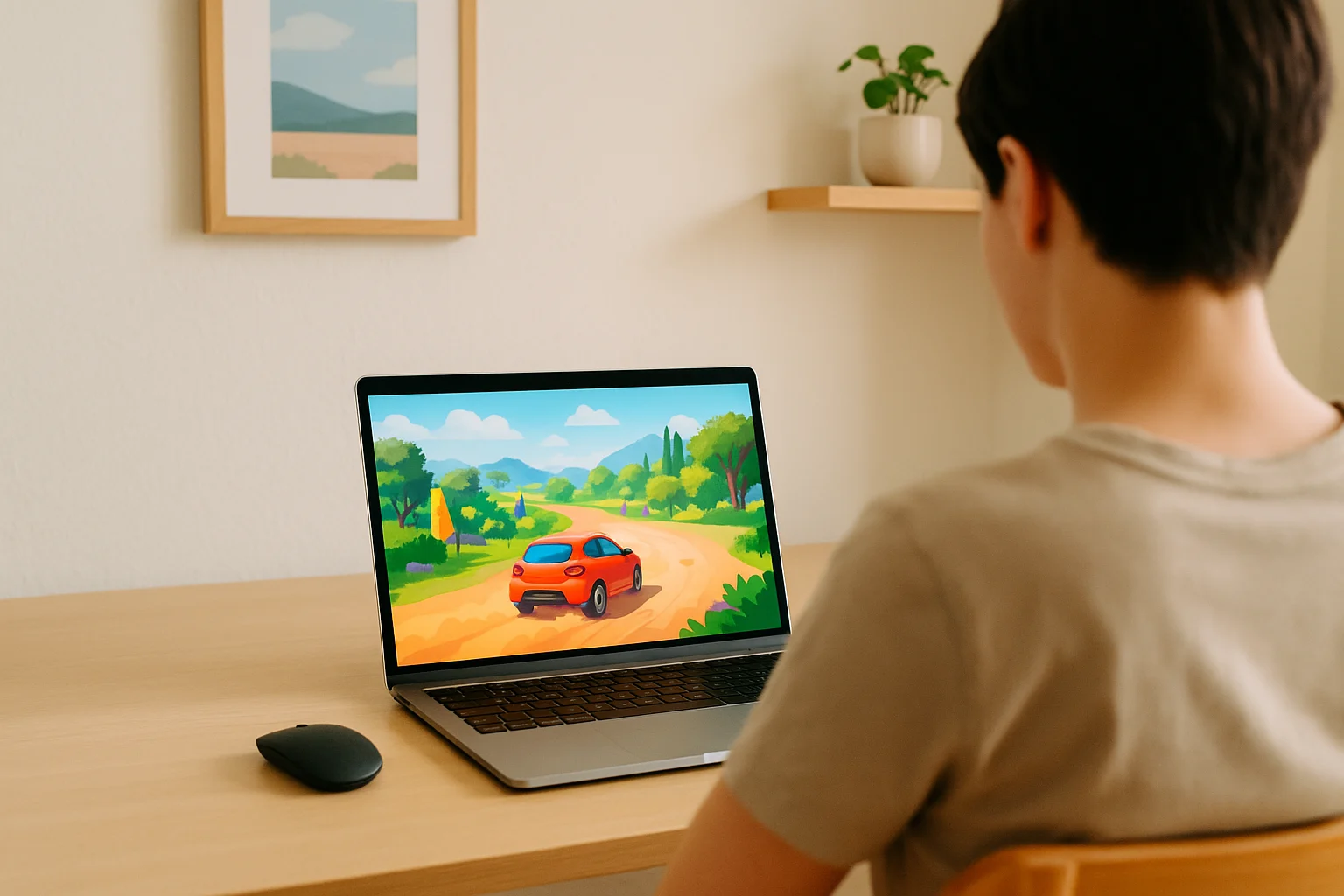
Why Forza Horizon 5 Cloud Gaming Works Without a Local Setup
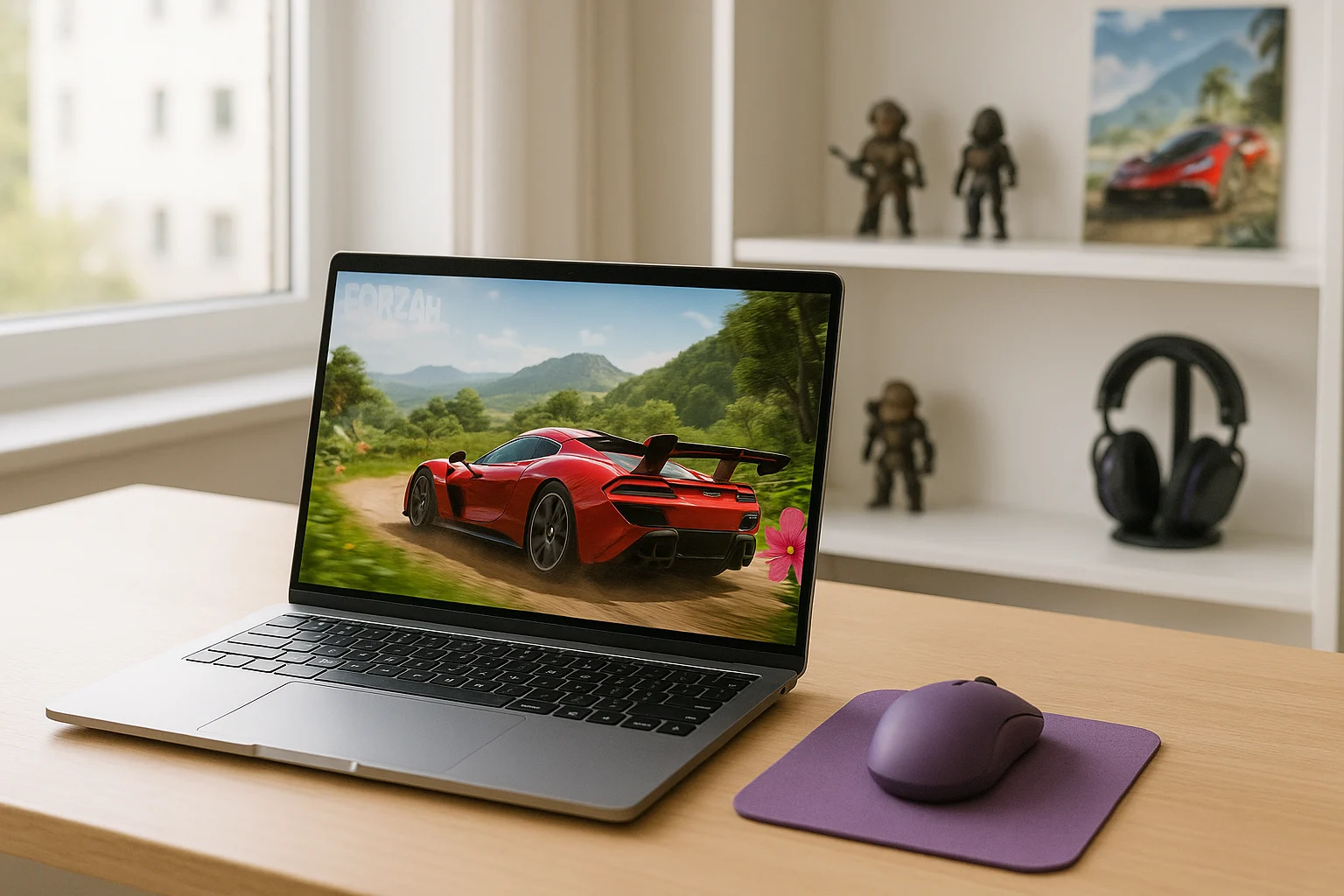
For many players, the main question is how to run a demanding title like Forza Horizon 5 when their current device is not suited to local gaming. Forza Horizon 5 cloud gaming moves the game workload to remote hardware, so the local device does not need to run the game itself.
Forza Horizon 5 can place substantial demands on local gaming hardware. If your laptop or other device is not designed to run the game locally, cloud gaming provides another way to access the Windows version without making the local machine responsible for the game’s processing.
Buying an Xbox Console to Play Forza Horizon 5
One alternative to local PC play is using an Xbox console with dedicated gaming hardware. This gives Forza Horizon 5 its own device rather than asking an everyday laptop to handle the game locally. For players who already use an Xbox, this can be a straightforward way to access the game on dedicated hardware.
Cloud gaming takes a different approach: instead of adding dedicated hardware, the game runs on remote gaming hardware and the local device connects to that session. The two options therefore differ mainly in where the game is processed and what hardware the player needs to maintain locally.
How Forza Horizon 5 Cloud Gaming Works
A cloud-based approach moves the game’s processing away from your own device. With Forza Horizon 5 cloud gaming, the game runs on remote hardware while your device receives video and audio and sends your controls back to the active session. Your local machine therefore does not need to process the game itself.
The difference from local console or PC gaming is the location of the game workload. Instead of processing Forza Horizon 5 on your own hardware, the cloud session handles the game remotely and streams the resulting video and audio to your device. This makes the local device primarily the access point rather than the machine running the game.
Using Forza Horizon 5 Cloud Gaming Through Aristeem Play
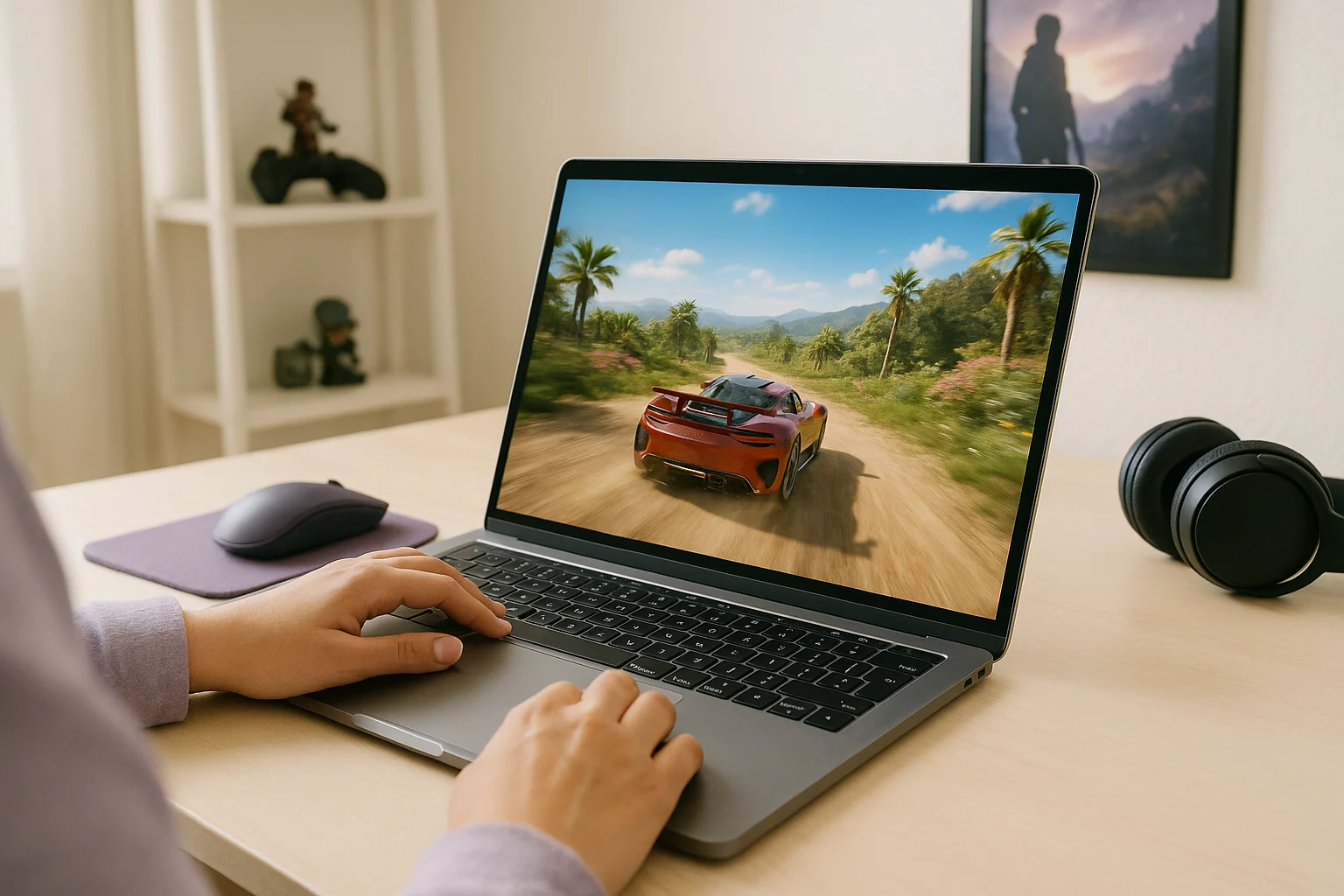
With Aristeem Play, you open the Game Library, choose the game, and click Install & Play. The game runs on Aristeem’s cloud hardware while video and audio are streamed to your device and your controls are sent back to the session. This allows Forza Horizon 5 cloud gaming without requiring the local device to run the game itself. Depending on the game, you may need to sign in to a supported game store such as Steam or Epic.
What Forza Horizon 5 Cloud Gaming Changes
Forza Horizon 5 cloud gaming changes where the game is processed: the workload runs on cloud hardware while your device provides the connection and controls. With Aristeem Play, this model gives you access to the game through a browser session without requiring the local machine to run the Windows game itself.