
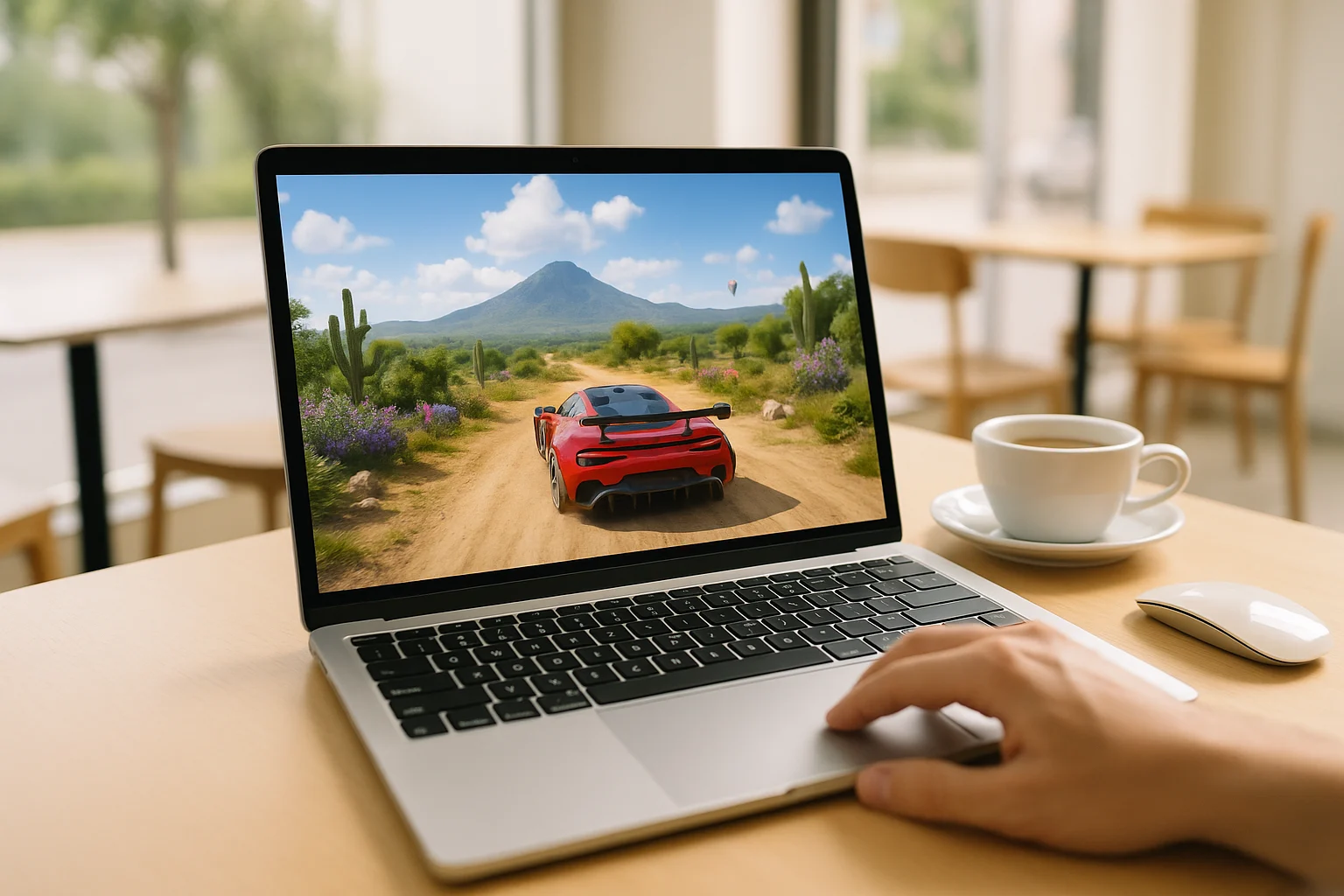
Why Forza Horizon 5 on Mac Is Difficult Locally
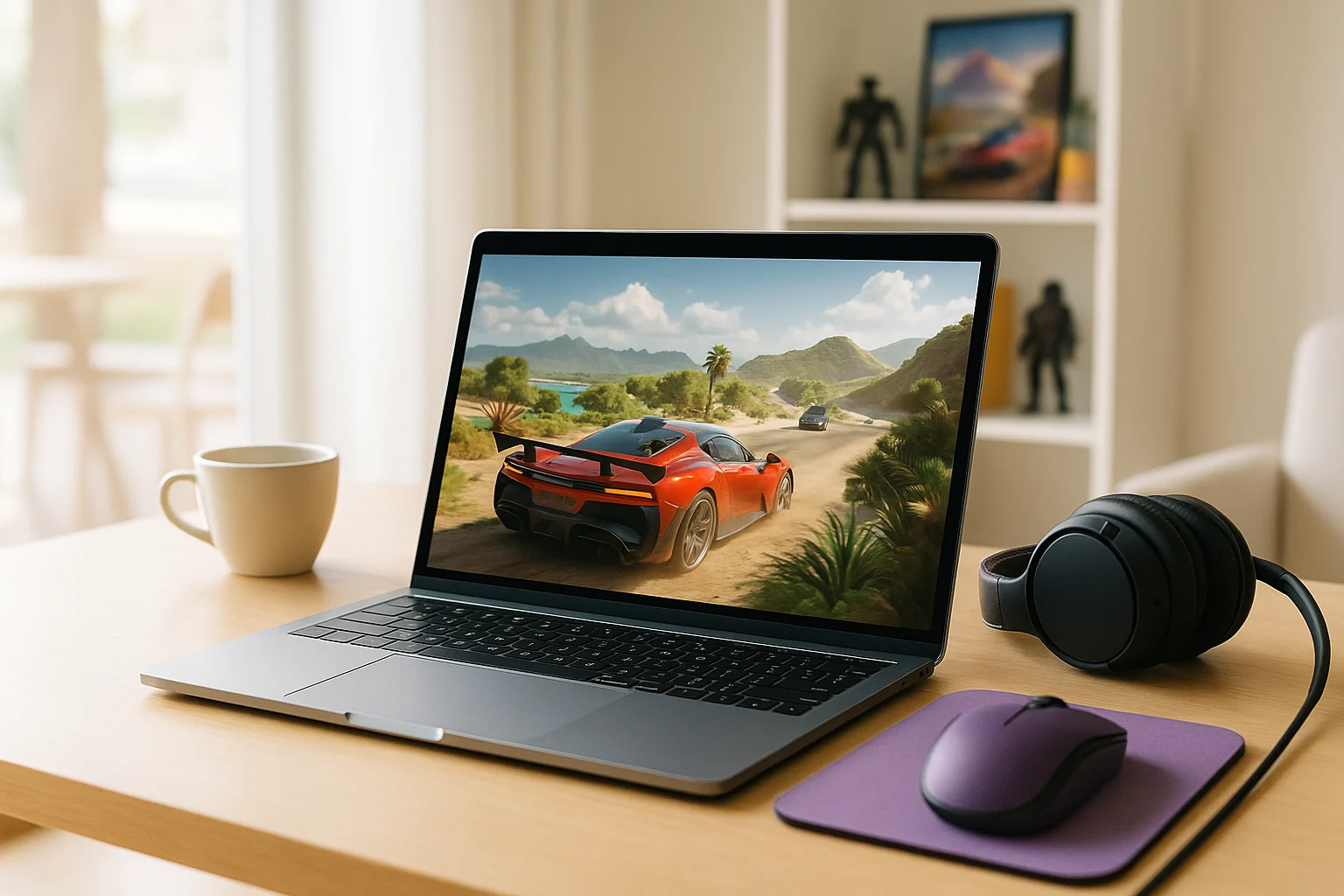
Playing Forza Horizon 5 Mac can be frustrating because the game is not designed to run natively on macOS. That means a Mac user is not dealing with a simple local install path, but with an OS mismatch from the start. Even before performance becomes a concern, the main issue is that the game is not designed to run natively on macOS.
This becomes more annoying when your goal is just to race without turning your Mac into a Windows project. Many players want to avoid large downloads, ongoing updates, and the extra maintenance that comes with forcing a Windows-focused game into a Mac workflow. If you want to play Forza Horizon 5 on Mac quickly and keep your setup simple, local options can feel heavier than the game session itself.
Buying a Gaming PC for Forza Horizon 5
Some players consider buying a gaming PC because it avoids macOS compatibility issues and gives them a straightforward Windows environment for the game. For someone determined to run the PC version locally, that can sound like the cleanest answer. It also removes the need to keep adapting a Mac around software it was not meant to run.
The downside is that this is a big step if your real goal is simply occasional access to one racing game. A second machine means extra cost, extra space, separate updates, and another device to maintain over time. For users who mainly want a fast way to play rather than commit to a full Windows setup, buying dedicated hardware often solves the compatibility problem by creating a much larger ownership problem.
How to Play Forza Horizon 5 on Mac Through the Browser
A more practical route is cloud gaming. Instead of relying on your Mac to run the game locally, the game runs in a cloud environment and your device receives the video, audio, and controls. That makes it possible to access a demanding PC title from a Mac without needing the local hardware to do the heavy work.
Compared with buying a gaming PC, this approach is lighter and faster to start with. You do not need to add another computer to your setup just to reach one Windows-focused title, and you avoid the long local install-and-maintain cycle on your own device. For users asking how to play Forza Horizon 5 on Mac with less friction, browser-based access fits the problem much better.
Using Forza Horizon 5 on Mac with Aristeem Play
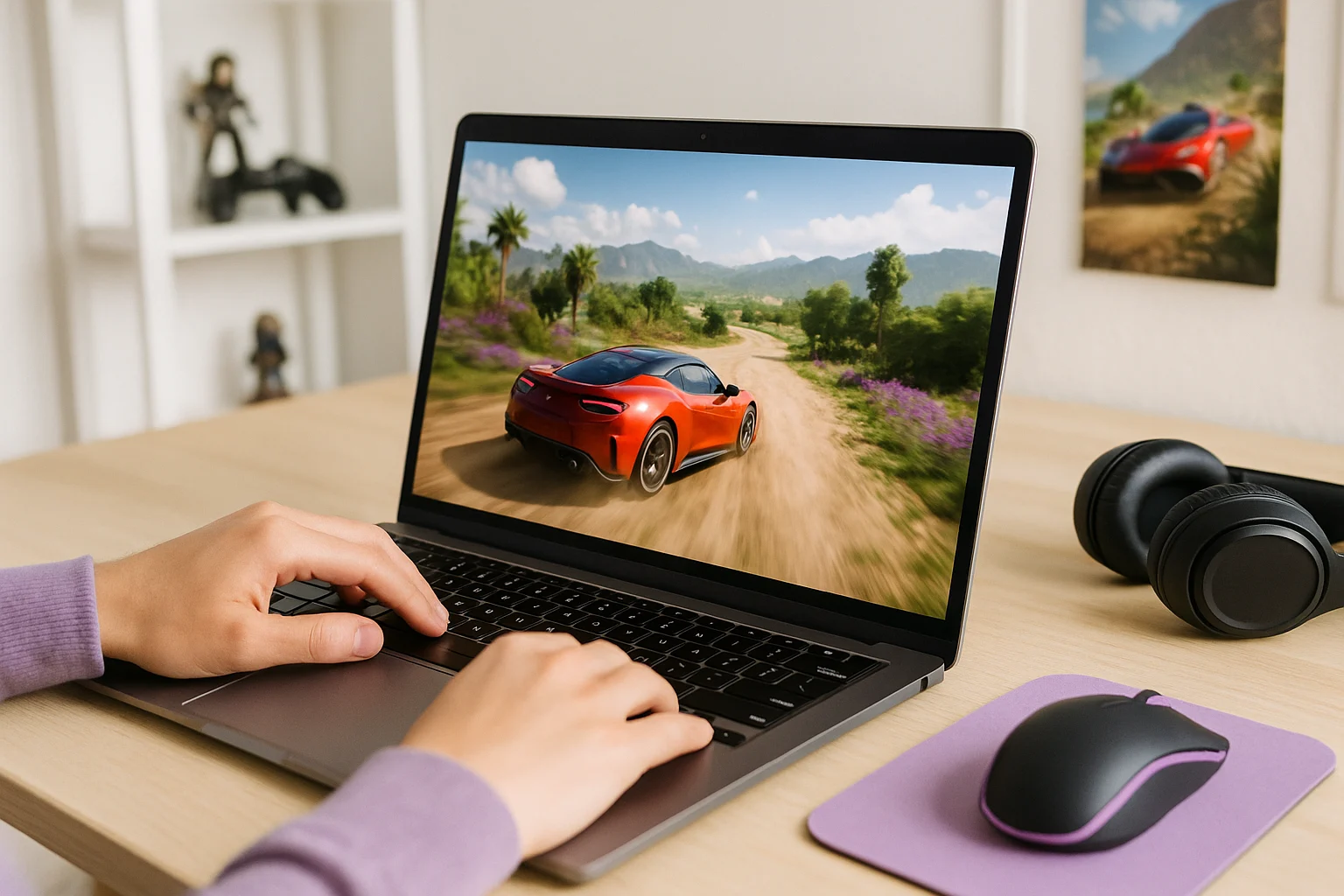
Aristeem Play fits this situation because you launch the game from its Game Library instead of installing it on your Mac. After you select the game and click Install & Play, the session starts on Aristeem’s cloud hardware, while only video, audio, and your inputs are streamed to the device. That means your Mac is used to access the session rather than to run the game itself.
This is useful when you want Forza Horizon 5 on Mac without turning the process into a full Windows commitment. Depending on the game, you may need to sign in to the relevant store, such as Steam or Epic. The overall flow is still much simpler for players who want access without large local installs and ongoing maintenance on macOS.
The Practical Forza Horizon 5 Mac Option
The core problem with Forza Horizon 5 Mac is that the game is built around Windows, while many Mac users want to avoid a full extra system, heavy downloads, and constant upkeep. Buying a gaming PC can work, but it is often more commitment than the situation really calls for. Cloud gaming makes more sense here because it removes most of the local burden from the Mac itself.
If your priority is a simpler route, Aristeem Play is a practical fit for this kind of setup, especially if you want to play Forza Horizon 5 on Mac through a browser without setting up a full local Windows environment. It keeps the focus on getting into the game rather than maintaining extra hardware or a complicated install path.