
Why Forza Horizon 5 Online Appeals to Players in a Hurry
Getting into Forza Horizon 5 online should feel immediate, but the slow part often happens before the first race even starts. A full local setup can mean waiting through a large download, handling launcher steps, clearing storage space, and then sitting through updates before online play is available. When the goal is simply to jump in for a quick session, that preparation can take longer than the time you actually planned to play.
This friction is even more noticeable when you are using a shared machine, a restricted work or family device, or any setup where installing a big game is inconvenient. Some players only want temporary access for an evening session, while others want to avoid reorganizing storage just to make room for one title. In all of these cases, the real issue is not interest in the game but the amount of setup standing between you and the start button.
What to Consider When Playing Forza Horizon 5 Online
If you want to play Forza Horizon 5 online through cloud gaming, the experience depends on a few practical factors. A stable internet connection matters because video, audio, and your inputs need to stay in sync during races and menus. Latency also matters, since the delay between pressing a control and seeing the response can affect how smooth driving feels.
It also helps to think about whether your device can handle the browser session comfortably and whether your preferred control method feels natural for this kind of game. Most importantly, you need to know where the game is actually running. With local play, the game runs on your own device, so its hardware, storage, installation, and updates all become part of the setup. With a cloud-based approach, the game runs on remote hardware instead, while your device connects to the active session. The browser can simply serve as one way to access that session rather than being where the game itself runs.
A Faster Way to Play Forza Horizon 5 Online
A streaming approach is what changes the path from waiting to playing. Instead of preparing your local machine first, you move straight toward accessing the session itself. That means less time spent on installation, patching, and storage management, and more focus on starting the game quickly.
For players asking how to play Forza Horizon 5 online with minimal setup, this is the practical advantage. The process becomes about opening access to the game rather than maintaining a full local install. When speed matters most, that shift is what makes cloud gaming a useful option.
How Aristeem Supports Fast Forza Horizon 5 Online Play
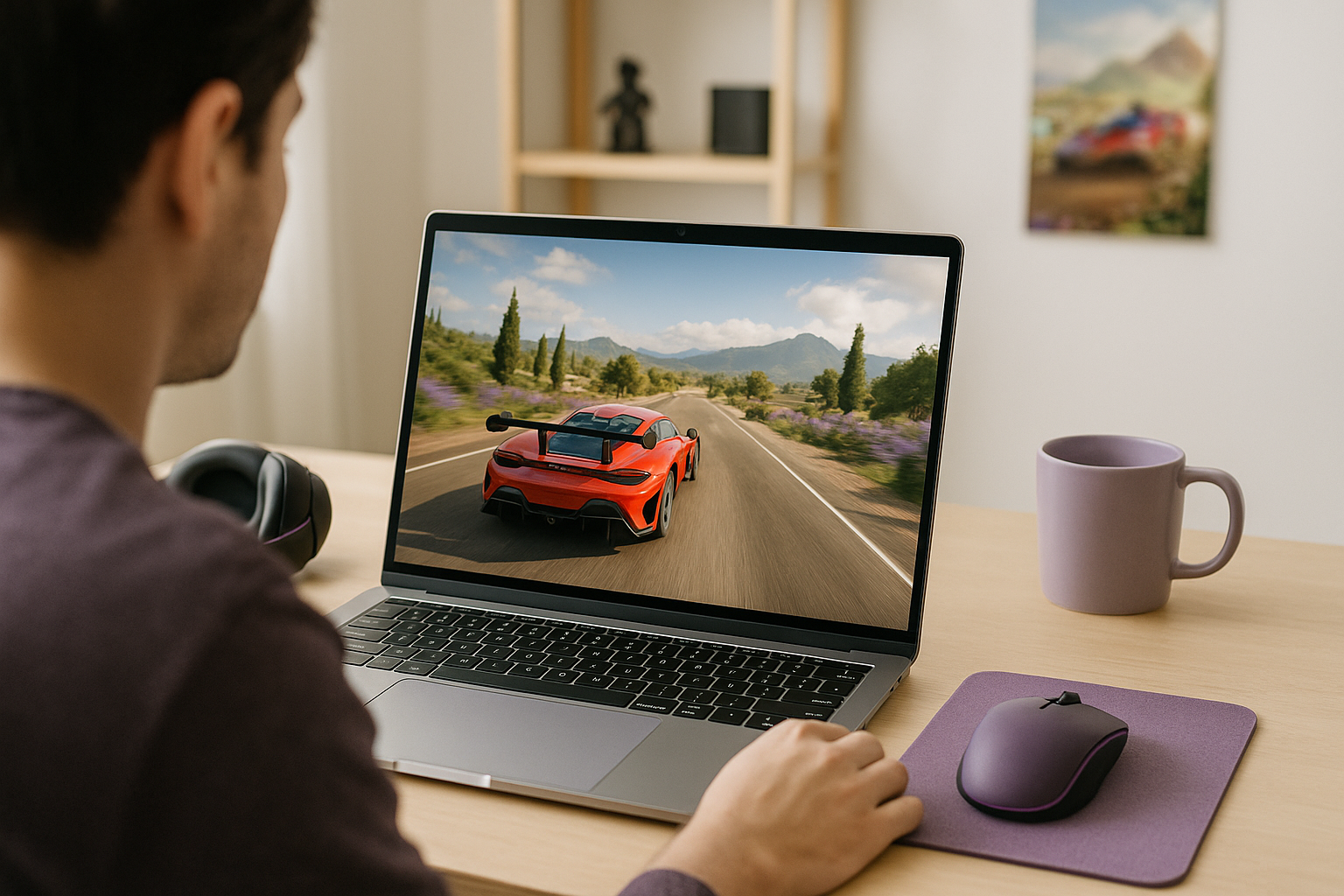
With Aristeem Play, you open the Game Library, choose the title, and click Install & Play instead of setting up the game on your own device first. The session launches on Aristeem’s cloud hardware, and only video, audio, and your inputs are streamed to you, which keeps the focus on access rather than local preparation. If needed, you may sign in to a supported game store such as Steam or Epic.
That makes it a practical fit for players who want Forza Horizon 5 online play without dealing with a full local install before every session. You are not relying on your own machine to run the game itself, and you are not spending time managing storage just to get started.
How to Play Forza Horizon 5 Online With Less Waiting
The biggest obstacle for many players is not the race itself but the time lost to downloads, updates, launcher steps, and storage cleanup before they can begin. A streamed approach fits this situation because it reduces that setup burden and turns the process into simple access. That is why Aristeem Play makes sense for players who want a faster route to launching Forza Horizon 5 online through cloud gaming without building their session around a full local install first.


