
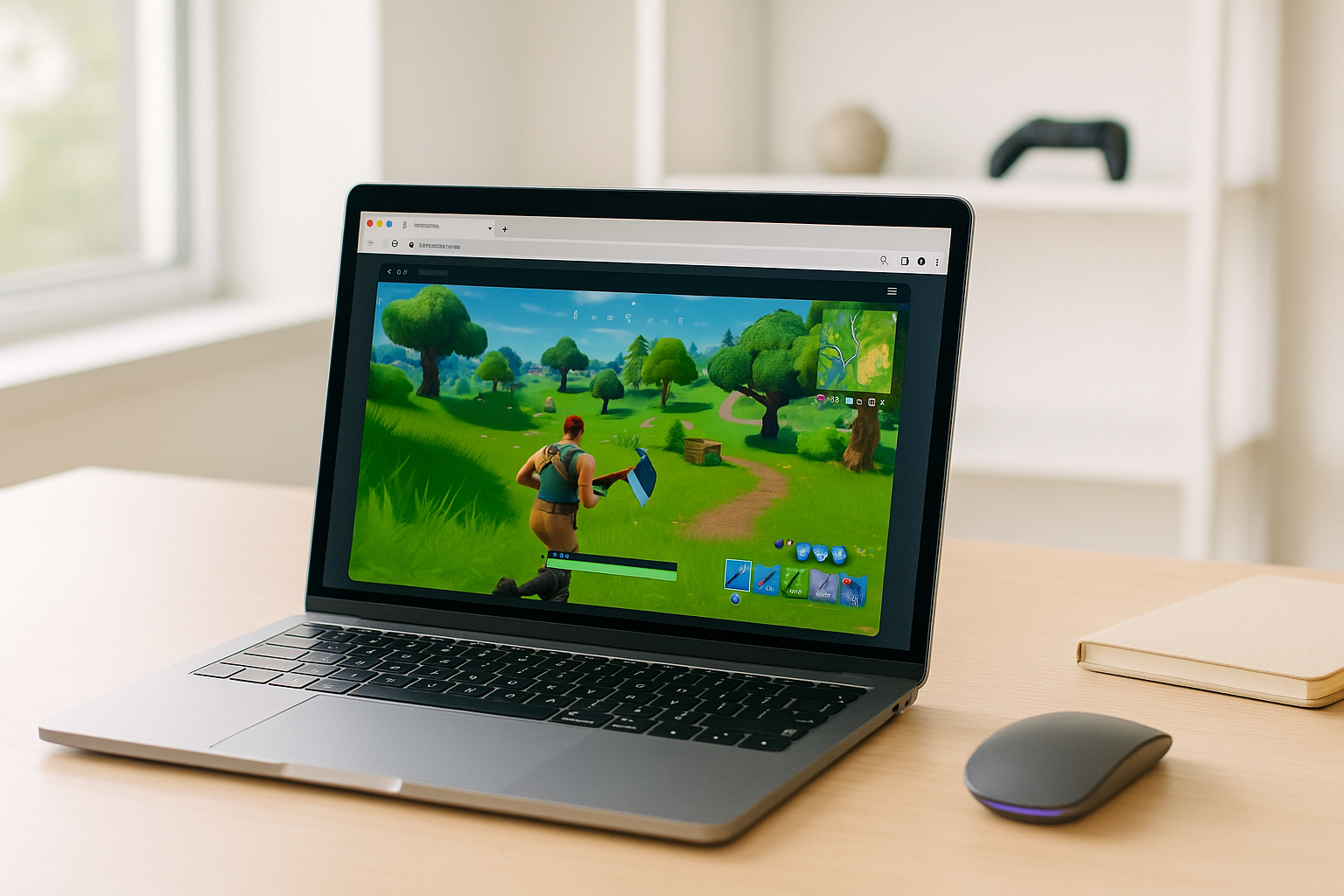
Why Mac Cloud Gaming Matters on macOS
Playing many PC games on a Mac can be frustrating because those games are often built with Windows in mind rather than macOS. That leaves Mac users dealing with compatibility gaps, limited local support, and the reality that their own machine still has to handle storage, updates, and performance if they try to run the game directly. For people who just want access without rebuilding their setup, cloud gaming on Mac becomes relevant very quickly.
This is especially noticeable when you want to use your Mac as it is, not turn it into a maintenance project. Even when a workaround exists, you may still run into app support issues, large installs, and the limits of the Mac’s own hardware. That is why many users looking into cloud gaming on Mac are really trying to avoid local complexity as much as possible.
Buying a Gaming PC Instead of Using Cloud Gaming on Mac
Some players consider buying a gaming PC because it avoids macOS compatibility issues and gives them a machine designed for PC games from the start. On paper, that sounds like the cleanest answer if your Mac is not the ideal place to run those games locally. It also removes the need to force your current device into a role it was not meant to fill.
The problem is that this shifts the issue rather than simplifying it. A second computer means extra cost, more space, another device to maintain, and a separate library setup to manage over time. If your goal is simply to stream PC games on Mac without depending on another full local machine, buying dedicated hardware can feel like a much bigger commitment than the problem actually requires.
How Cloud Gaming on Mac Reduces Hardware Dependence
With cloud gaming on Mac, the heavy work happens in a remote gaming environment instead of on your own Mac. You access the PC game from macOS while video, audio, and your inputs are delivered through the internet, which means your device does not need to do the main computational work. That makes it a practical fit for users who want access to PC titles without turning local compatibility into a long project.
Compared with buying a gaming PC, this approach is much lighter. You do not need to add another full computer to your setup just to reach a Windows-focused game library, and you avoid tying the experience to the Mac’s local storage and hardware limits. For many users, cloud gaming on Mac is a more direct way to stream PC games without relying on another computer.
A Practical Cloud Gaming Path for Mac With Aristeem Play
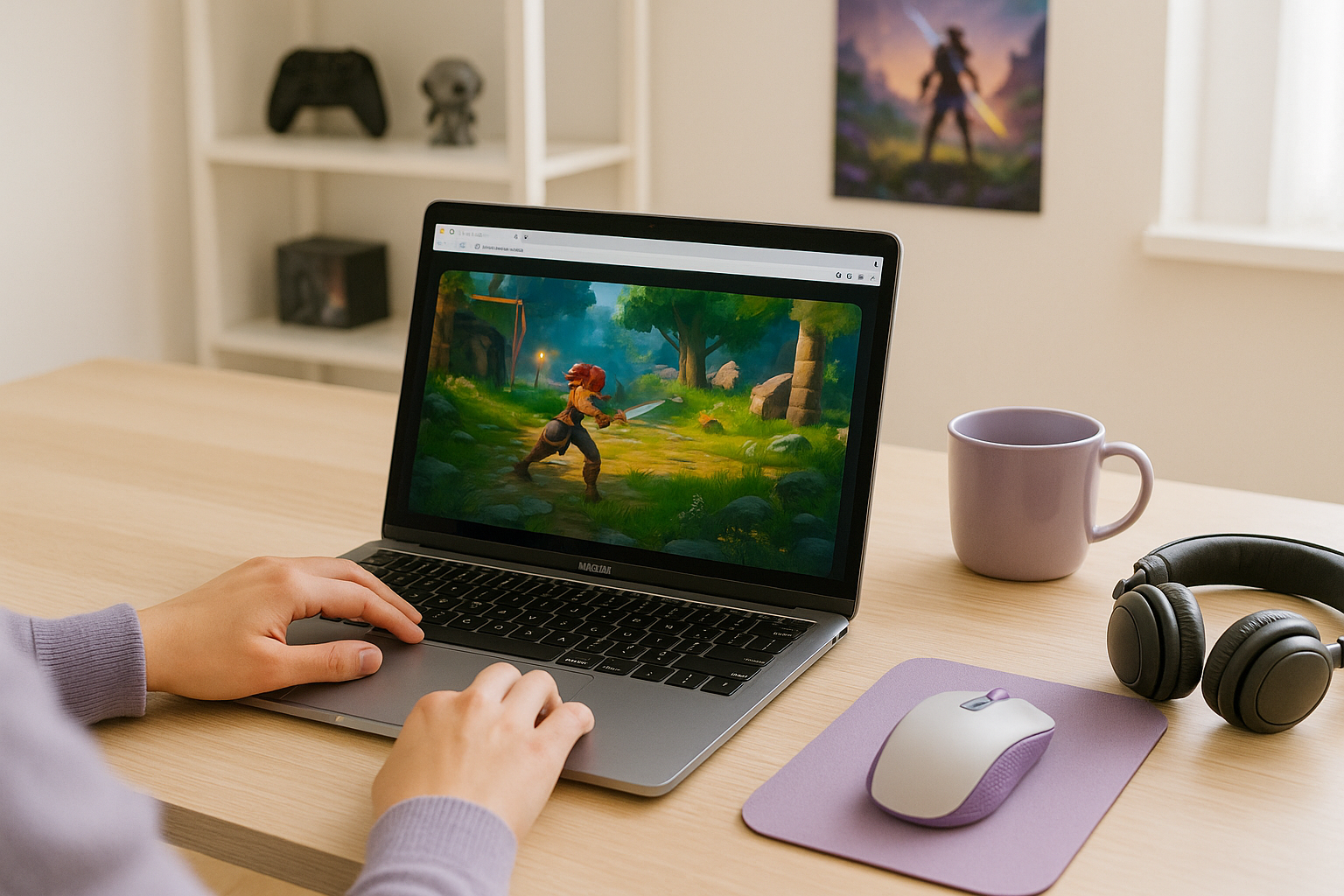
Aristeem Play fits this use case by giving Mac users a browser-based way to launch games from its Game Library instead of installing them on their own device. You select a game and click Install & Play, then the session starts on Aristeem’s cloud servers, where the game runs on cloud hardware while only video, audio, and input are streamed to your Mac. That means you are not relying on your Mac’s local gaming power to run the title itself.
Depending on the game, you may need to sign in to Steam, Epic, or another supported game store. For users comparing local workarounds with a simpler streaming route, this makes cloud gaming on Mac easier to approach because the game is launched through a cloud session rather than through a full local install and maintenance cycle.
Why Cloud Gaming Is a Practical Fit for Mac Users
When PC games are centered on Windows, trying to force them into a Mac workflow often leads to extra setup, storage use, and dependence on local hardware. Cloud gaming fits this scenario better because it gives you access from macOS without making your Mac do the main work of running the game. For users who want a practical cloud gaming option, Aristeem Play is a straightforward way to stream PC games on Mac through cloud gaming without building a separate gaming setup around the problem.


