
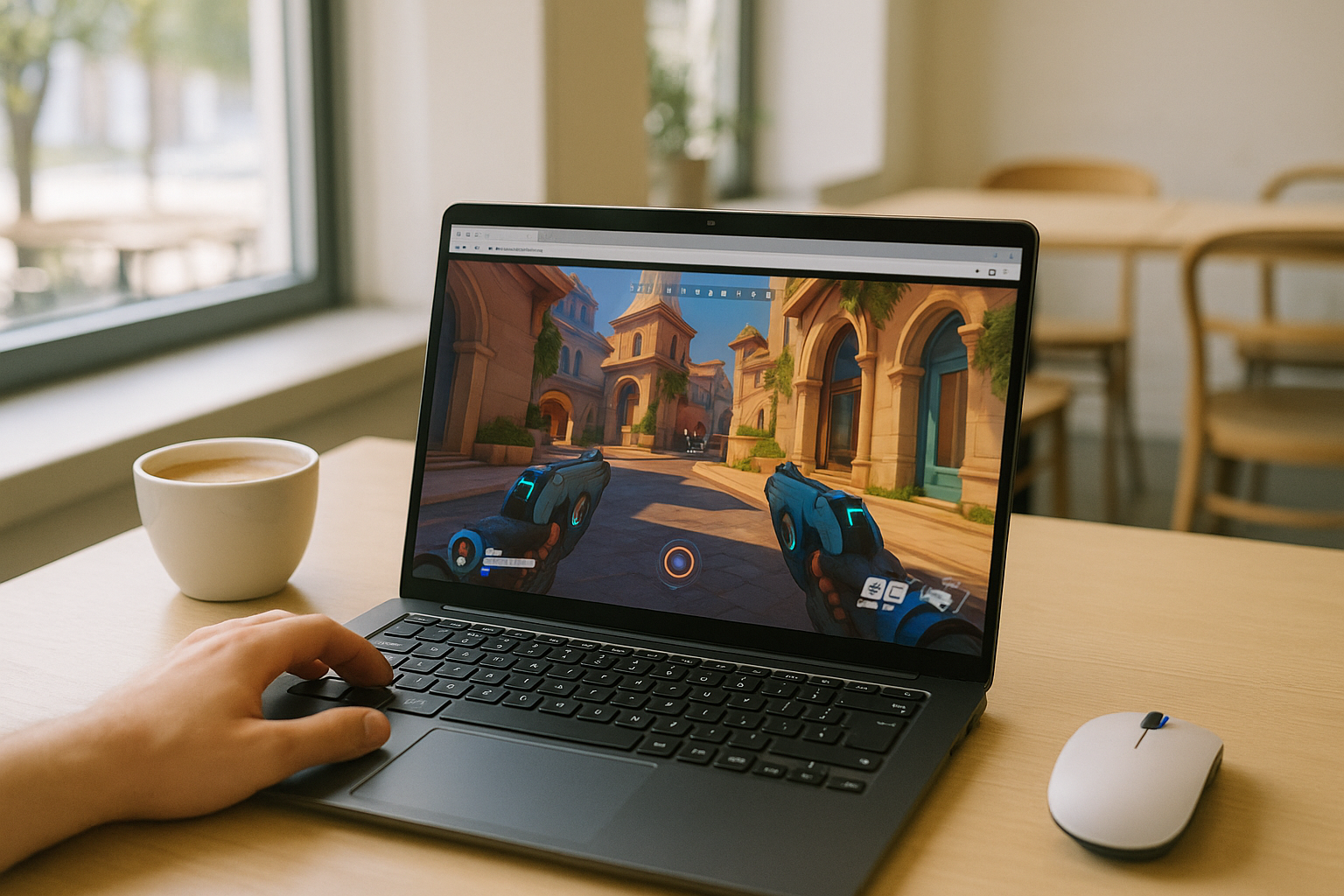
Can You Play Overwatch on Linux Today?
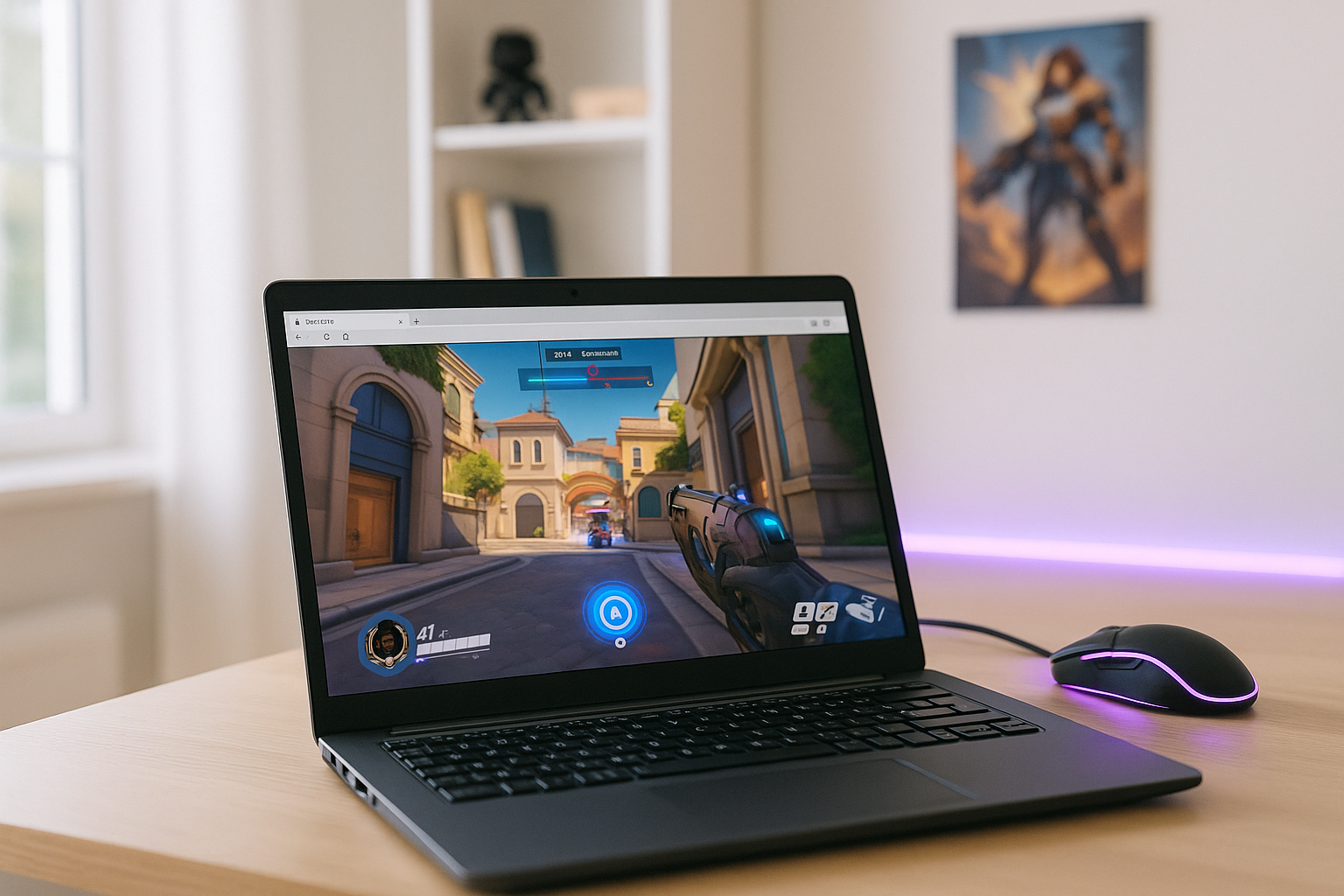
Playing Overwatch on Linux can be challenging because the PC version does not have a native Linux release. Linux users can run the game through compatibility tools such as Proton, but this adds another layer of local setup and maintenance. For someone who prefers Linux full time, that creates friction right away.
The practical problem is not just launching the game once. Linux users often want a stable way to keep playing without maintaining a separate Windows setup, dealing with extra tools, or wondering whether the next update will change the result. That is why an overwatch linux setup can feel uncertain even when the goal is simply to sit down and play regularly.
Playing Overwatch on a Gaming Console Instead
Some players consider moving Overwatch play to a gaming console because it avoids Linux compatibility work entirely. That choice makes sense if the main goal is simply to access the game without dealing with a Windows-first PC environment. It can feel like the most direct escape from Linux-side uncertainty.
Still, this does not really answer the original question of whether you can play Overwatch on Linux. It means switching devices, changing where and how you play, and accepting a separate platform just to avoid local setup issues. If you prefer your Linux machine and do not want another system to maintain, a console becomes more of a workaround than a satisfying long-term answer.
A Practical Way to Play Overwatch on Linux Through Streaming
A more practical path is cloud gaming. Instead of relying on your Linux machine to handle the game locally, the game runs in a cloud environment and your device receives the video, audio, and controls. That means you can access the PC version from Linux without making your own system do the heavy work.
Compared with switching to a console, this keeps you on the device you already want to use. It also avoids the ongoing burden of local compatibility layers or a separate gaming environment, which is why many players looking for an overwatch on linux guide end up considering cloud gaming. For Linux users who want less maintenance and fewer local variables, this approach fits the problem much better.
How Aristeem Play Helps You Play Overwatch on Linux
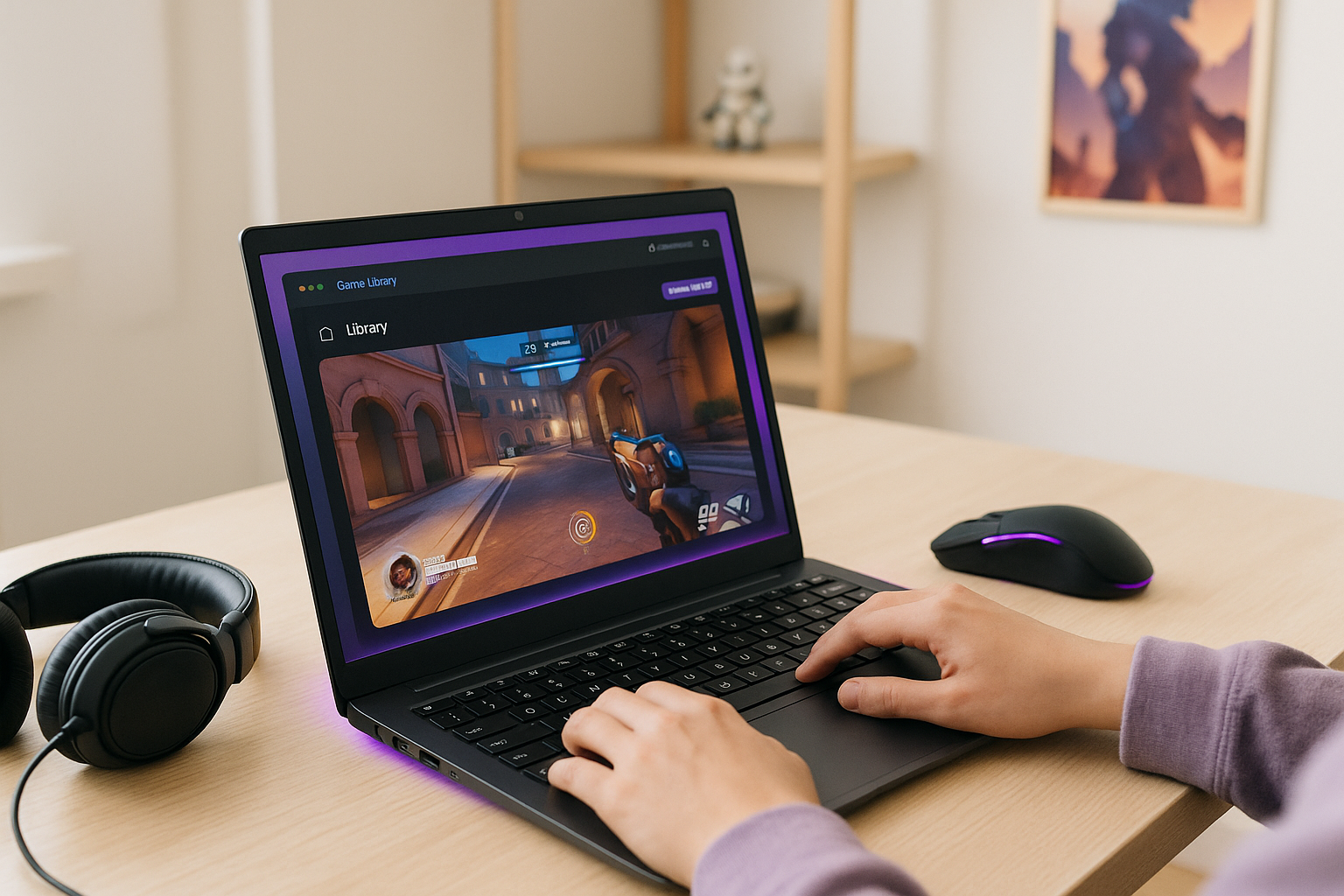
With Aristeem Play, you open the Game Library, choose the game, and click Install & Play instead of setting up a local Linux installation. The game runs on Aristeem’s cloud hardware while video, audio, and your inputs are streamed to your device, so your own Linux system does not need to run it locally. Depending on the game, you may need to sign in to Steam, Epic, or another supported store.
That makes it a practical fit for Linux users who want access without building and maintaining a separate Windows environment. If you are comparing local compatibility effort with a cloud-based approach, this option is especially relevant for Overwatch on Linux access because it reduces reliance on local hardware power and ongoing setup work.
Final Answer to can you play Overwatch on Linux
If your main concern is whether Linux is a practical place to keep playing Overwatch, the answer is that local compatibility can be uncertain and maintaining another environment is not always appealing. Cloud gaming fits this situation better because it lets the game run elsewhere while you stay on your Linux device. For players weighing convenience against setup burden, Aristeem Play is a sensible option to explore for playing Overwatch on Linux through cloud gaming.


