
Why Sons of the Forest Mac Is a Frustrating Local Setup
Playing Sons of the Forest Mac can be difficult because the PC version is built around Windows rather than macOS. That leaves Mac players looking for a workaround before they can even think about performance, controls, or survival gameplay. For many people, the real problem is not just launching the game, but dealing with extra steps and uncertain results on different Mac models.
This is especially noticeable if you want to play Sons of the Forest on Mac without turning your laptop into a long experiment. A MacBook may have enough general power for everyday work, yet still struggle with a demanding Windows-focused game or with the compatibility layer needed to run it. The result is a slower path to playing, more storage used for setup, and no guarantee that the experience will feel smooth once you finally get in.
Buying a Gaming PC for Sons of the Forest on Mac
Some players consider buying a gaming PC when Sons of the Forest Mac feels too awkward to sort out locally. The logic is simple: instead of fighting macOS limitations, move to hardware that matches the game’s Windows-first design. On paper, that sounds direct, especially if you expect to play other demanding PC titles later.
In practice, this is a heavy answer to a narrower problem. Buying another machine means extra cost, extra space, another device to maintain, and a full shift away from the Mac you already use every day. If your goal is just to start playing Sons of the Forest on MacBook quickly, buying another machine means extra cost, extra space, and another device to maintain when you may only need access to one game.
A Faster Way to Play Sons of the Forest on Mac
A more practical route is cloud gaming. Instead of relying on your Mac to do the heavy work, the game runs in a cloud environment and the video, audio, and your inputs are delivered to your device. That makes it possible to access a demanding PC game from macOS with fewer local setup steps than buying a separate gaming PC.
This approach fits players who want Sons of the Forest macOS access without committing to new hardware just to solve one compatibility problem. It also helps when your MacBook is not ideal for running a Windows-focused game locally, because the main performance load is handled elsewhere. Compared with purchasing a gaming PC, it can provide a shorter path from setup to actual play.
How Aristeem Play Helps With Sons of the Forest Mac
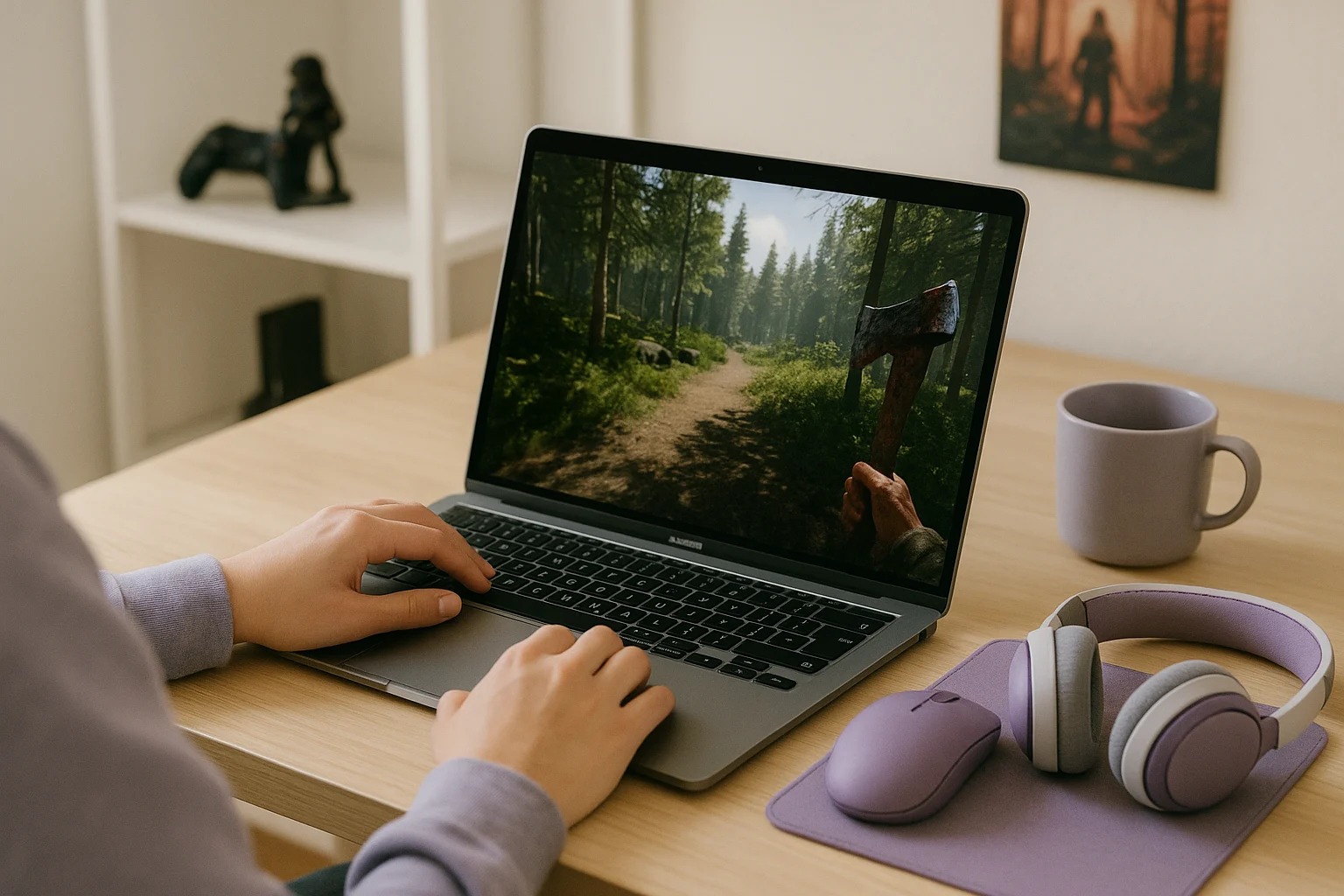
Aristeem Play fits this situation by letting you launch the game from its Game Library instead of installing it on your own Mac. You select the game and click Install & Play, then the session starts on Aristeem’s cloud hardware while only video, audio, and your inputs are streamed to your device. That means your Mac is not the machine doing the main computational work, which is exactly why this model makes sense for Sons of the Forest Mac access.
Depending on the game, you may need to sign in to Steam, Epic, or another game store. The key advantage is that you are not building a full local setup on macOS first, so the path to play Sons of the Forest on Mac is shorter and less dependent on your MacBook’s hardware than a traditional local workaround.
Choosing the Right Sons of the Forest Mac Option
If you want Sons of the Forest Mac access, the main obstacle is that the game is centered on Windows rather than macOS, which turns local play into a workaround-heavy process. Buying a gaming PC can solve the compatibility issue, but it is a much bigger commitment than simply accessing the game elsewhere. Aristeem Play offers another option if your priority is playing Sons of the Forest on Mac through a cloud gaming session without rebuilding your setup around new hardware.