
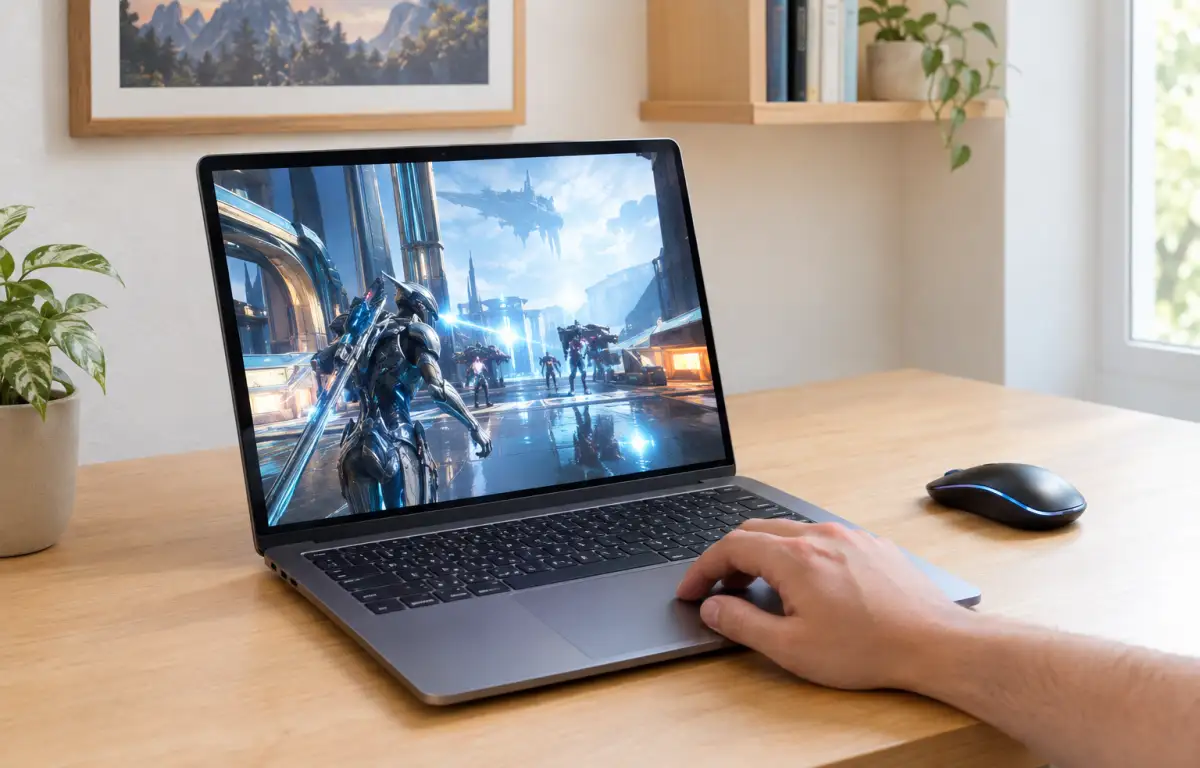
Why Warframe Cloud Gaming Is an Alternative to Local Play
For many players, the biggest obstacle is not learning the game but getting into it quickly. A traditional local setup means downloading the full game, finding enough storage space, waiting through installation, and then dealing with future patches on the same device. That can turn a quick session into a long prep process, especially when you just want to jump in and play.
This is why Warframe cloud gaming stands out as a practical option. If your device is already crowded with other files or games, or if you do not want another large install sitting on your drive, the local route feels inefficient. The same frustration applies when updates arrive and you have to spend more time maintaining the game before you can actually play.
Buying a Gaming PC Instead of Using Warframe Cloud Play
Some players look at the delay and decide the answer is buying a gaming PC. The logic is understandable: a stronger machine can handle more games locally, gives you dedicated storage for installs, and may reduce some of the friction that comes from trying to manage everything on an older or more limited device. If you plan to build a large local library, that route can seem like the direct fix.
But it does not really solve the immediate problem of wanting fast access to Warframe without extra overhead. Buying new hardware is expensive, takes time, and still leaves you with the same local responsibilities afterward: installation, storage management, and ongoing updates. If your goal is simply to play sooner rather than invest in a whole new setup, this workaround often feels much heavier than the problem you were trying to solve.
How Warframe Cloud Gaming Works
With cloud gaming, Warframe runs on remote gaming hardware rather than on your own PC. Your device receives the video and audio stream and sends your inputs back to the remote session. This means you can access the PC version without relying on your device to handle the game’s full installation and processing requirements.
Compared with buying a gaming PC, this is a much lighter path when speed and convenience matter most. You are not solving the problem by purchasing more hardware just to repeat the same install-and-update cycle on a different machine. For players who want Warframe cloud play with fewer setup steps and less dependence on local storage, streaming is the more direct fit.
Warframe Cloud Gaming Through Aristeem Play
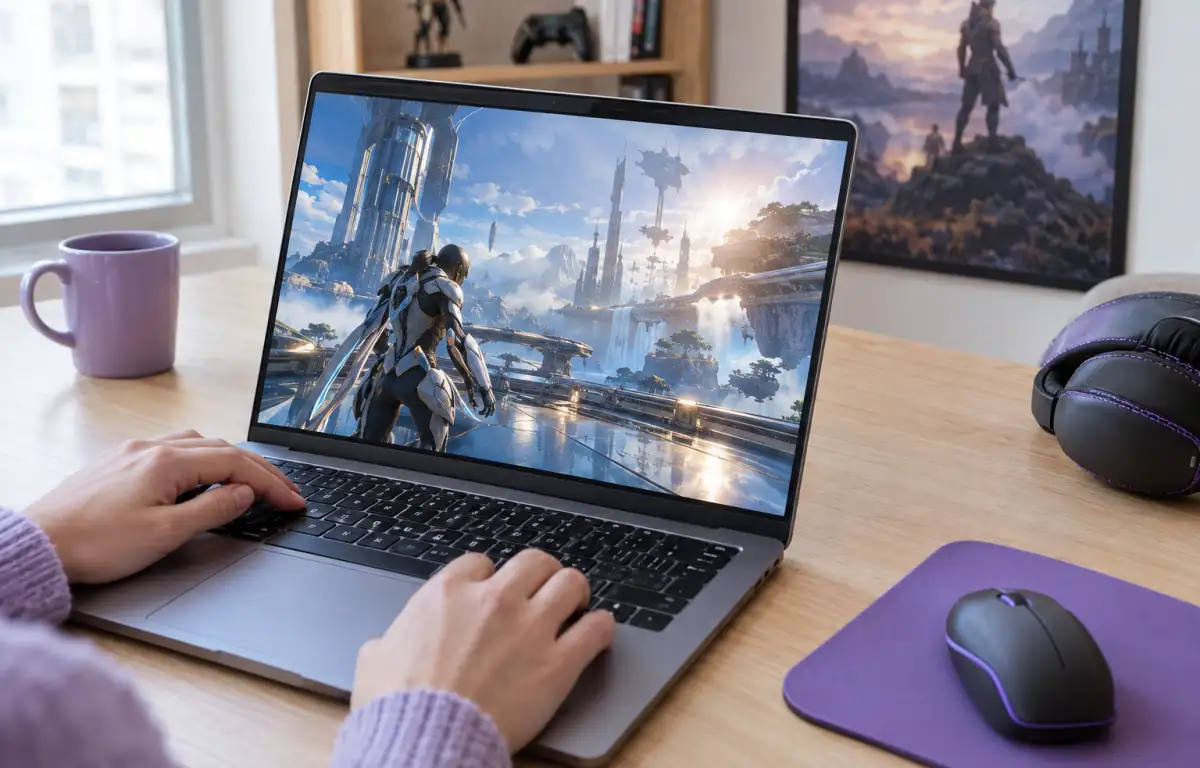
With Aristeem Play, you open the Game Library, choose Warframe, and click Install & Play instead of setting the game up on your own device. The session launches on Aristeem’s cloud servers, where the game runs on cloud hardware while video, audio, and your inputs are streamed to you. That means your local device does not need to carry the main burden of running the game or storing a full local installation.
Depending on the game, you may need to sign in to Steam, Epic, or another relevant store. This makes it a straightforward way to stream Warframe game sessions without centering the experience around downloads and patch management on your own machine.
Is Warframe Cloud Gaming Better Than Local Installation?
If your main issue is the time and storage overhead of a traditional install, cloud streaming is a better match than buying new hardware or maintaining another local setup. It removes much of the waiting that comes with downloads and updates on your own device, which is exactly why Warframe cloud gaming is appealing for quick access.
Aristeem Play offers an alternative to running Warframe locally: choose the game in the Game Library, click Install & Play, and access a session running on cloud hardware. If you are comparing options around Warframe cloud gaming, the browser-based model makes sense when convenience matters more than managing another full local install.