
Why Warframe Online Appeals to Players Who Want Faster Access
Sometimes the biggest barrier to playing is not the game itself, but everything that happens before the first mission starts. A full local setup can mean waiting through a large download, launcher configuration, and updates before you can do anything at all. If you only want a quick session, that prep work can feel longer than the time you actually planned to play.
This is why Warframe online matters for players who want speed and convenience. Maybe you are using a shared machine, dealing with limited storage, or simply do not want another large install sitting on your system. In those situations, the goal is straightforward: start playing quickly without turning each session into a maintenance task.
What to Consider When Playing Warframe online
If you want to play Warframe online through the web, the experience depends on a few practical factors. A stable internet connection matters because interruptions are more noticeable when your session is being delivered live. Latency also matters, since the time between your input and what appears on screen affects how responsive movement and combat feel.
It also helps to think about device compatibility and the control method you plan to use, because comfort and responsiveness shape the overall experience. The key difference is where the game runs. Local play depends on your device’s hardware, storage, installation, and updates. With cloud gaming, the game runs on remote hardware, while your device receives the stream and sends your inputs.
A Faster Way to Play Warframe online
A streaming-based approach lets you start with a remote gaming session rather than preparing your local machine first. For players searching for Warframe in browser access, the benefit is simpler access from a compatible device without installing the game locally. The game still runs on remote hardware, so a stable internet connection and responsive streaming remain important.
How Aristeem Play Supports Warframe in Browser Access
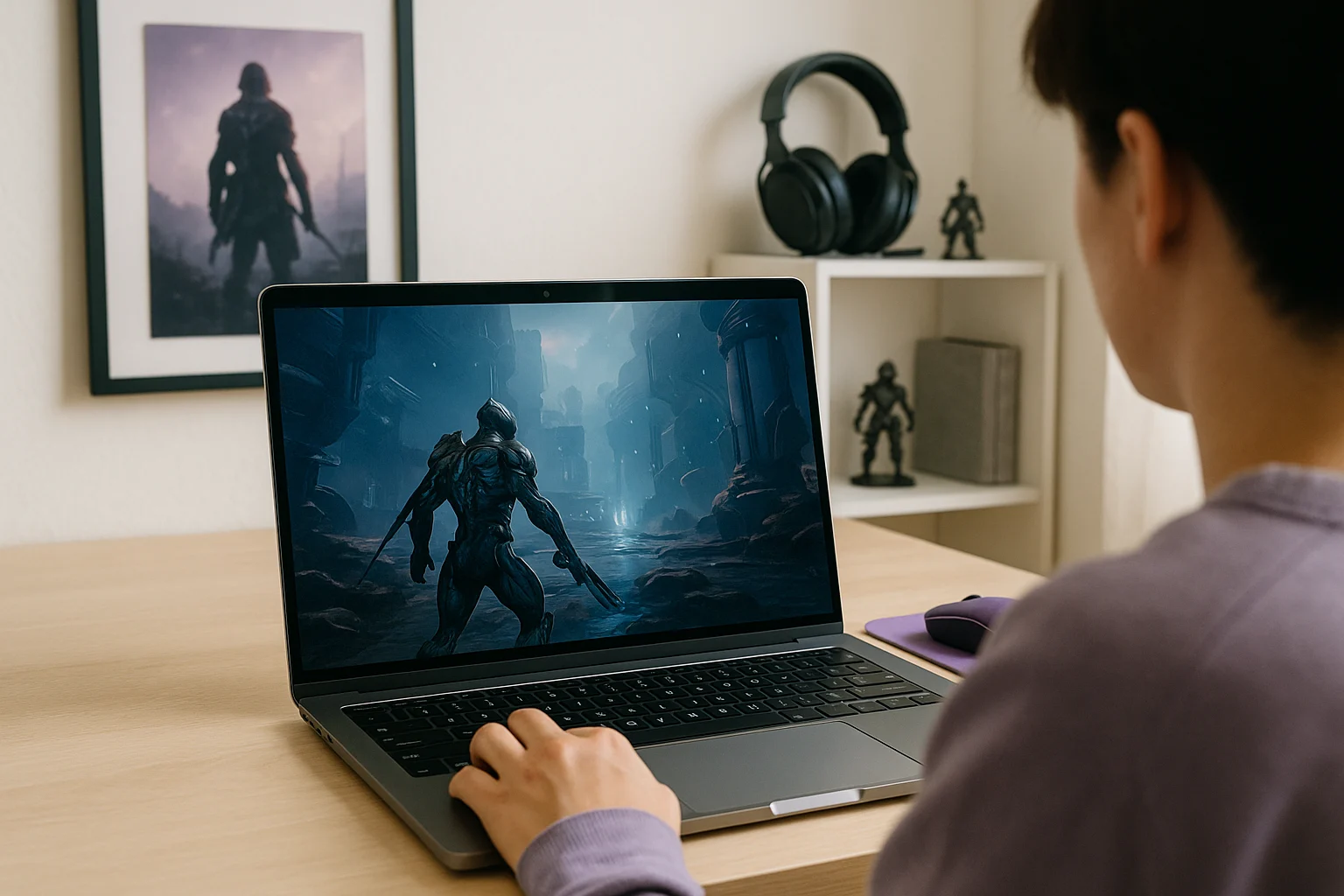
With Aristeem Play, you open the Game Library, choose the game, and click Install & Play instead of setting up a full local install on your own device. The session launches on Aristeem’s cloud servers, where the game runs on Aristeem’s hardware, while only video, audio, and your inputs are streamed to you. The game runs on Aristeem’s hardware rather than being installed locally, so your device mainly needs to handle the stream and your controls.
Depending on the game, you may need to sign in to Steam, Epic Games, or another supported game store. If your goal is quick Warframe online access without dealing with local storage and update management first, this setup is a practical way to reach that result while keeping the browser as the access point. If you are comparing ways to access PC games without managing local installations, our guide to cloud gaming services explains when streaming makes more sense than upgrading your gaming hardware.
Choosing Warframe online for Quick Start Sessions
For quick or spontaneous sessions, cloud gaming can reduce the time spent on local installation and updates. Aristeem Play offers another way to access the game: choose it in the Game Library, click Install & Play, and launch the session through a browser. Your connection quality still affects responsiveness, but you avoid managing a local game installation.