

Does World of Tanks Work on Linux?
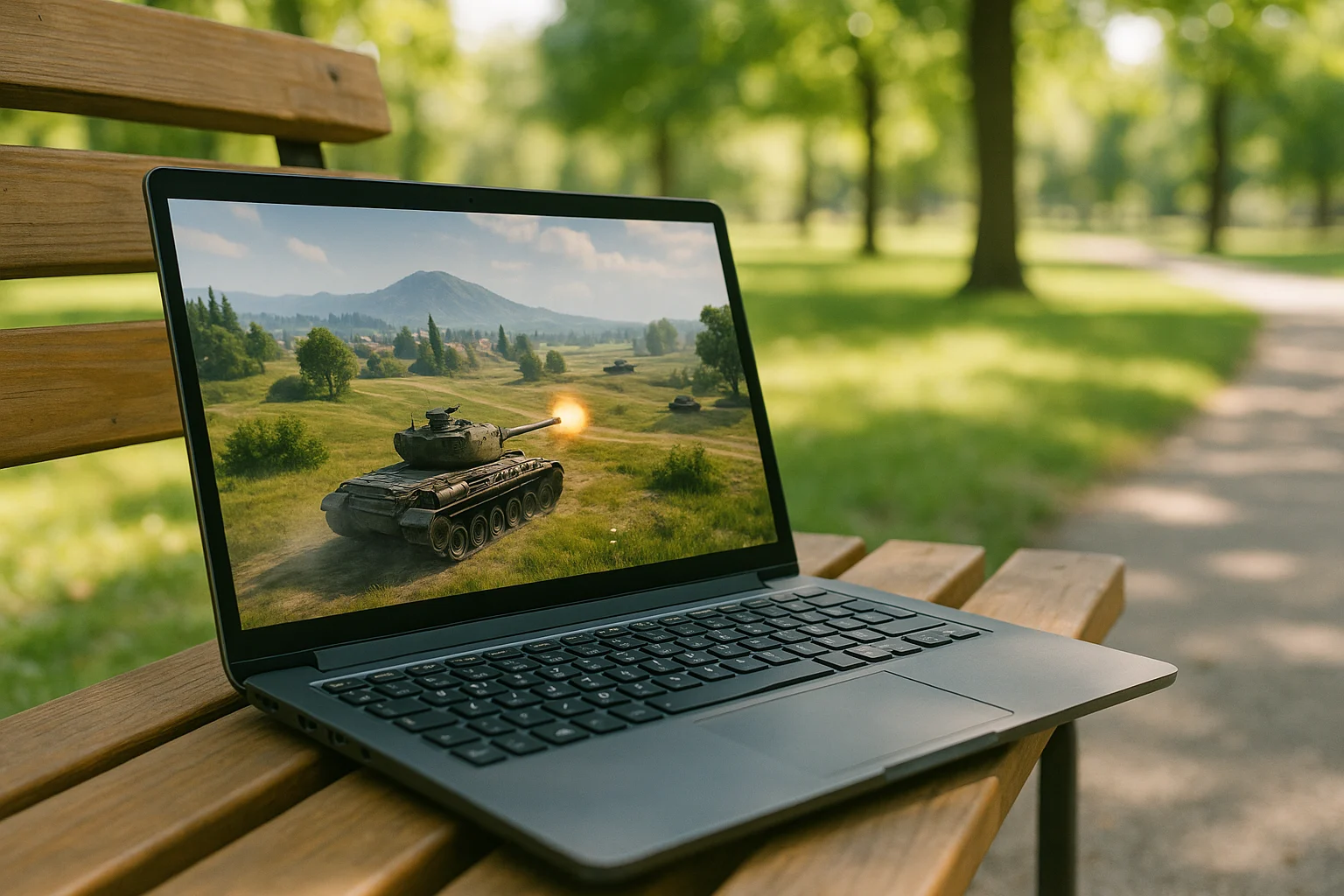
World of Tanks has no official native Linux client, but that does not mean you cannot play it on Linux. Community-developed methods using compatibility tools can make local play possible, although they are not officially supported by Wargaming and may not work reliably on every setup.
That creates a familiar problem for Linux users: the game is associated with another platform, while your own OS is left outside the normal install path. When people search for does world of tanks work on linux, they usually want a clear yes-or-no answer first, and then a realistic explanation of what playing actually looks like when native support is missing.
World of Tanks Linux Compatibility: What to Know
World of Tanks does not have an official native Linux client, so local play relies on compatibility tools rather than a version officially supported by Wargaming. Community tools may make the game playable, but compatibility can vary by setup.
That matters because native support is different from making a non-Linux version run through extra layers. In world of tanks linux compatibility discussions, players often mix up official support, unofficial compatibility tools, and cloud access, but they are not the same thing. Without a native Linux version, local play depends on workarounds rather than a straightforward supported release.
Using a Windows PC Instead of Linux
One obvious workaround is to stop trying to solve the Linux compatibility question locally and use a Windows PC for World of Tanks instead. Players consider this because it avoids the missing Linux version entirely and follows the platform the game is actually built for.
In real life, though, this route is often inconvenient rather than practical. You may need a second machine, access to someone else’s PC, or a separate gaming setup that defeats the whole point of wanting to play from Linux in the first place. It also means switching devices, moving away from your usual workspace, and depending on hardware you may not own or want to maintain just for one game.
So while a Windows PC can bypass the Linux support issue, it does not really solve it for someone who wants to stay on Linux. A better approach is to keep using your Linux device while letting the game run somewhere else entirely on cloud hardware.
Playing World of Tanks for Linux Through Cloud Hardware
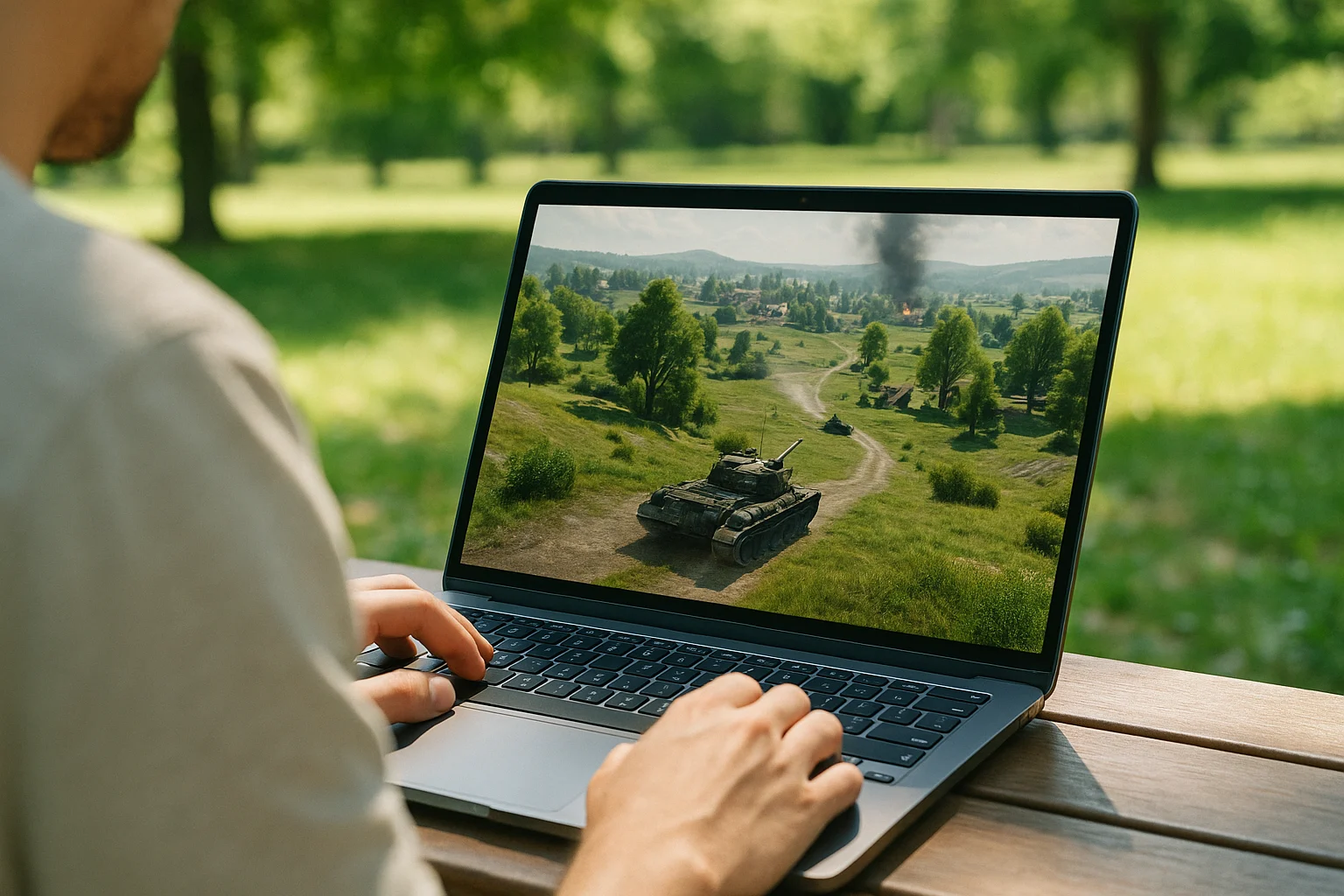
Instead of installing the game on your Linux device, you launch it through Aristeem Play, where it runs on cloud hardware and is streamed to your device. That changes the whole compatibility picture: the lack of world of tanks linux support on your local system no longer decides whether you can play, because the game itself is not running on Linux.
You open the Game Library, choose the title, and start a session on remote hardware, with video, audio, and your inputs delivered to and from your device. Depending on the game, you may need to sign in to Steam, Epic or another relevant store.
Final Answer on World of Tanks for Linux
World of Tanks has no official native Linux client, although community compatibility tools may allow local play. If you prefer not to troubleshoot compatibility or maintain a separate Windows PC, Aristeem Play lets you access the game running on cloud hardware and play from your Linux device. Instead of chasing native support that is not there, you can focus on streaming World of Tanks to your Linux device from cloud hardware and playing from the system you already use.