
Why World of Tanks MacOS Setup Feels Complicated
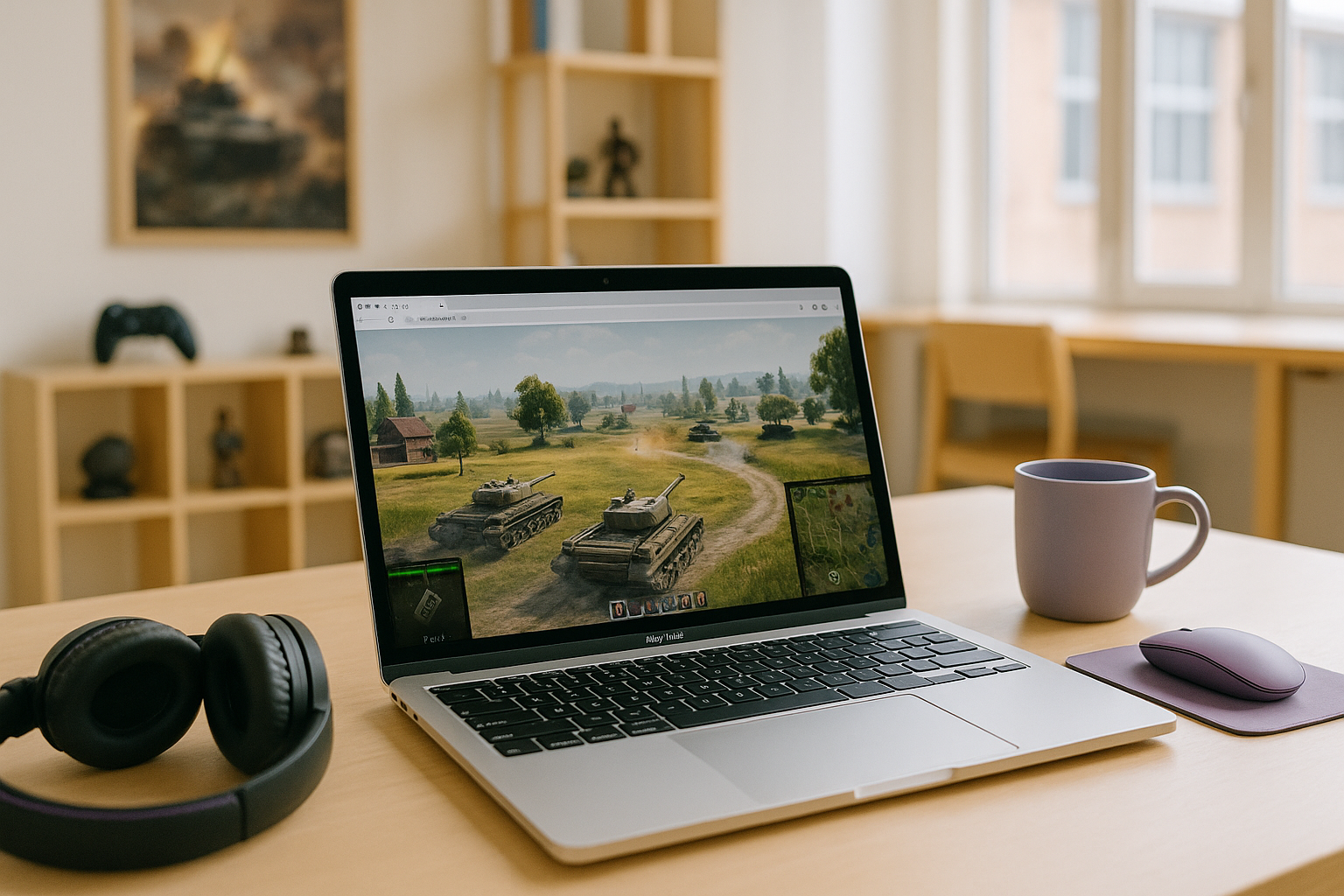
Playing World of Tanks for Mac can be frustrating because the PC version is built around Windows, while macOS users often need extra steps before they can even test whether the game will run well. That creates a very different experience from simply downloading a title made for Mac in the first place. For many players, the real problem is not interest in the game but the added compatibility layer between macOS and a Windows-focused release.
If your goal is to play World of Tanks on Mac today, the usual pain points are setup time, uncertain stability, and the chance that your Mac still may not deliver smooth gameplay after the workaround is in place. Even when the game launches, local performance can depend heavily on the Mac model and graphics capability. That makes accessing the game on macOS feel less direct than most Mac users want.
Buying a Gaming PC to Play World of Tanks on Mac
Some players consider buying a gaming PC because it removes the macOS compatibility question and gives them a straightforward Windows environment for the game. On paper, that sounds like the cleanest way to avoid local Mac workarounds. It also explains why people who want to know how to play World of Tanks on Mac sometimes end up looking beyond their current device entirely.
The downside is obvious: buying another machine is a large step when your main goal is simply to start playing one game without extra hassle. It adds cost, takes space, and creates a second device to maintain with updates, storage management, and general upkeep. For Mac users who want a fast path into matches rather than a new hardware commitment, this workaround often feels heavier than the problem it solves.
A Faster Way to Play World of Tanks on Mac
A cloud streaming approach solves this problem differently. Instead of relying on your Mac to run the full PC game locally, the game runs in a cloud environment and your device receives video, audio, and your controls. That means you can access the PC version from macOS with far fewer local setup steps than buying a separate gaming PC.
This is why the approach makes sense for players focused on speed and convenience. Your Mac does not need to handle the main computational workload, which can reduce the hardware demands of local gameplay. Compared with purchasing another computer, it is a much more practical route when the priority is to play now rather than rebuild your setup around one title.
How World of Tanks for Mac Works With Aristeem Play
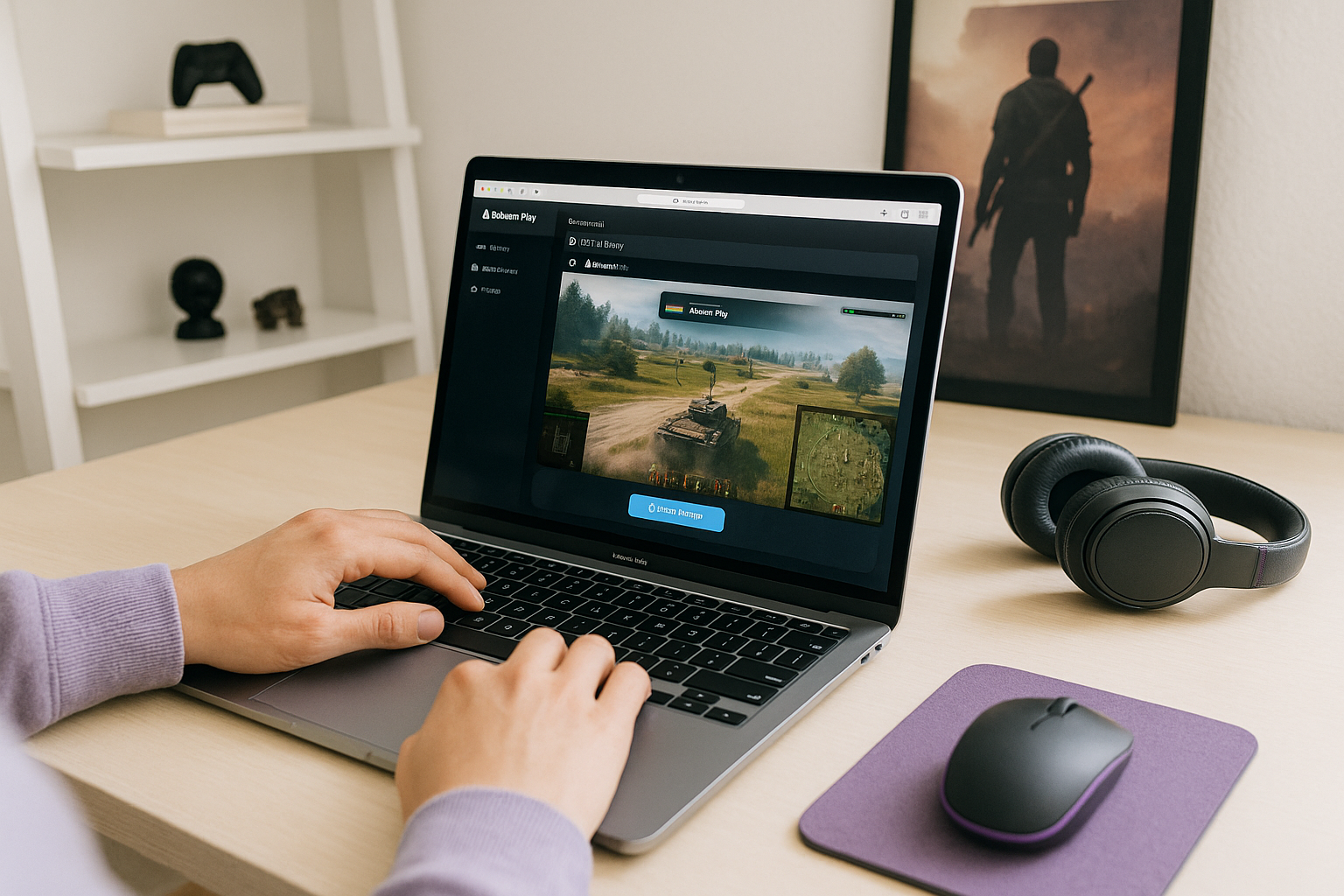
Aristeem Play fits this use case by letting you open the Game Library, choose the game, and click Install & Play instead of setting up a local Mac installation. The game runs on Aristeem’s cloud hardware, while only video, audio, and your inputs are streamed to your device. If needed, you may be asked to sign in to Steam, Epic, or another supported game store.
That makes it a practical option for Mac users who want to play without depending on local graphics power or buying another computer. Instead of turning your Mac into a Windows gaming machine, you use it as the screen and control point for the session. For players comparing local effort with cloud access, this approach is designed to simplify the setup.
Playing World of Tanks on Mac With Less Friction
Mac players usually run into the same issue: the game is centered on Windows, while macOS adds compatibility questions and extra setup before gameplay even begins. Buying a gaming PC can solve that, but it is a much bigger commitment than most players need. A browser-based option fits better when the goal is to start quickly and avoid turning one game into a hardware project.
That is why Aristeem Play stands out as a practical route for this category of players, especially if you want playing World of Tanks on Mac through cloud session to feel more direct than local workarounds. It keeps the focus on getting into the game from macOS instead of managing another device or forcing your Mac to handle the full PC workload.


