

Why World of Tanks Online Appeals to Fast-Start Players
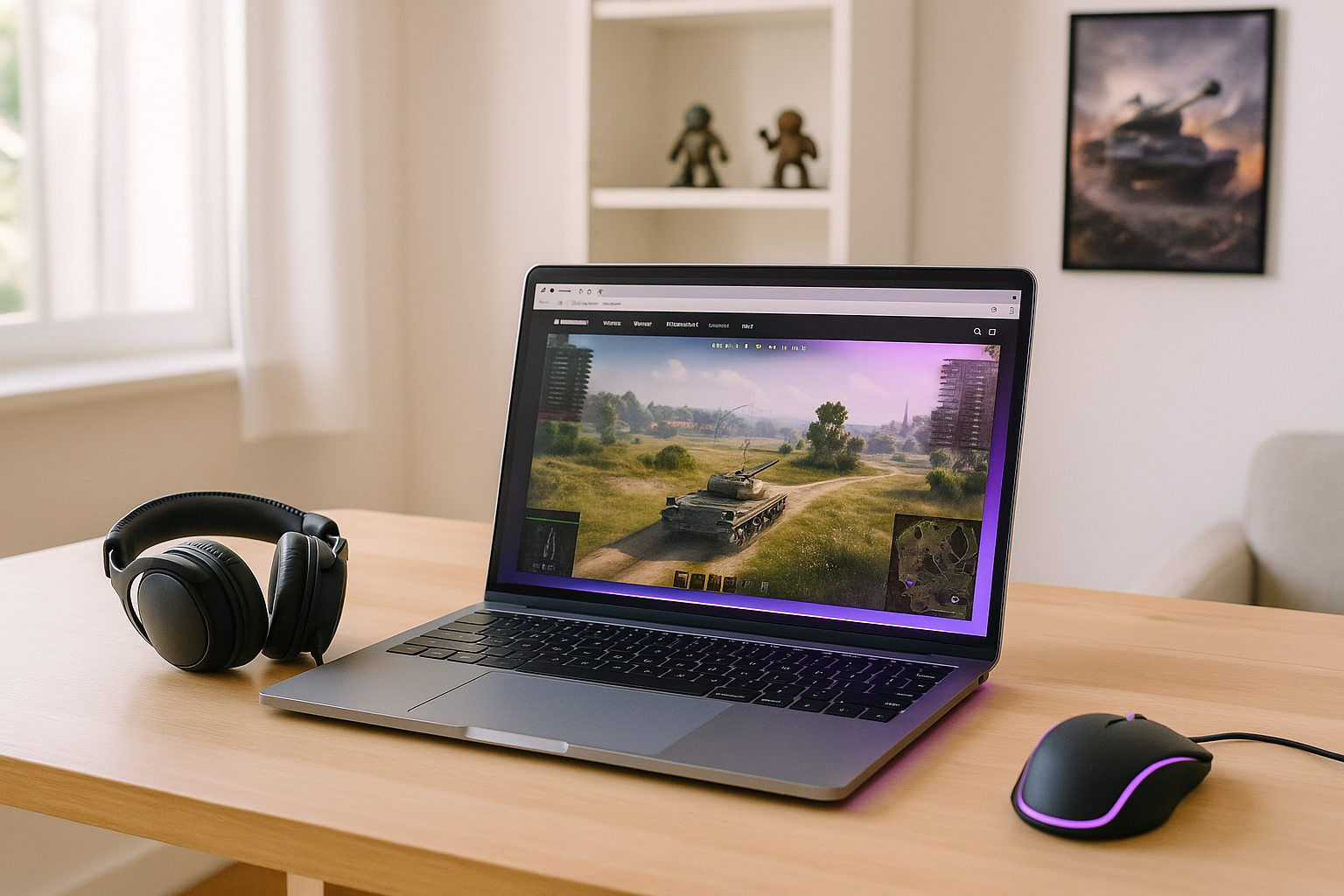
For many players, the biggest obstacle is not the match itself but everything that happens before it. A full client download, launcher setup, patches, and storage cleanup can turn a quick gaming session into a long wait. That friction is exactly why World of Tanks online is appealing when the goal is to get into battle sooner.
This matters even more when time is limited or the computer is shared with other people. Installing a large game can be inconvenient, and keeping it updated adds ongoing maintenance long after the first session. If your priority is to play World of Tanks online without spending the evening preparing a local install, the usual setup path can feel heavier than it needs to be.
What to Consider When Playing World of Tanks Online
If you want World of Tanks online play to feel smooth, a few practical factors matter more than the word “browser” itself. You need a stable internet connection, reasonable latency between your input and what appears on screen, support for the device you are using, and a control method that feels comfortable for aiming, movement, and menu navigation. Those details shape whether a fast-start option feels convenient or frustrating.
The most important question is where the game is actually running. With local play, the game runs on your own device, so its hardware, storage, installation, and updates all become part of the setup. With a cloud-based approach, the game runs on remote hardware instead, while your device connects to the active session, and the browser can simply serve as one way to access that session rather than being where the game itself runs.
A Faster Way to Play World of Tanks Online
A streaming approach is what changes the starting experience. Instead of preparing the local machine first, you move straight toward accessing the session and playing. That makes it a practical option for anyone looking for World of Tanks without download as a way to reduce waiting, storage management, and update-related delays.
In simple terms, the benefit is speed of access. The focus shifts away from installation and maintenance and toward opening the game session when you are ready to play. For players who want quick entry rather than another setup task, that difference is the main advantage.
How to Play World of Tanks Online With Aristeem Play
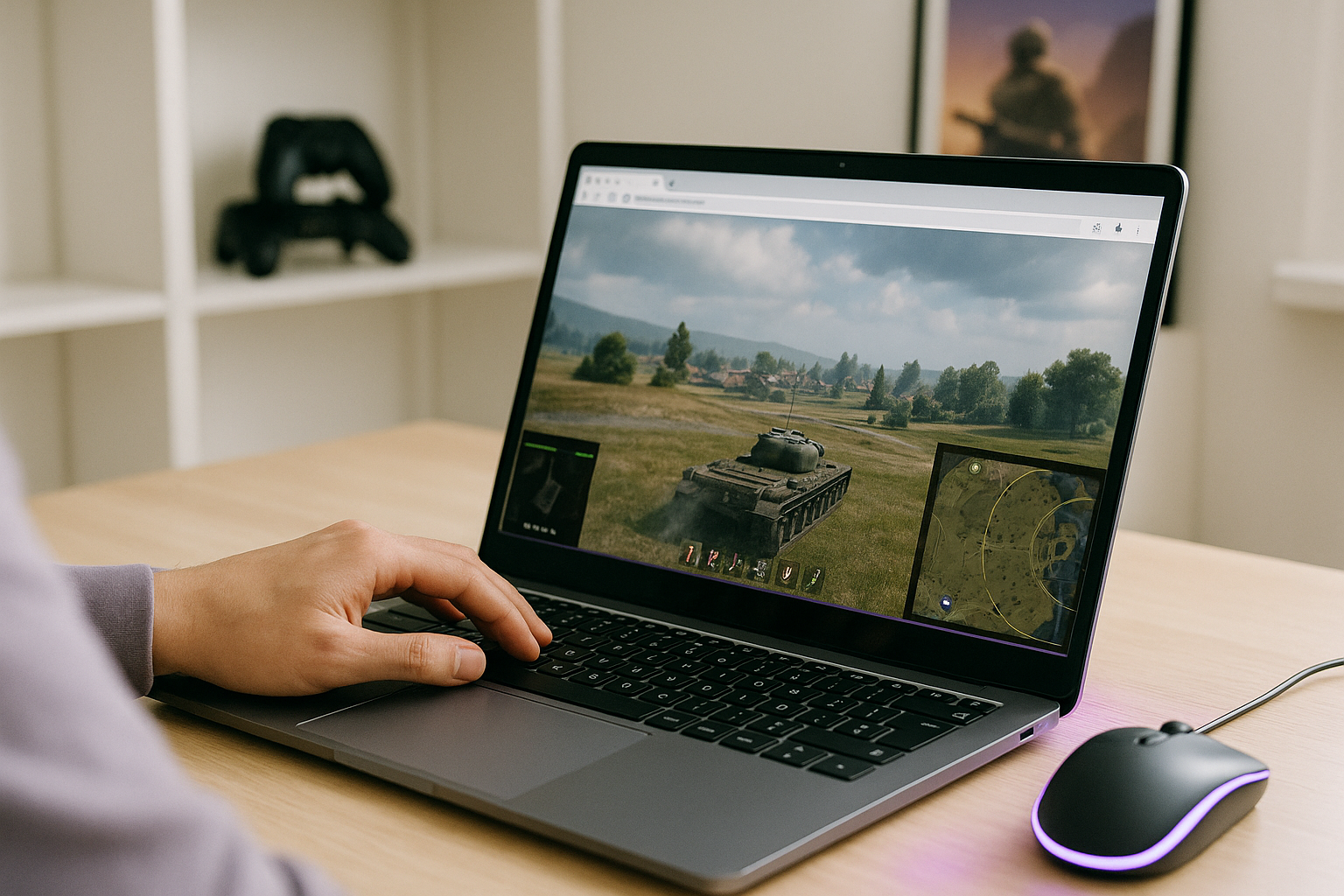
Aristeem Play fits this fast-start scenario by letting you open the Game Library, choose the game, and click Install & Play instead of setting everything up on your own device first. The game runs on Aristeem’s cloud hardware, while video, audio, and your inputs are streamed to your device, so you are not installing or running it locally. That makes play World of Tanks online feel more direct because the time and effort shift away from local preparation.
Depending on the game, you may need to sign in to the relevant store such as Steam, Epic, or other. If you want a practical example of World of Tanks online access built around speed rather than a full local install, this is the kind of setup that reduces maintenance on your side while keeping the process straightforward.
Choosing the Best Way to Start World of Tanks Online
The main issue is simple: large downloads, updates, and storage demands can delay the first match and keep adding work later. A streamed approach fits this situation because it removes most of that local preparation from the path to play and turns the process into access rather than maintenance.
If quick entry matters more than managing a full install, Aristeem Play is a practical way to explore launching World of Tanks online through a browser and getting into the game with less setup on your own device.


