
Why Apex Legends Linux Setup Feels Uncertain
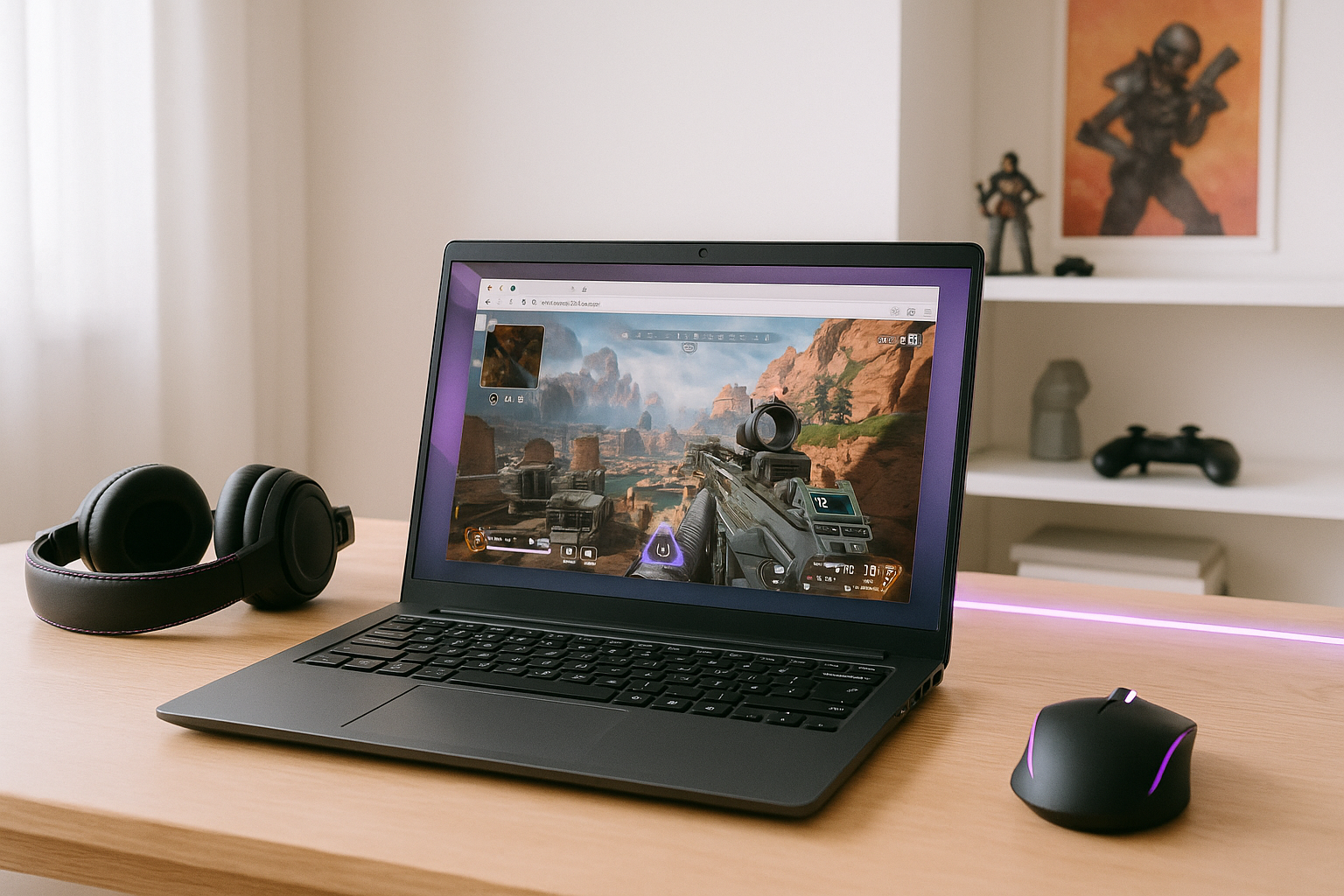
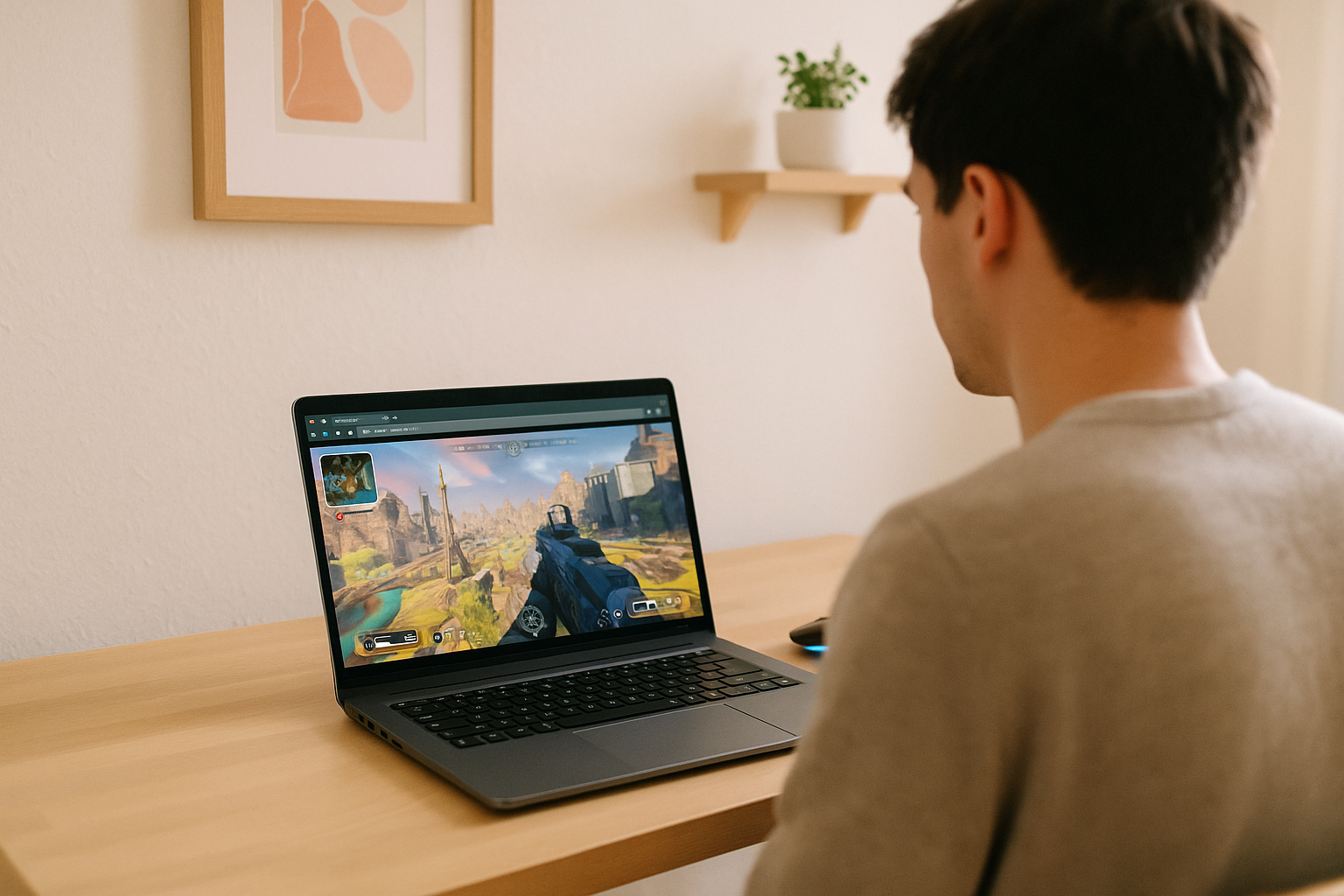
Playing Apex Legends Linux can be challenging because the PC version is built around Windows rather than Linux. That leaves Linux players relying on compatibility-minded approaches or other indirect ways to reach the game, and the experience can change when updates arrive. Even when you do get in, performance still depends on your own hardware and how well your system handles the game.
This is why the issue is not just launching the shooter once. Many players want a reliable routine they can come back to without wondering whether the next patch, driver change, or system tweak will break the setup again. For anyone trying to play Apex Legends on Linux regularly, that uncertainty becomes as important as raw frame rate.
Installing Windows for Apex Legends Linux Access
One practical workaround some players consider is installing Windows on the same PC so the game runs in the environment it was designed for. The appeal is obvious: instead of depending on a Linux compatibility path, you switch into Windows for a more direct launch route. For a competitive shooter, that can sound safer than dealing with ongoing translation layers.
In practice, this adds its own friction. You have to manage another operating system, storage space, updates, drivers, and the repeated step of rebooting whenever you want to switch over just to play. It can solve the Linux compatibility question, but it does not reduce dependence on your local hardware, and it turns a quick session into a maintenance-heavy routine rather than a smooth long-term Apex Legends Linux guide.
Apex Legends Linux Through Cloud Gaming
A different approach is cloud gaming, where the game runs on cloud hardware instead of on your Linux machine. Your device receives the game video and audio and sends your keyboard, mouse, or gamepad inputs, while the game runs on the remote hardware. For players who want access without building their routine around system tweaks, this is often the cleaner path.
Compared with installing Windows on the same PC, cloud gaming removes the need to add another operating system and reboot between Linux and Windows just to play. It also lets you access the PC version when your own Linux hardware or local setup is not suitable for the game. For players looking for an Apex Legends Linux alternative, this removes several local setup steps.
How Apex Legends Linux Access Works With Aristeem Play
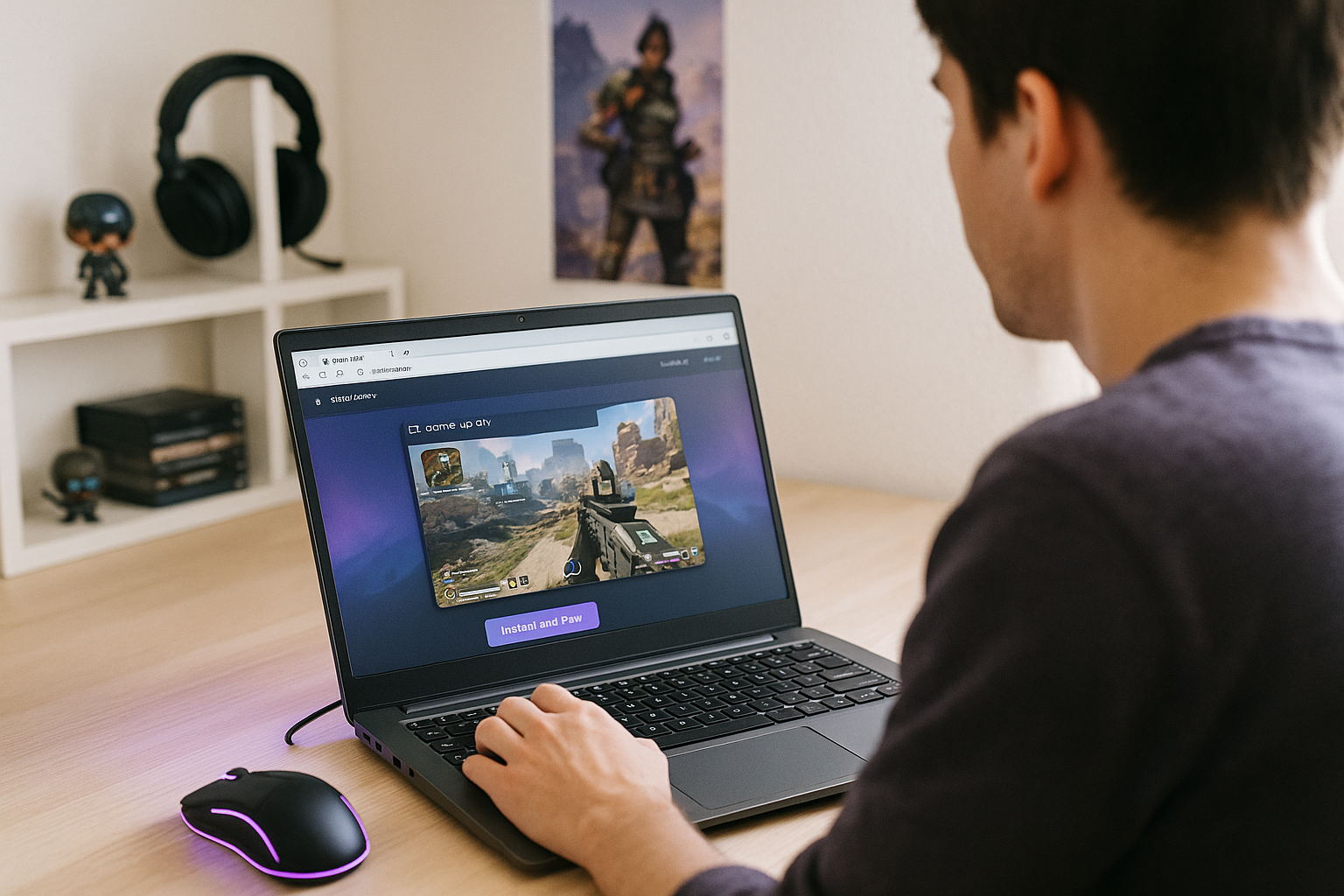
With Aristeem Play, you open the Game Library, choose the game, and click Install & Play instead of setting it up locally on Linux. The game runs on Aristeem’s cloud hardware, while your device receives the video and audio and sends your keyboard, mouse, or gamepad inputs.
This lets you access Apex Legends on Linux without maintaining a second operating system or relying on a local compatibility setup. The game processing stays on the cloud hardware, so your Linux device is used to access and control the game rather than run it locally.
Choosing the Right Apex Legends Linux Path
For Linux players, the real problem is that Apex Legends is a Windows-focused shooter, so local play can involve workarounds, upkeep, and hardware dependence. Installing Windows on the same PC can help, but it also adds another system to manage and does not remove the need for capable local hardware. A cloud-streamed route fits this situation better when your priority is consistency and less setup friction.
With Aristeem Play, you can access Apex Legends on Linux through a browser while the game runs on cloud hardware instead of your local PC. It keeps the focus on reaching the game rather than maintaining the machine.


