
Why Warframe on Linux Can Be Tricky
Since Warframe does not have a native Linux version, playing it on Linux requires running the Windows version through a compatibility layer such as Proton. As a result, the experience can depend on your system, graphics drivers, and local configuration. For someone who simply wants to play without spending time on setup and troubleshooting, that can make the local route less straightforward.
This is why people searching for how to play Warframe on Linux may look beyond a traditional local installation. If the priority is simply to launch the game and play without dual-booting or configuring a separate Windows environment, a different approach can be more convenient.
Playing Warframe on a Windows Gaming PC Instead
One obvious workaround is to play Warframe on a Windows gaming PC instead of trying to run it on Linux. Players consider this because it avoids Linux compatibility questions and puts the game on the platform it is primarily designed around. If you already have access to that kind of machine, it can seem like the simplest way to bypass setup friction.
The downside is that this does not really solve the original problem of wanting to play Warframe on Linux without switching environments. It depends on having separate hardware, moving to another device, and giving up the convenience of staying on your current system. For many people, that turns a quick gaming session into a hardware-dependent routine rather than a practical everyday solution.
A Faster Way to Play Warframe on Linux
A cloud-streamed approach changes the equation because the game runs in a remote gaming environment instead of relying on your Linux machine to do the heavy work. Your device mainly handles video, audio, and input, so local GPU power, driver quirks, and Linux-specific compatibility concerns matter much less. For users who simply want to play Warframe on Linux without dealing with local compatibility issues, this can be the quickest route to actual gameplay.
Compared with switching over to a Windows gaming PC, this approach is easier to access from the device you already use every day. You stay on Linux, avoid building your routine around separate hardware, and skip much of the local setup burden that makes traditional workarounds feel inconvenient.
How Warframe on Linux Works With Aristeem
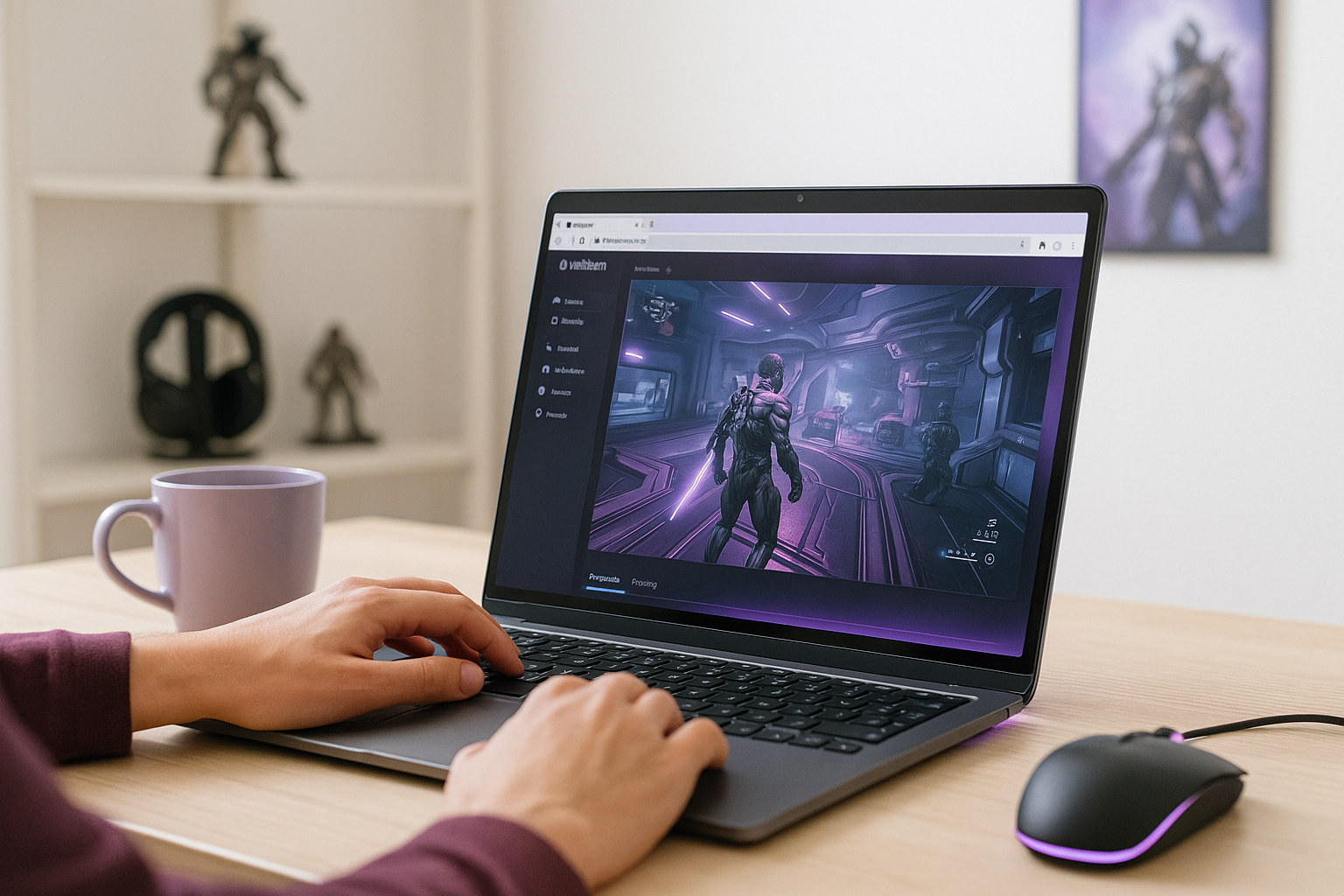
With Aristeem Play, you do not install the game on your own Linux device. Instead, you open the Game Library, choose the title, and click Install & Play, which starts a session where the game runs on Aristeem’s cloud hardware and is streamed to your device. Only video, audio, and your inputs are delivered locally, so your Linux machine does not need to carry the main performance load.
Depending on the game, you may need to sign in to Steam, Epic, or another game store. The result is a simpler way to play Warframe on Linux without dealing with the compatibility and hardware requirements of a local setup.
Choosing the Right Route for Warframe on Linux
If you want Warframe on Linux without dual-booting, the main challenge is that the PC version does not have native Linux support. Local workarounds can be manageable for some players, but they also bring more dependence on drivers, compatibility behavior, and hardware than many people want. A streamed approach makes more sense when your goal is to stay on Linux and start playing with less friction.
That is why Aristeem Play stands out as a practical option for this situation: it lets you stay on your current system while the game runs elsewhere and is delivered through the browser. If that sounds closer to what you need, Aristeem Play makes sense for launching Warframe on Linux in a browser.


