
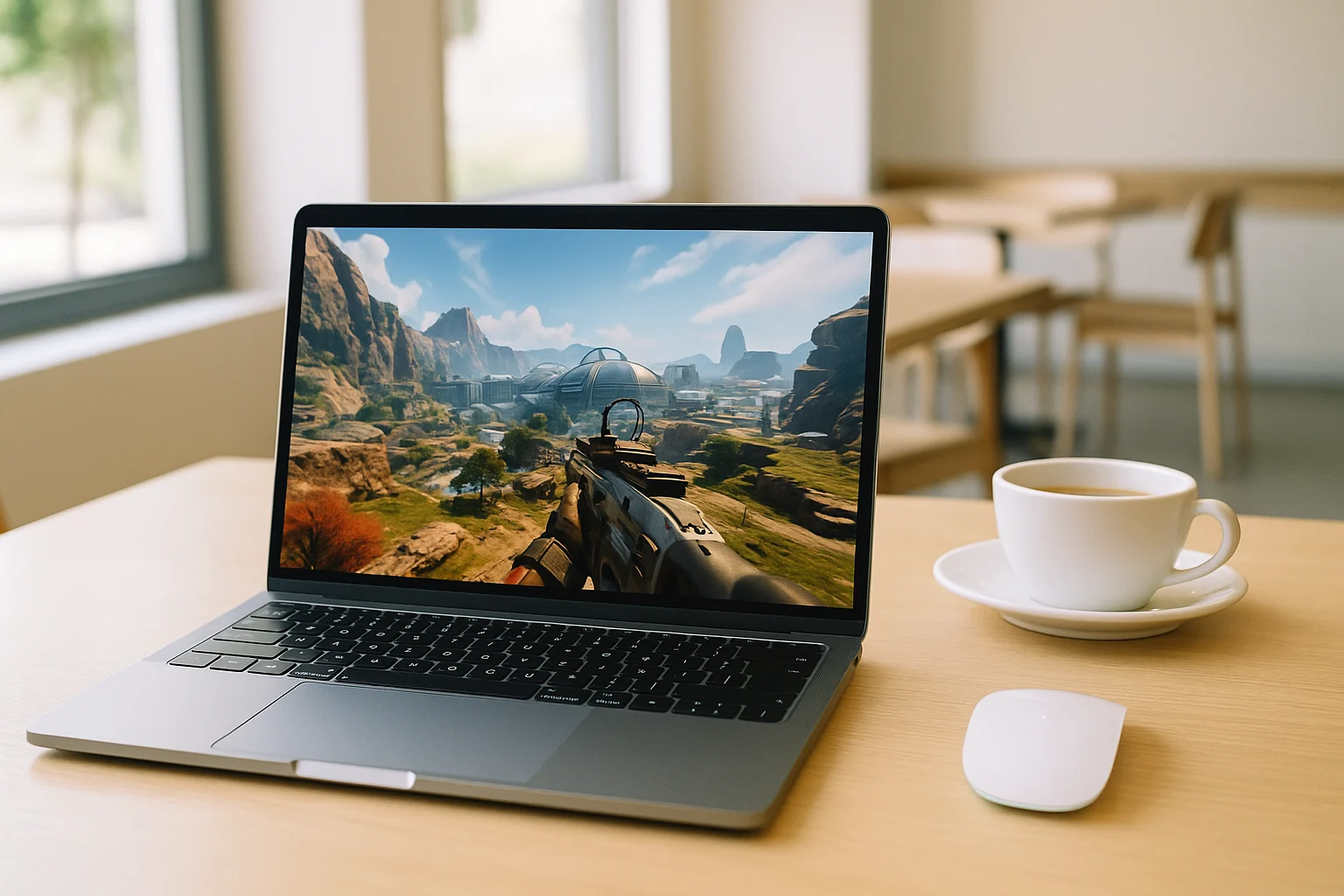
Can You Play Apex Legends on MacBook Today?
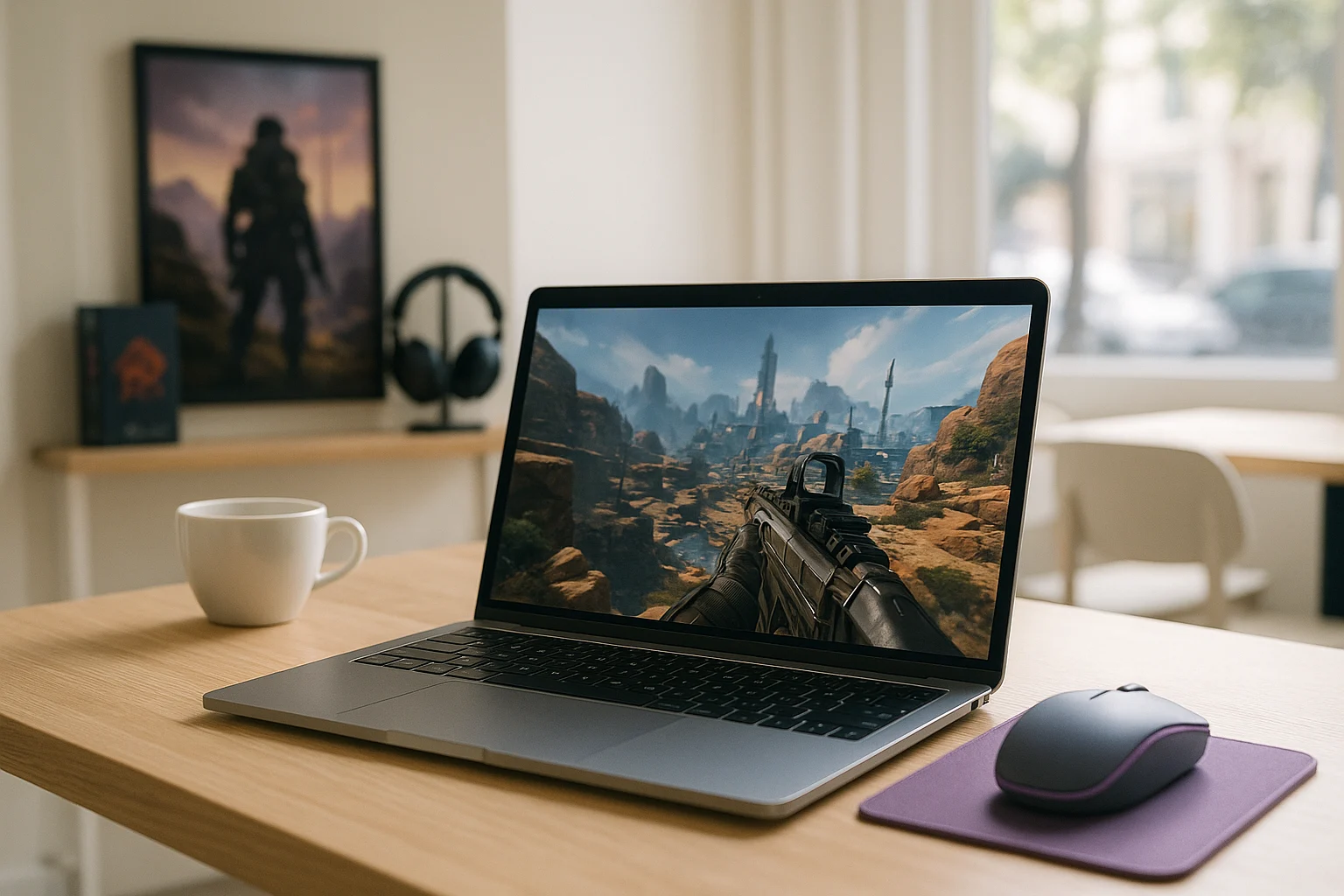
Apex Legends remains a popular choice for players who enjoy competitive team-based shooters. However, MacBook users face a specific challenge when they want to join a match: the game does not have a native macOS version. This raises a practical question for anyone who prefers gaming on a MacBook: what options are available?
The answer depends on how you want to access the game and whether you are willing to use a separate device or change your usual setup. Before choosing an approach, it helps to understand what makes playing Apex Legends on a MacBook different from playing on a Windows PC.
How to Play Apex Legends on MacBook Without a Local Install
Cloud gaming offers a way to access Apex Legends on a MacBook without running the game locally. Instead of installing the PC version on your laptop, the game executes on remote hardware and the session is streamed to your device. Your MacBook displays the game and sends your keyboard, mouse, or controller inputs back to the remote session.
This changes the requirements on the MacBook itself. You do not need to configure a local Windows environment just to launch the game, and the game files do not have to be maintained on your laptop in the same way as with a local installation. The MacBook remains the device you use to play, while the remote system handles the game’s processing.
Cloud access also avoids turning the process into a separate hardware setup. Instead of moving to another computer or console, you can continue using the MacBook you already have. Before starting, however, it is worth checking the service’s game availability, supported controls, and connection requirements.
Play Apex Legends on MacBook Through Aristeem Play
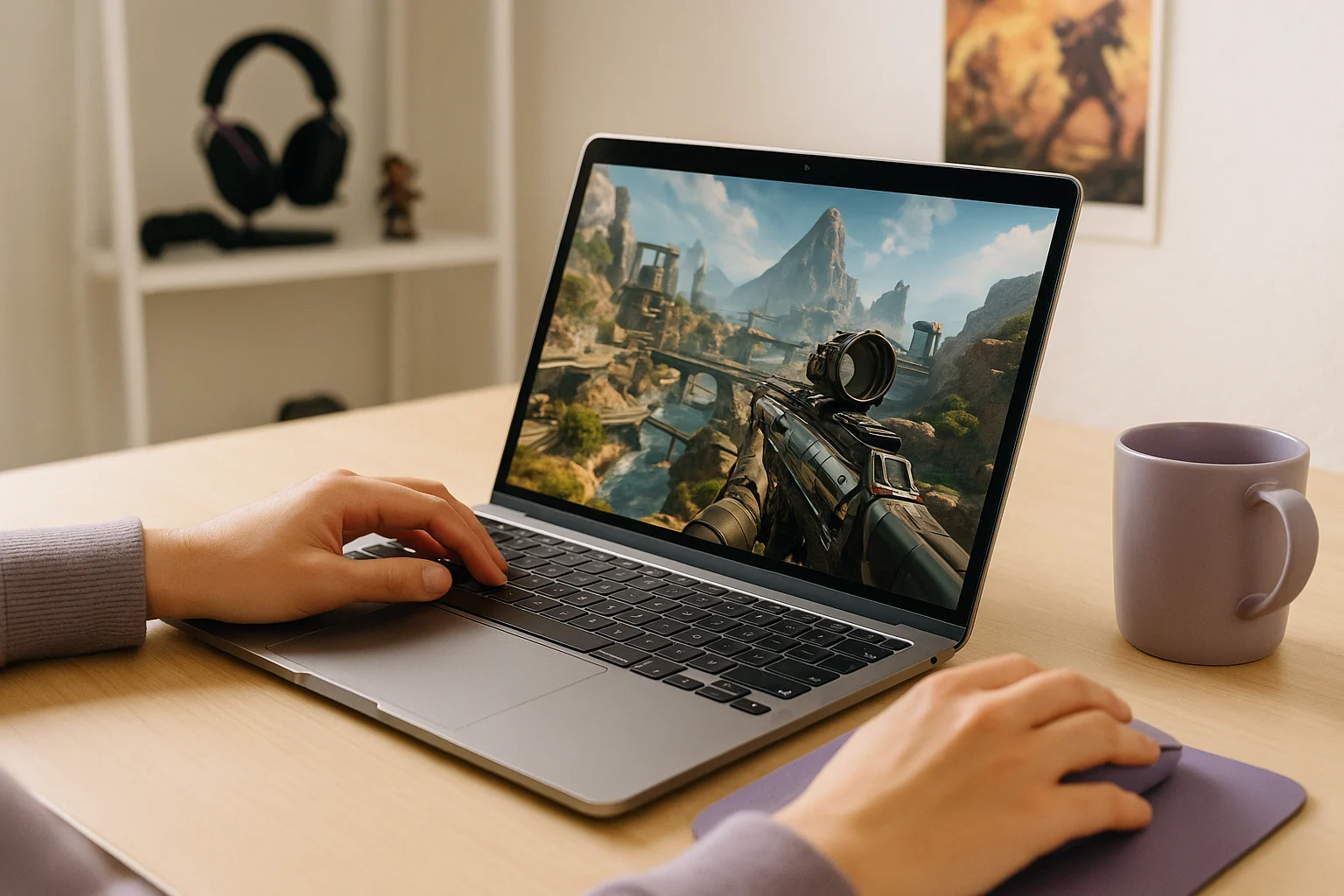
With Aristeem Play, you can access Apex Legends through the Game Library without installing the game on your MacBook. Select Apex Legends and click Install & Play to start a cloud session. The game runs on Aristeem’s hardware, while your MacBook receives the streamed video and audio and sends your inputs.
The local laptop does not need to run the game’s full graphics workload, which is particularly relevant when the main obstacle is the lack of a native macOS version rather than everyday MacBook performance.
If prompted, sign in to the relevant game store, such as Steam or another supported store. You can then continue from the cloud session rather than setting up the game as a conventional local installation. For further details, see our guide to playing Apex Legends on Mac in a browser.
What to Know Before Playing Apex Legends on MacBook
You can play Apex Legends on MacBook through cloud gaming without running the game locally, provided the service supports the title. Your experience depends on connection quality, latency, and the available controls. If you want to try this approach, open Aristeem Play, find Apex Legends in the Game Library, and start a session.