
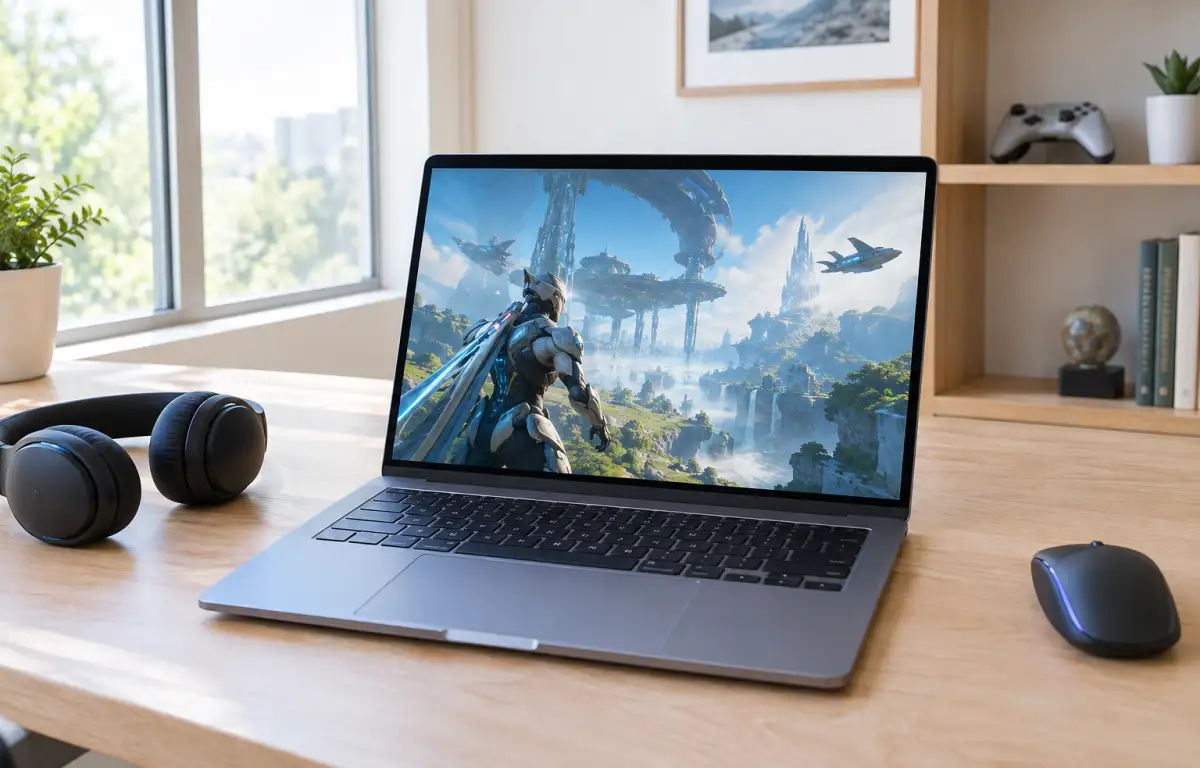
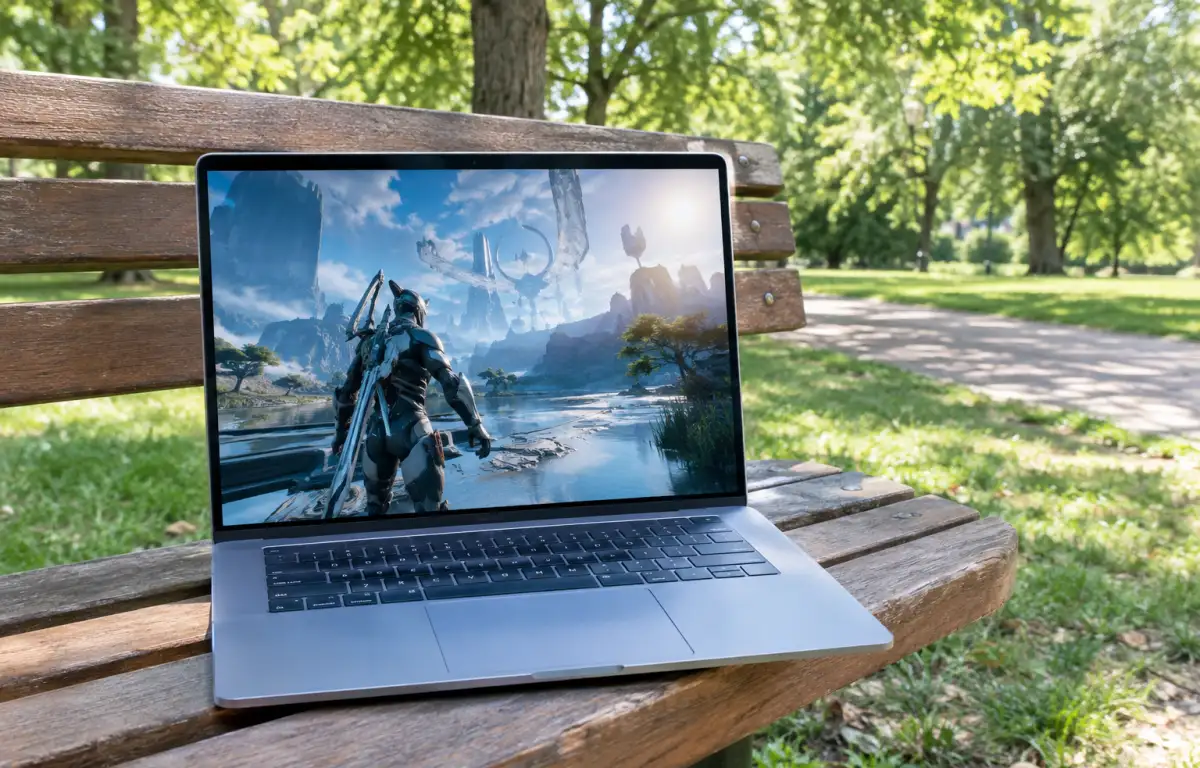
You can play Warframe on a Mac, but there is an important limitation: the game does not have a native macOS version. You cannot install it through a standard Mac client as you would a game designed for macOS. To play, you need an alternative way to access the PC version or use another supported device.
The right option depends on how you want to play and what devices you already have. Some players use a supported console, while others look for a way to access the PC version without changing devices or setting up a separate Windows environment. Understanding these options helps you choose the most practical way to play Warframe on your Mac.
What Are the Options for Playing Warframe on Mac?
Since Warframe has no native macOS client, playing it on a Mac requires an alternative to a standard Mac installation. The practical choice depends on whether you want to use separate gaming hardware or access the PC version while staying on your current device. Each route has different requirements for setup, storage, and everyday use.
A local workaround may involve configuring a Windows environment and managing the game installation, launcher, and updates yourself. This gives you a locally managed setup, but it can require additional preparation before you can start playing. Other options let you access Warframe without making your Mac responsible for running the PC version directly.
Using a Gaming Console to Reach Warframe
A supported gaming console is an option if you already own one and are happy to play outside your Mac. The game runs on the console’s hardware, so you do not need to configure a Windows environment on your computer. You will, however, need the console, sufficient storage for the game and its updates, and the required account setup.
Buying a console specifically to play Warframe adds an extra hardware expense and means switching away from your Mac whenever you want to play. If you prefer to keep gaming on the computer you already use, accessing the PC version through cloud gaming is another option worth considering.
How to Play Warframe on Mac Through Cloud Gaming
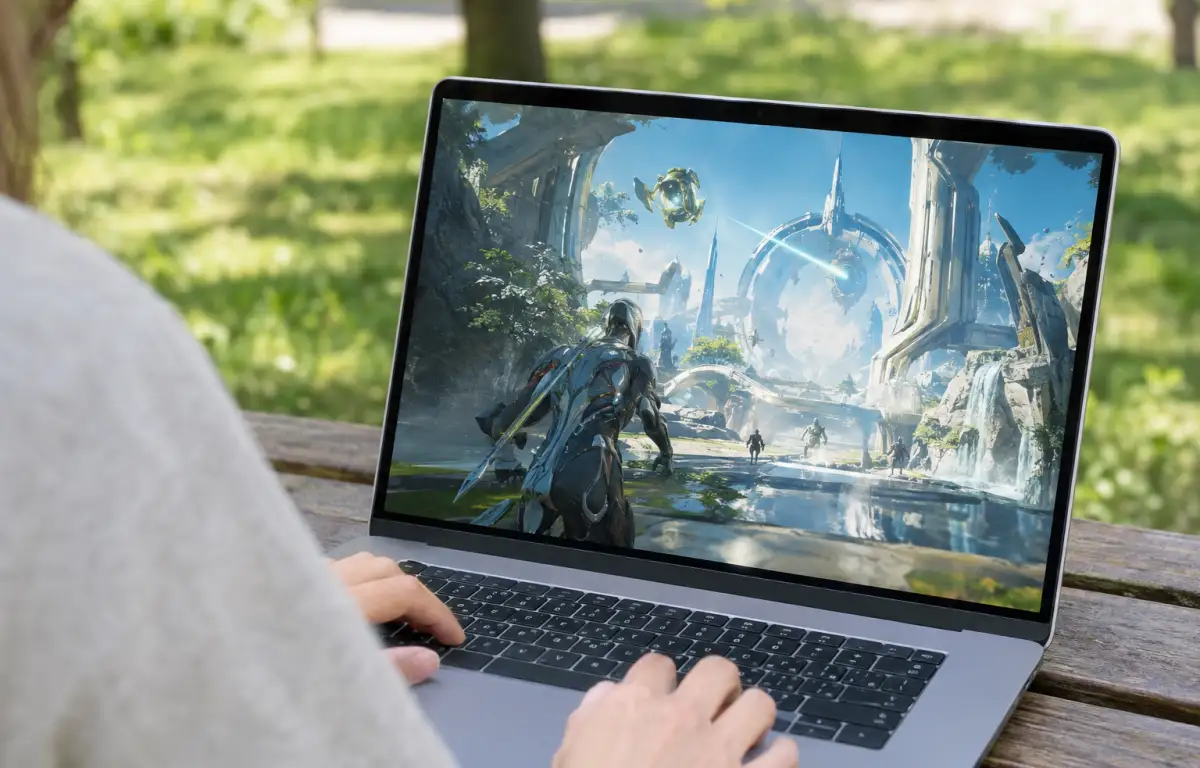
Instead of installing Warframe directly on macOS, you can access it through Aristeem Play. Open the Game Library, select Warframe, and click Install & Play to start a cloud session. The game runs on remote hardware, while video, audio, and your inputs are streamed between the session and your Mac.
Depending on the launch flow, you may need to sign in to Steam or another supported game store. This approach lets you play without setting up a separate Windows environment or managing the full game installation on your Mac. A stable internet connection is important for responsive gameplay.
For more details about accessing the game without a full local installation, see our guide to playing Warframe online through cloud gaming.
So, Can You Play Warframe on Mac?
Yes, you can play Warframe on a Mac, even though the game has no native macOS version. The best option depends on whether you already own a compatible console or prefer to play directly from your Mac. Cloud gaming lets you access the PC version without setting up a separate Windows environment or managing a full game installation locally.
If you want to keep using your Mac and avoid the extra steps involved in local workarounds, launch Warframe through Aristeem Play. You can start from the Game Library and move into a session without turning your Mac into a dedicated gaming machine. Your experience will depend on your internet connection and the service’s current game availability.