
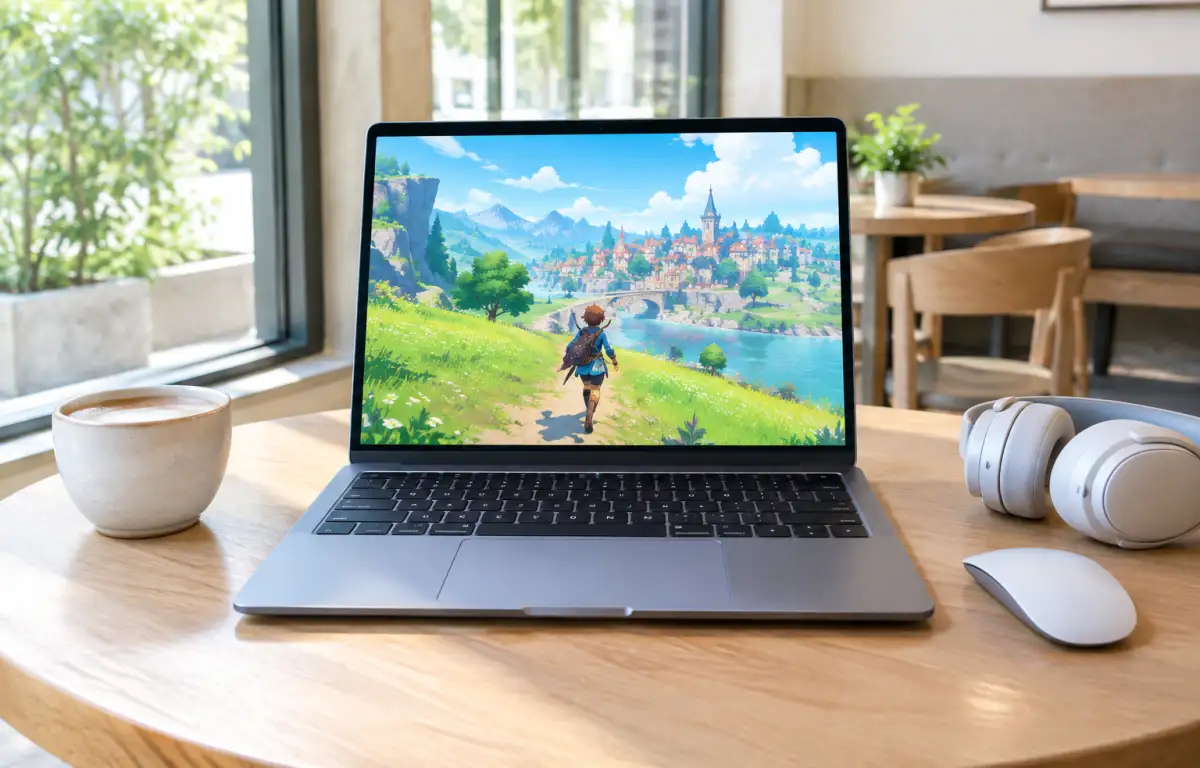
How to Play PC Games on Mac Through Cloud Gaming
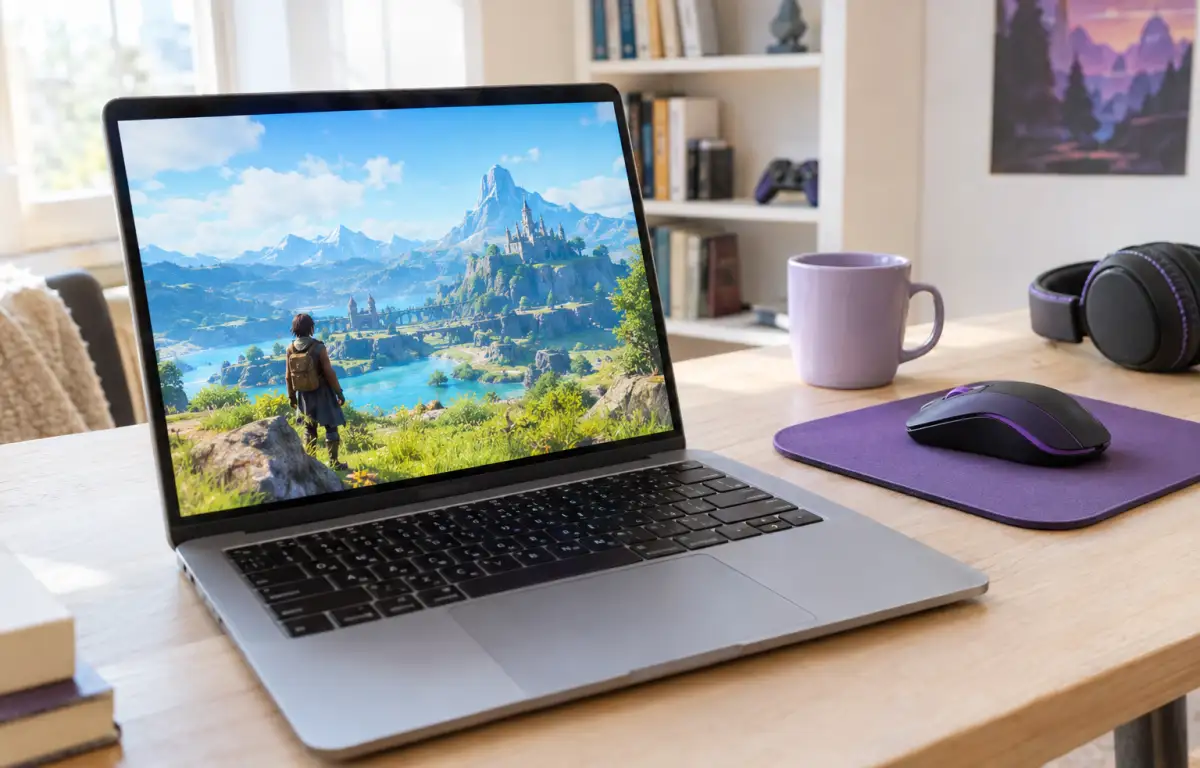
Many PC games are built for Windows and do not offer a native macOS version. If you want to play one of these titles on a Mac, the first step is to find out which access methods are available for that specific game.
Cloud gaming lets you play supported PC titles on a Mac without running the game locally. The game runs on remote hardware, while your Mac displays the stream and sends your controls to the session. This gives Mac users another way to access PC games that are not available as native macOS releases.
Find Your Game in a Cloud Gaming Library
Cloud gaming services differ in the games they offer. The simplest starting point is to browse a service’s game library and find the title you want to play. This lets you focus on the games you actually enjoy instead of spending time on local compatibility workarounds.
A game catalogue also gives you a practical way to explore other PC titles available through the same service. You can choose what to play based on the games offered, rather than deciding whether to buy and maintain a separate computer for gaming.
Launch a Game Without a Local Installation
With cloud gaming, you do not need to download and install the PC game on your Mac as part of the local setup. Instead, you launch it through the service, and the game runs on remote hardware. Your Mac receives the gameplay stream and sends your controls back to the session.
The experience depends on your internet connection, since gameplay is streamed in real time. A stable connection helps keep controls responsive and the picture smooth, making it an important part of playing PC games this way.
Start a PC Game on Mac With Aristeem Play
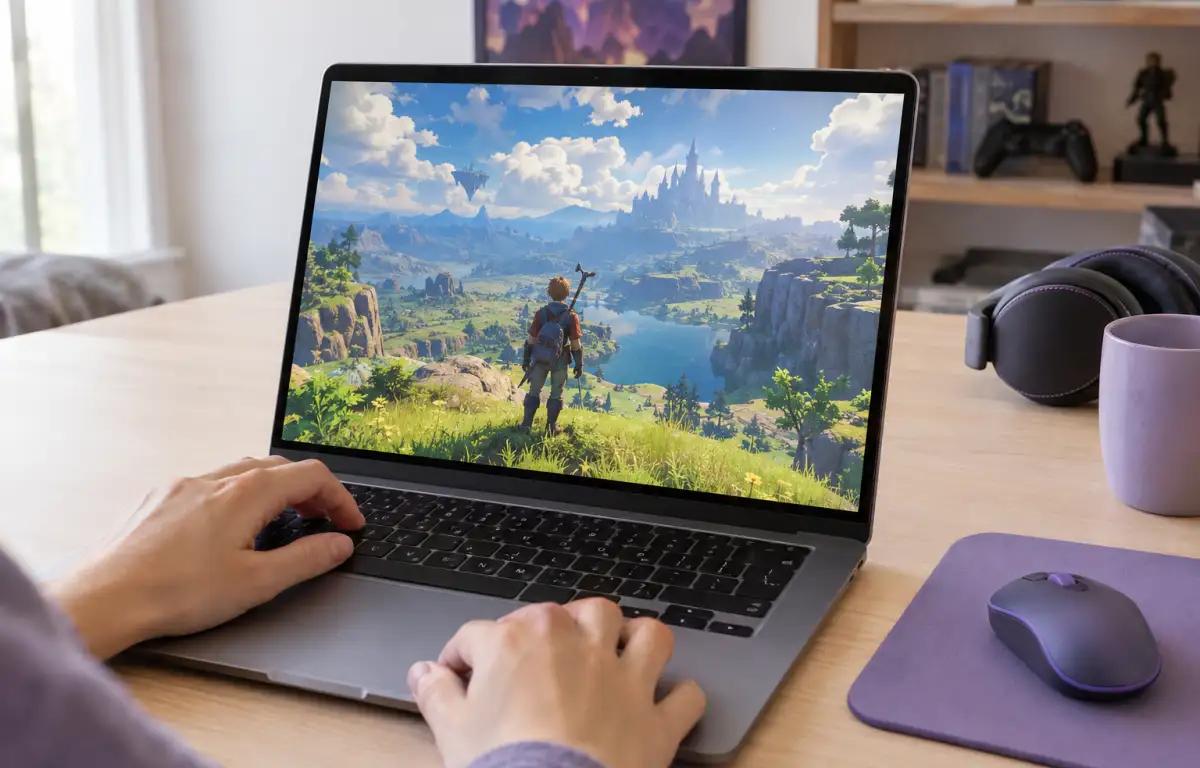 Aristeem Play gives Mac users access to supported PC games through a cloud gaming session. Open the Game Library, choose a title, and click Install & Play to start. The game runs on Aristeem’s cloud hardware, while the gameplay stream is delivered to your Mac.
Depending on the game, you may need to sign in to Steam, Epic Games, or another relevant store. Once the session launches, you can play without installing the PC game locally on your Mac.
To explore how cloud gaming services differ in their game catalogues and access options, see our guide to cloud gaming platforms.
From Game Selection to Playing on Mac
Cloud gaming gives Mac users a direct way to access supported PC games without setting up a separate gaming computer. Choose a title from the available library, launch your session, and play from your Mac while the game runs remotely.
If you want to play PC games on your Mac without installing them locally, Aristeem Play offers a straightforward way to browse supported titles and launch them through cloud gaming.