
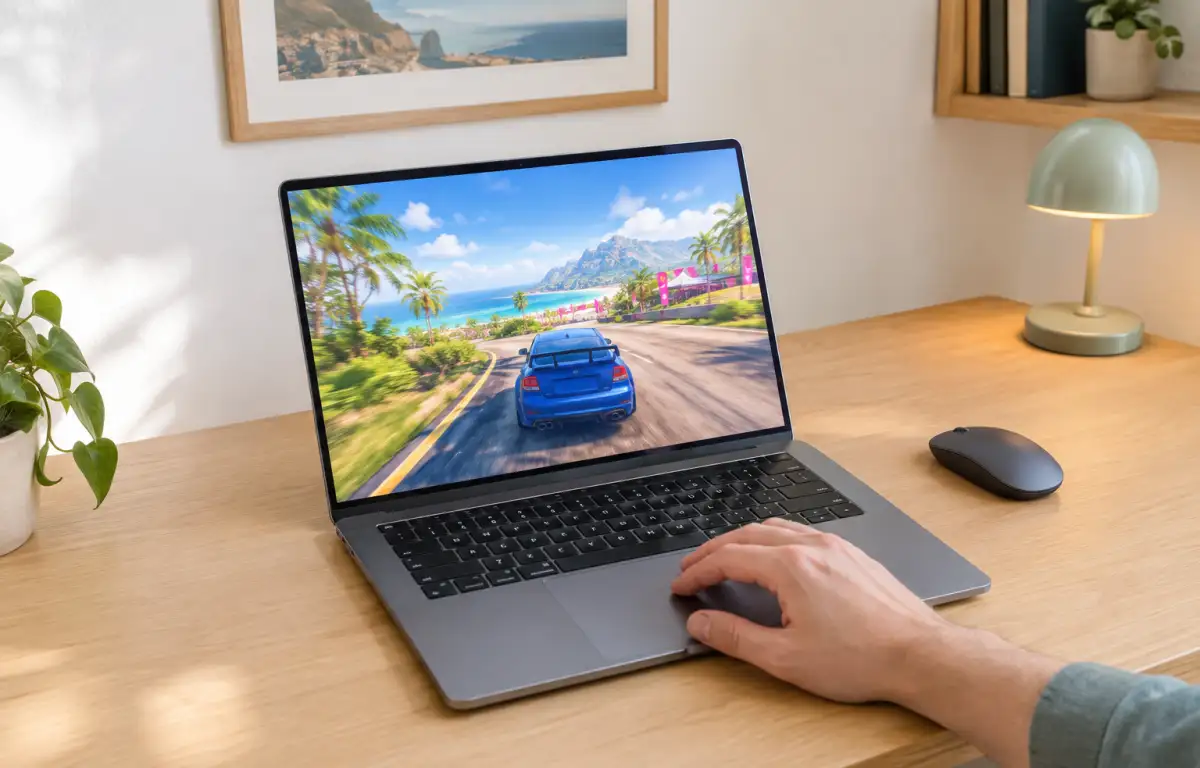
Why Cloud Gaming Forza Horizon 5 Appeals to Impatient Players
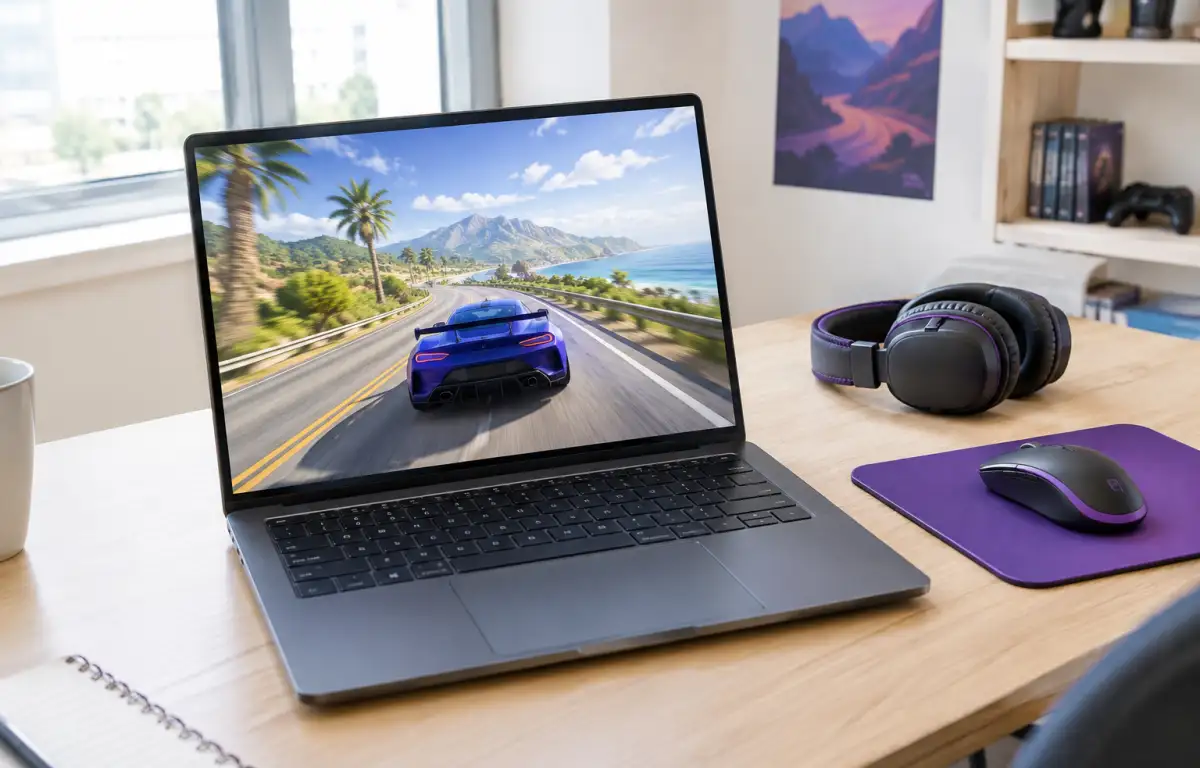
Forza Horizon 5 requires a substantial local installation before you can start racing. Downloading the game, waiting for updates, and making room for future patches can turn a planned gaming session into a lengthy setup process. This is especially inconvenient when you want to play occasionally rather than keep a large game installed on your device.
Cloud gaming for Forza Horizon 5 offers a different approach: instead of downloading and maintaining the full game locally, you access a cloud session and stream the gameplay to your device. The main advantage is less preparation before playing, not another way to upgrade your local gaming hardware.
Playing Forza Horizon 5 Without a Local Download
Cloud gaming removes the need to download the full game onto your own device before playing. Instead of waiting for a large installation and managing its local files, you connect to a remote gaming session where Forza Horizon 5 runs on cloud hardware.
This approach is particularly useful if you do not want to reserve substantial disk space for one game or wait for local installation and patching before a session. You can access the game when you want to play without making its full installation part of your regular device maintenance.
Accessing Forza Horizon 5 Through Aristeem Play
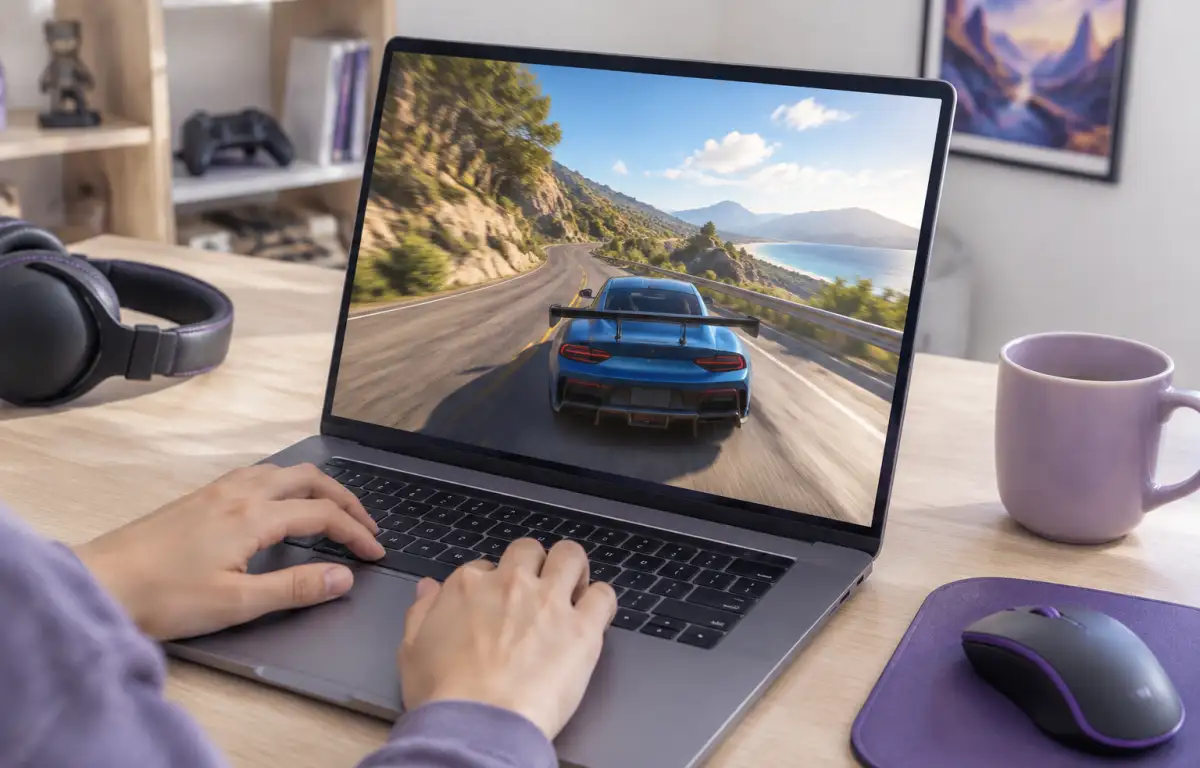
With Aristeem Play, you can access Forza Horizon 5 through the Game Library without downloading the full game to your own device. Select the title, click Install & Play, and the session starts on Aristeem’s cloud hardware. Video, audio, and your controls are streamed between the cloud session and your device.
Depending on the game, you may need to sign in to Steam, Epic, or another supported game store.
See our guide on how to play Forza Horizon 5 online for a practical walkthrough of accessing the game through a browser.
Start Playing Without the Installation Wait
Forza Horizon 5 is a large game to keep installed if you only play occasionally or switch between different games. Local installation also means dealing with updates and patches before a session, even when you simply want to spend some time racing. Cloud gaming removes much of this preparation by keeping the game on remote hardware rather than requiring a full local installation.
With Aristeem Play, you can select Forza Horizon 5 from the Game Library, click Install & Play, and connect to your cloud gaming session. Your device receives the streamed gameplay and sends your controls back to the session, so you do not need to download and maintain the full game locally.
This makes cloud gaming a practical choice when you want to avoid lengthy downloads, save local storage, and access Forza Horizon 5 without turning every gaming session into another installation task. Explore Aristeem Play and spend less time preparing your device and more time racing.