
How Diablo 4 Online Co Op Works
Playing Diablo 4 online co op with friends sounds simple: form a party, enter Sanctuary, and take on quests and dungeons together. But what if your computer cannot run the game smoothly? Do you really need to buy a more powerful gaming PC just to join your friends?
Not necessarily. Diablo IV supports cross-platform play, and there are ways to access the game without upgrading your local hardware. You can join friends playing on their own PCs or consoles even if you use a different setup.
This guide explains how Diablo 4 online co op works, how to invite friends, and what options you have if your computer is not powerful enough to run the game locally.
Does Diablo 4 Support Cross-Platform Co Op?
Yes. Diablo IV supports cross-platform play, which means friends can join the same party even if they use different gaming platforms.
For example, a player on PC can team up with friends playing on PlayStation or Xbox. You do not need to own the same type of device or use the same local setup to play together.
The important requirement is that everyone has access to Diablo IV and can connect through the game’s online services. Players must also use their own supported game accounts.
How to Invite Friends to Diablo 4 Online Co Op
To play Diablo 4 with friends, you first need to connect with them through the game’s social features.
Note: You need to complete the prologue and reach Kyovashad before you can invite friends to your party.
Follow these steps to form a party:
- Launch Diablo IV. Start the game and sign in to your Battle.net account.
- Open the Social menu. Find your friends list in the in-game Social interface.
- Add your friends if needed. Use their BattleTag to send a Battle.net friend request.
- Invite a friend to your party. Select their name from your friends list and choose the party invitation option.
- Wait for them to accept. Once they join, you can enter the game world and play together.
Diablo IV supports parties of up to four players. You can team up for quests, dungeons, and other activities across the game.
Can You Play Diablo 4 Co Op on the Same Screen?
Diablo IV also offers local couch co-op, but this option is available on consoles rather than PC.
On supported PlayStation and Xbox consoles, two players can play together on the same screen using separate controllers. This is different from online co-op, where each player joins the game from their own device and location.
If you want to play with friends remotely, use the online party system instead.
Playing Diablo 4 Online Co Op Through Aristeem Play
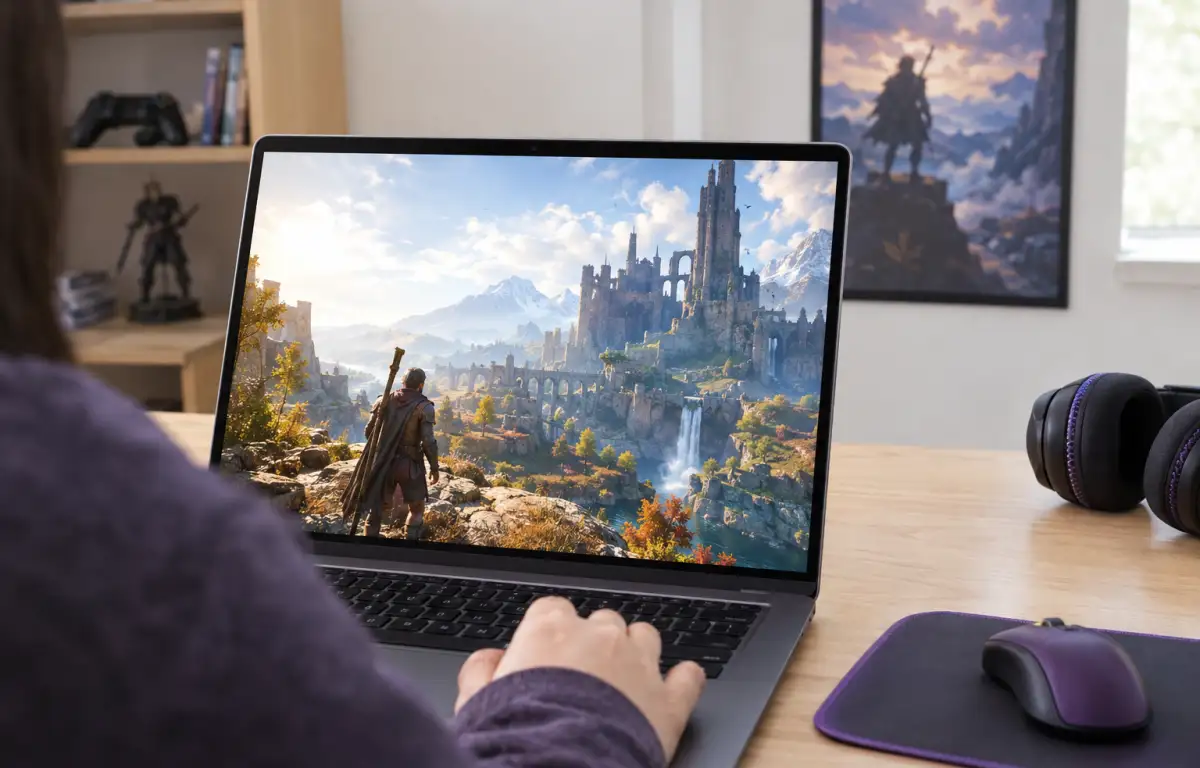
You do not need your entire group to use cloud gaming to play Diablo IV together. Aristeem Play can be used by just one member of the party, while friends continue playing on their own gaming PCs or consoles.
For example, you can launch Diablo IV through Aristeem Play while your friends start the game locally on their computers. Once everyone is in the game and connected through their Battle.net accounts, you can use the Social menu to invite each other to the same party.
Aristeem Play changes how you access the PC game, not how Diablo IV handles multiplayer. The game runs on Aristeem’s cloud hardware, while video and audio are streamed to your device and your controls are sent back to the session. Learn more about Diablo 4 cloud gaming.
To get started, open the Aristeem Play Game Library, select Diablo IV, and click Install & Play. You will need to sign in to your own Battle.net account and have access to the game. This makes cloud gaming a flexible option for joining friends without installing and running Diablo IV on your own computer.
Start Your Diablo 4 Co Op Session
If your computer cannot run Diablo IV smoothly, you do not have to miss out on playing with friends or buy new hardware just for the game. With Aristeem Play, you can access Diablo IV through the cloud and join the same multiplayer sessions while your friends play on their own PCs or consoles.
Don’t wait to join your friends — start playing Diablo IV with Aristeem Play today!