
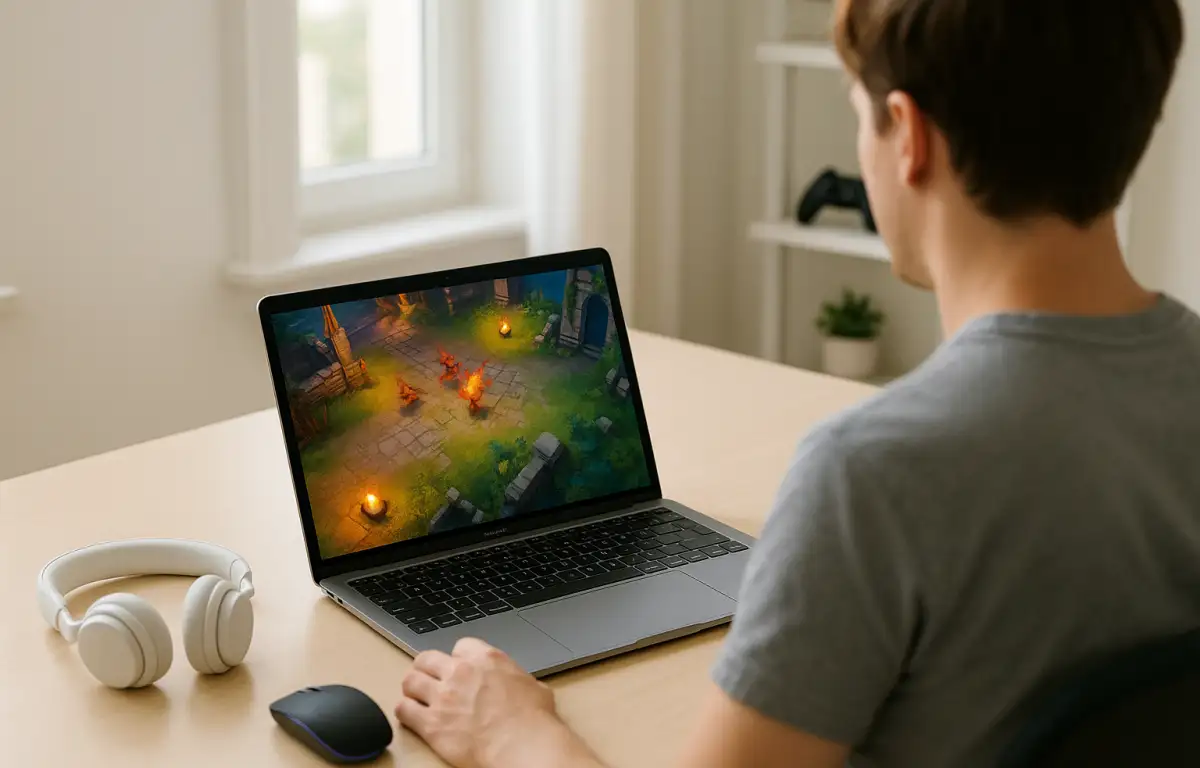
Does Diablo IV Work on MacBook? Compatibility and Cloud Access
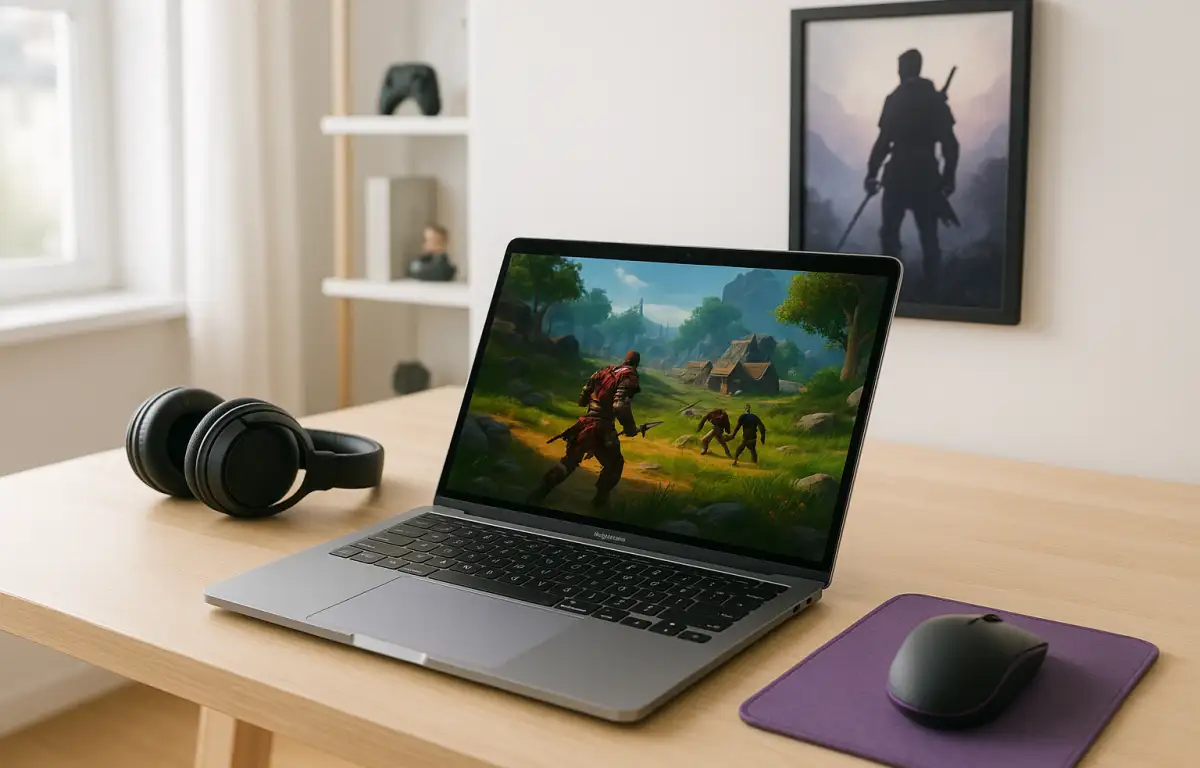
No, Diablo IV for MacBook does not have an official native macOS version. If you are looking for a standard MacBook installation, there is no dedicated macOS build to download and run like a regular Mac game.
This means MacBook users need another way to access the game. Launcher instructions and community workarounds may offer different approaches, but they do not provide official native macOS support. The practical question is how to play Diablo while continuing to use the MacBook you already own.
Why Diablo IV for MacBook Compatibility Is Limited
The main limitation is the absence of an official macOS release. A MacBook cannot install and run the Windows version through the standard macOS installation process, so downloading the game does not provide a straightforward local setup.
This is different from a performance problem. Even a powerful MacBook does not gain native compatibility simply because it has a capable processor or graphics hardware. The operating system and the game’s supported environment remain the deciding factors.
Keeping Your MacBook as Your Main Gaming Access Device
You do not necessarily need to replace your MacBook or buy a separate gaming computer just to access Diablo. If you already use your laptop for work, study, or everyday tasks, switching to another machine whenever you want to play adds an unnecessary step.
A more convenient approach is to keep the MacBook as your primary device while the game runs elsewhere. This separates the hardware responsible for running Diablo from the laptop you use to access the session, avoiding the need to turn macOS into a Windows gaming environment.
How to Play Diablo IV on MacBook Through Cloud Gaming

Cloud gaming provides a way to access Diablo on a MacBook without installing the Windows game locally. With Aristeem Play, the game runs on remote cloud hardware, while your MacBook receives the streamed video and audio and sends your inputs back to the session.
To get started, open the Game Library, select the game, and click Install & Play. Depending on the title, you may need to sign in to Steam, Epic Games, or another supported store and use your own game license if required.
Your MacBook therefore acts as the device for accessing and controlling the session rather than handling the game’s local installation and rendering. A stable internet connection remains important for responsive gameplay.
If you are specifically interested in Diablo IV, see how its hardware demands affect Mac performance and why cloud gaming can be a practical alternative.
Is Cloud Gaming a Practical Way to Play Diablo IV on MacBook?
If you want to play Diablo while keeping your MacBook as your main device, cloud gaming offers an alternative to local Windows installation. You do not need to replace your laptop or rely on its hardware to run the game itself.
The main considerations are your internet connection, streaming responsiveness, and access to the game through a supported store account. If these requirements suit your setup, Aristeem Play provides a way to access Diablo from your MacBook through cloud hardware without requiring a native macOS installation.