
Why Forza Horizon 5 Cloud Access Matters
Forza Horizon 5 is a PC game that requires suitable hardware to run locally. Players using everyday laptops or computers without dedicated gaming graphics may not have the setup needed for a comfortable experience. Forza Horizon 5 cloud access offers another route: the game runs on remote gaming hardware, allowing players to connect from a device that does not need to process the game itself.
This option is worth considering if you use a work laptop, a secondary computer, or a device that is not intended for demanding PC games. Rather than buying a separate gaming machine, you can use cloud hardware to access the PC version while keeping your existing device for everyday tasks.
Playing Forza Horizon 5 on an Xbox Console Instead
Players considering Forza Horizon 5 have two main local hardware options: a Windows gaming PC or a compatible Xbox console. The PC version runs on Windows hardware, while the console version belongs to the Xbox ecosystem. Both provide local gameplay, but they require access to the corresponding gaming hardware. Players consider this route because it gives them a dedicated place to run the game and can feel simpler than reorganizing a laptop or desktop just to make room for another large install. If you already own the console, it may seem like the most direct fallback.
Cloud access offers a different arrangement. Instead of choosing between a gaming PC and an Xbox console, you can connect to remote hardware that runs the PC version of the game. This is particularly relevant if you already have a suitable everyday device for streaming but do not want to purchase a separate machine for PC gaming.
Forza Horizon 5 Cloud Gaming as a Faster Path
With Forza Horizon 5 cloud access, the PC game runs on remote gaming hardware rather than on your own computer. Your device receives the streamed gameplay and sends your controls back to the session. This changes the hardware requirements on your side: you need a compatible device and a stable internet connection, not a local graphics card capable of running Forza Horizon 5. You access the game remotely while your device mainly receives video and audio and sends back your inputs. That makes it possible to play from a device that may not be ideal for a large local game setup.
This distinction makes cloud access relevant for players who want to use a Mac, an everyday laptop, or another computer that is not equipped for demanding PC games. The device serves as the connection point, while the remote system handles the game’s processing. The actual experience still depends on connection quality, latency, and the controls you use.
How Forza Horizon 5 Cloud Works with Aristeem Play
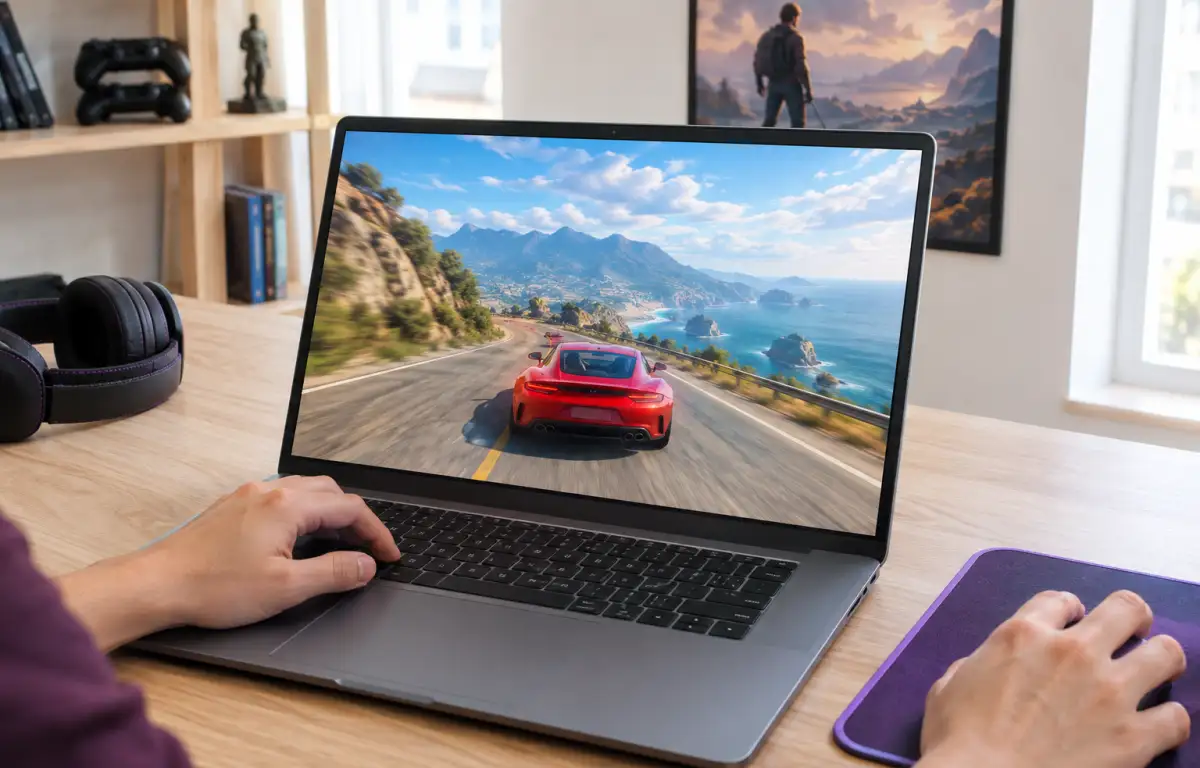
Aristeem Play provides access to Forza Horizon 5 through remote gaming hardware. After selecting the title in the Game Library and clicking Install & Play, you connect to a session where the PC version runs on Aristeem’s cloud hardware. Your device receives video and audio and sends your controls back to the session. Depending on the game, you may need to sign in to Steam, Epic, or another relevant store.
This setup is particularly relevant when your existing computer is not designed for demanding PC games. You can use its screen and controls to access the remote session without requiring it to perform the game’s graphics processing locally. Explore Forza Horizon 5 cloud access through Aristeem Play to see how this option fits into your gaming setup.
Choosing Forza Horizon 5 Cloud for Faster Sessions
Choosing how to play Forza Horizon 5 depends largely on the hardware you already have and the version you want to access. A gaming PC or Xbox console provides local gameplay, while cloud access offers another way to play the PC version without requiring your own computer to run the game. Playing on an Xbox console can work, but it still depends on separate hardware and does not offer the same flexibility when you want fast access from the device already in front of you. That is why cloud delivery stands out for this kind of player.
If you want to play Forza Horizon 5 without investing in a dedicated gaming PC, Aristeem Play offers access through cloud gaming hardware. It is an alternative worth considering when your everyday device is suitable for streaming but not for running demanding PC games locally.