
Can a Linux PC Run Fallout 4 Smoothly?
Running Fallout 4 on a Linux PC is not just a compatibility question. Actual performance depends on the system’s GPU, available RAM, storage, and cooling. A Linux PC can struggle badly with Fallout 4 locally if it relies on integrated graphics, limited RAM, a small SSD, or older laptop-class cooling, because this is still a demanding open-world game with a sizable install and plenty happening on screen.
That matters even more because Fallout 4 has no native Linux version. So when people ask can Linux run Fallout 4, the real question is whether their current hardware can carry both the game load and the extra friction of running a build made for another platform, without turning every session into stutter, heat, and constant settings compromises.
Fallout 4 Performance on Linux: Hardware Limitations
The biggest limit is usually graphics power. Fallout 4 leans heavily on the GPU, and weaker chips with shared memory tend to run out of headroom fast once you move through dense areas, combat scenes, or longer sessions, especially if the machine does not have much VRAM available in practice.
RAM and CPU limits also show up quickly on a fallout 4 linux pc. If your system already feels tight on memory, background processes, patches, and the game itself can push it into hitching or long loading pauses, while thin laptops often add thermal throttling and battery drain on top. Even if you lower settings, local play still depends heavily on the PC’s raw power, storage space, and cooling, which is why many players eventually look for a way to run the game on cloud hardware instead.
Installing Windows to Play Fallout 4 Locally
A lot of players consider installing Windows on the same PC because they want a more direct path to local play when Linux Fallout 4 feels awkward or inconsistent. The idea is understandable: if the game was built for another platform, switching the PC over can seem like the fastest way to reduce tweaking and get closer to the intended local experience.
In practice, this often becomes its own project. You still need enough storage for another operating system and the game itself, you may need to repartition drives, move files around, and keep two environments maintained, and none of that fixes weak graphics, limited RAM, loud fans, or battery drain. If the hardware is already near its limit, installing Windows changes the path but not the core bottleneck, which is why many players end up preferring a setup where the game runs away from the local PC.
Playing Fallout 4 Without Relying on Local Linux PC Power
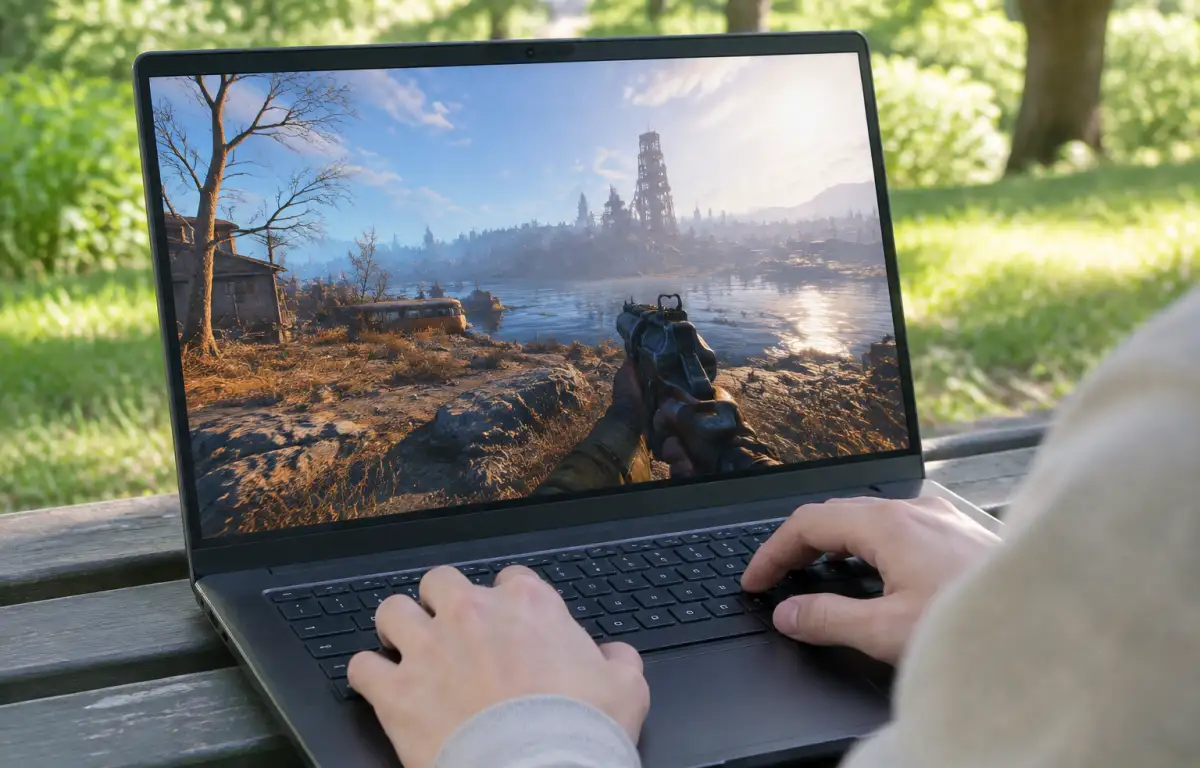
Instead of forcing your PC to do all the rendering, you can use Aristeem Play as the practical alternative. You open the Game Library, choose Fallout 4, and start a session where the game runs on cloud hardware and only video, audio, and your inputs are streamed to your device, so your Linux machine does not need to render the game locally or dedicate storage to a full local install.
That changes the answer to can Linux run Fallout 4 in a very practical way. Rather than depending on local GPU strength, cooling, and spare disk space, you access the session through your device and sign in to Steam, Epic or another relevant store when needed, making playing Fallout 4 on Linux without local hardware limits a much cleaner option when your current PC is the problem.
Should You Keep Trying to Run Fallout 4 on Linux Locally
A Linux PC with a capable GPU, enough RAM, and effective cooling may handle Fallout 4 locally, but upgrading older hardware just for one game can be an expensive solution. The decision comes down to whether your current system can deliver the performance you expect or whether the cost of improving it makes less sense than using another setup.
With cloud gaming, Fallout 4 runs on remote hardware rather than relying on your PC’s GPU and cooling capacity. Your Linux device receives the streamed gameplay, making this an alternative when local hardware becomes the limiting factor. Compare your system’s capabilities with other ways to play Fallout 4 on Linux before investing in hardware upgrades.