

Why Linux Fallout 4 Takes Extra Work

Playing Linux Fallout 4 can be frustrating because the PC version was built for Windows, not Linux. That means there is no straightforward native path for many players who simply want to install the game and start exploring. Instead, the process usually involves compatibility workarounds, extra downloads, and time spent adjusting settings before the game is even playable.
This is the core problem for anyone trying to play Fallout 4 on Linux. Even when you get it running, updates, launcher behavior, and ongoing tweaks can turn a one-time setup into regular maintenance. If your goal is reliable access without spending your evening troubleshooting, the local route can feel heavier than the game itself.
Playing on a Gaming Console Instead of Linux Fallout 4
Some players look at a gaming console as a way around the Linux issue, because it avoids operating system compatibility entirely. If you already own one, it can seem like the simplest escape from Linux-specific setup. You skip the compatibility layer problem, but you also leave behind the convenience of playing on your current Linux machine.
That tradeoff is why this option often feels impractical rather than elegant. It requires separate hardware, a different place to play, and a shift away from the device you wanted to use in the first place. For someone specifically trying to run Fallout 4 on Linux, moving to a console solves the OS mismatch by abandoning the Linux setup rather than making it easier.
A Simpler Way to Play Fallout 4 on Linux Through the Browser
A browser-based cloud gaming approach fits this situation better because the game runs in a cloud environment instead of relying on your Linux system to do the heavy work. You access the PC version from your device while video, audio, and controls are streamed back to you. That removes much of the local setup burden that comes with trying to make a Windows game behave on Linux.
Compared with switching to a console, this keeps you on the device you already use while also avoiding the compatibility-layer cycle. It is also a practical answer for players who want to play Fallout 4 on Linux. If your priority is getting into the game faster, this route is usually much more direct.
How Linux Fallout 4 Works With Aristeem Play
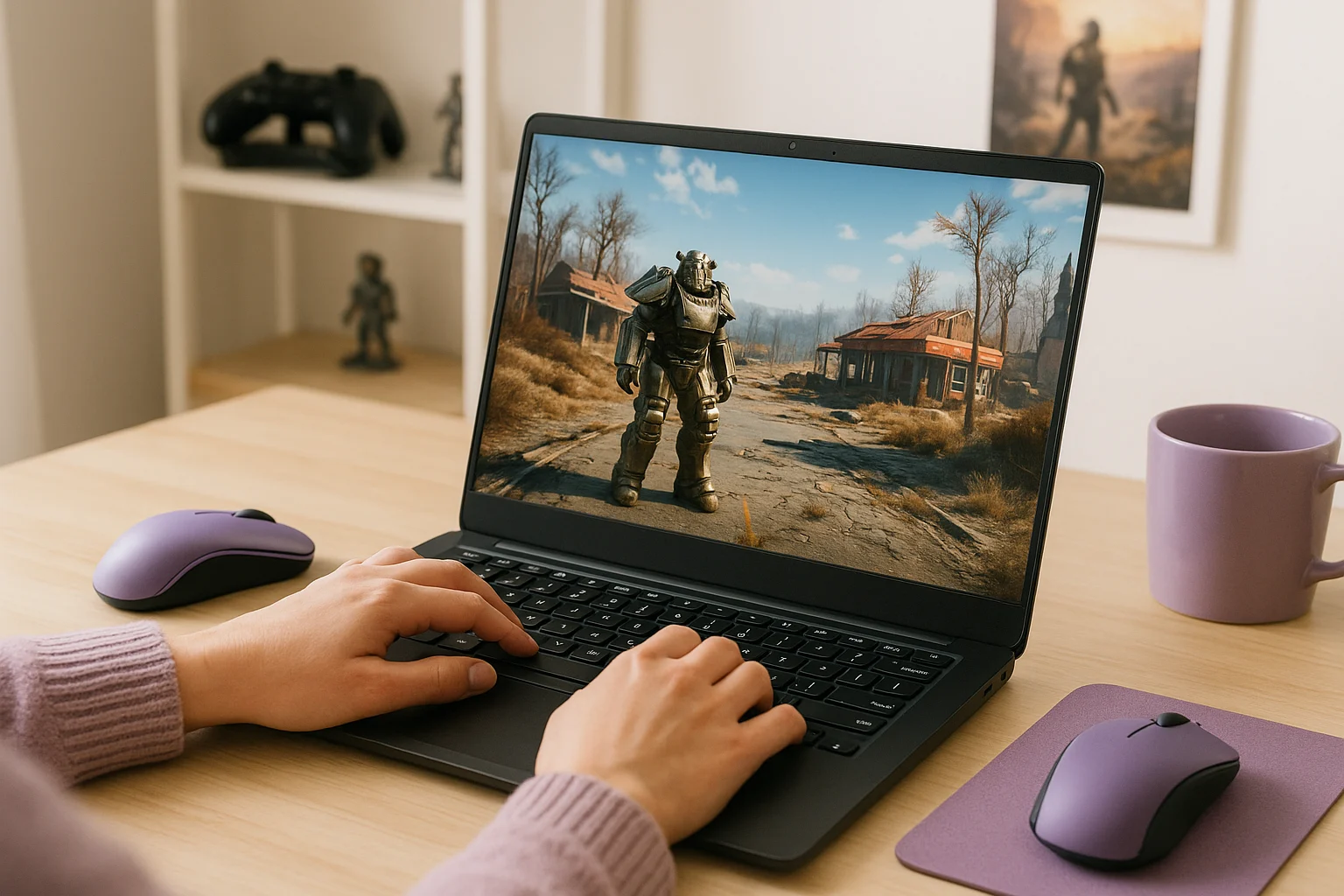
Aristeem Play fits this use case by letting you open the Game Library, choose Fallout 4, and click Install & Play instead of setting the game up on your own Linux device. The game runs on cloud hardware and is streamed to your device, so your system is not responsible for running it locally. Depending on the game, you may need to sign in to Steam, Epic, or another relevant store.
That makes it a practical option for players who want a faster path than Linux workarounds or separate hardware. Instead of building your own local compatibility solution, you can use a browser-based way to play Fallout 4 on Linux while staying on the device you already have. If you want to compare cloud gaming options for devices that cannot run every PC game natively, our guide to cloud gaming platforms covers device compatibility, game availability, and account requirements.
Linux Fallout 4 Without the Usual Setup Drag
Because Fallout 4 is designed for Windows, Linux players often end up dealing with workarounds, extra configuration, and long waits before real gameplay begins. Cloud gaming makes more sense here because it avoids relying on Linux compatibility fixes or separate console hardware. If you want a more direct path, Aristeem Play is a practical way to play Fallout 4 on Linux through a browser while staying on your current device.