

What to Check Before Choosing a Mac Cloud Gaming Service
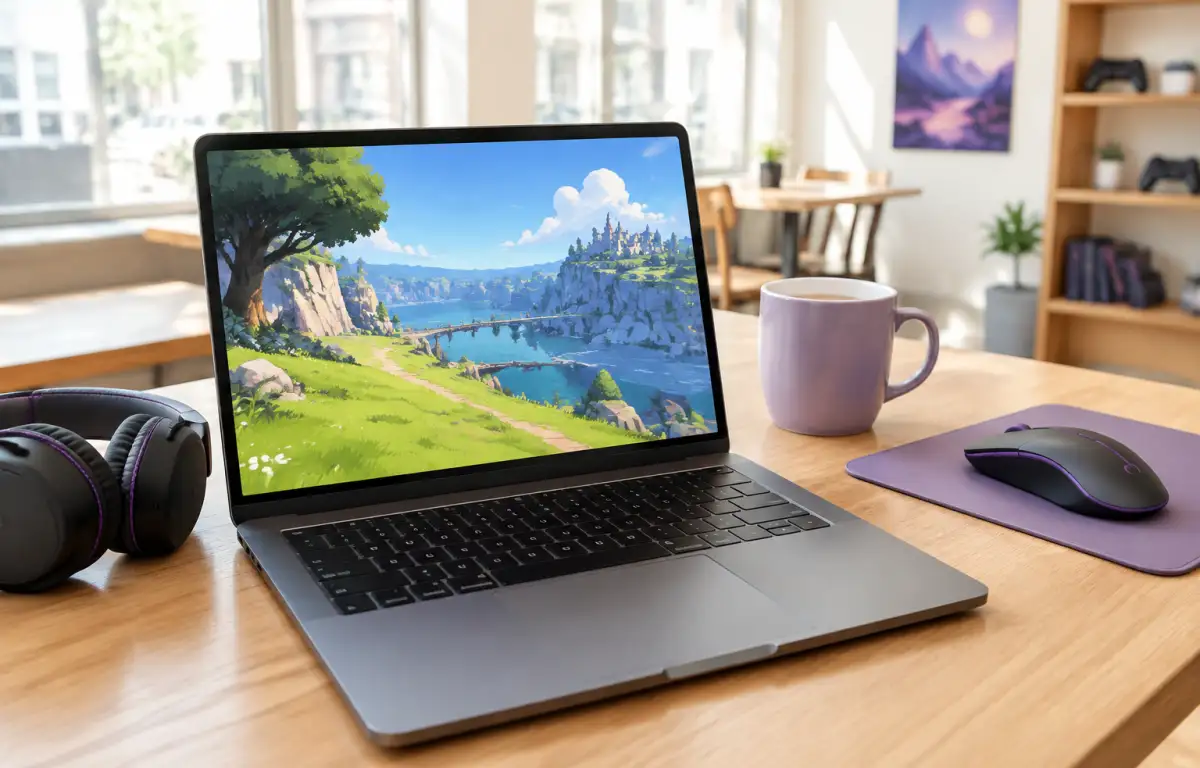
Choosing a Mac cloud gaming service requires more than checking whether it supports macOS. The available game library, supported game stores, streaming quality, internet requirements, and access method all affect whether a service fits your gaming habits.
Before choosing, check whether the service offers the PC games you want to play, whether you need existing Steam or Epic Games accounts, and what connection quality is recommended. These details help you compare services based on actual access rather than general performance claims.
Check the Game Library and Supported Stores
The game library should be one of the first things you check when comparing Mac cloud gaming services. A service may support Mac access but still lack the specific PC titles you want to play.
Look for the games you actually plan to play rather than relying on the total number of titles advertised. Also check how game accounts work. Some services provide access through their own catalogues, while others require you to sign in to an external store such as Steam or Epic Games.
If you already own PC games, check whether the service supports the relevant store and whether you need to purchase or own each title separately. This helps you understand what you can access before choosing a subscription.
Compare Streaming Quality and Internet Requirements
In cloud gaming, the game runs on remote hardware and the gameplay is streamed to your Mac. This means the quality of the experience depends not only on the service’s hardware but also on your internet connection.
Check the streaming resolution supported by each service and whether it matches your display and expectations. Response time is equally important, especially in competitive and fast-paced games, where noticeable input delay can affect gameplay.
Pay attention to recommended internet speeds and connection stability. A fast connection alone does not guarantee a consistent experience if latency fluctuates or the network frequently drops packets. If a service offers a trial or another way to test a session, use it to evaluate responsiveness on your actual Mac and network.
Check How You Access Games on Mac
Mac cloud gaming services can differ in how you launch games. Some require a dedicated application, while others provide access through a web browser. Before choosing, check whether the service works with your preferred browser, whether additional software is needed, and what hardware or operating system requirements apply.
Browser-based access can be convenient if you want to avoid installing another gaming application on your Mac. However, it is still important to check the service’s supported browsers and connection requirements rather than assuming that every Mac configuration will work equally well.

Trying Mac Cloud Gaming With Aristeem Play
Aristeem Play provides Mac users with access to supported PC games through a browser-based cloud gaming session. To get started, open the Game Library, choose a title, and click Install & Play.
The game runs on Aristeem’s cloud hardware, while video, audio, and player inputs are streamed to your Mac. You do not need to install the PC game locally or rely on your Mac’s graphics hardware to run it. Depending on the title, you may need to sign in to Steam, Epic Games, or another relevant store.
When evaluating Aristeem Play, start by checking whether your preferred games are available in the Game Library and whether their account requirements match your existing game library. You can then launch a session and assess the streaming experience using your own Mac and internet connection. For a broader comparison of game availability, device compatibility, and account requirements, see our guide to cloud gaming platforms.
Choosing the Right Mac Cloud Gaming Service
The right Mac cloud gaming service depends on the games you want to play, the stores you use, streaming quality, and how easily you can access games from your device. Checking these factors before subscribing helps you choose a service that fits your actual gaming needs.
If you want to explore browser-based access to PC games on Mac, Aristeem Play is one option to consider. Browse its Game Library to see which titles are available and decide whether its access model suits your setup.