
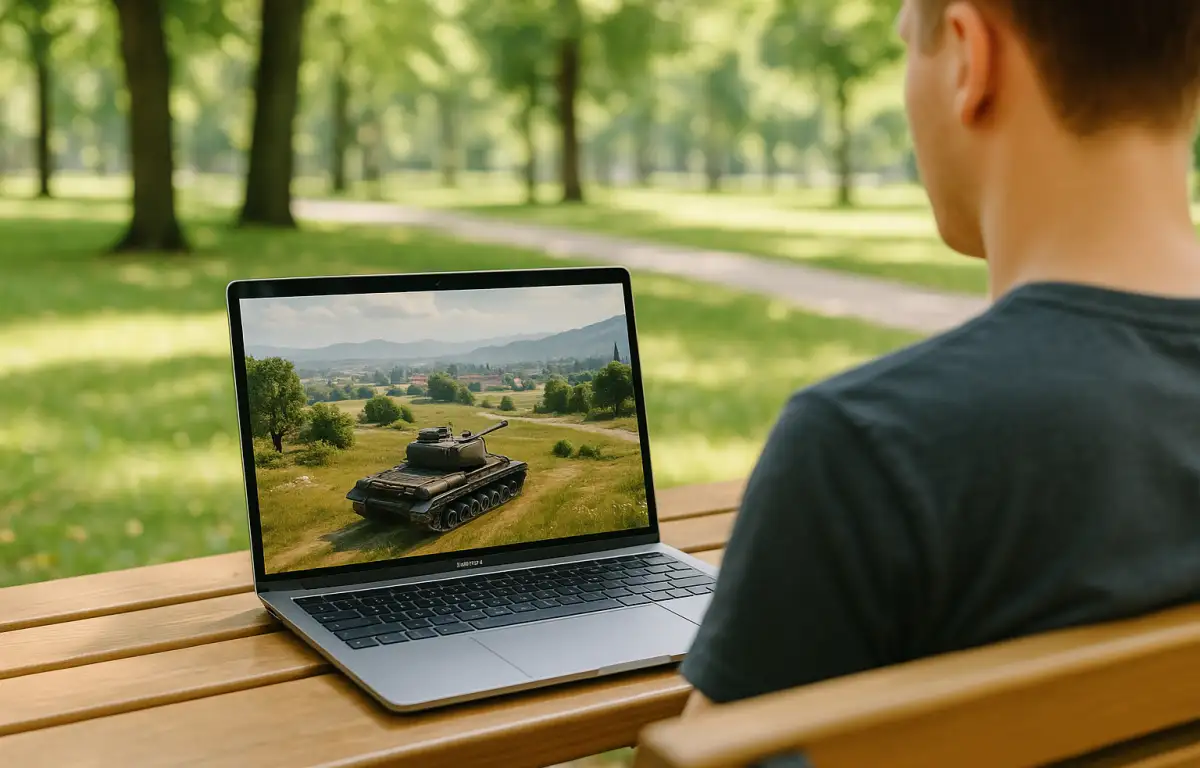
Can You Play World of Tanks on Mac? Available Options
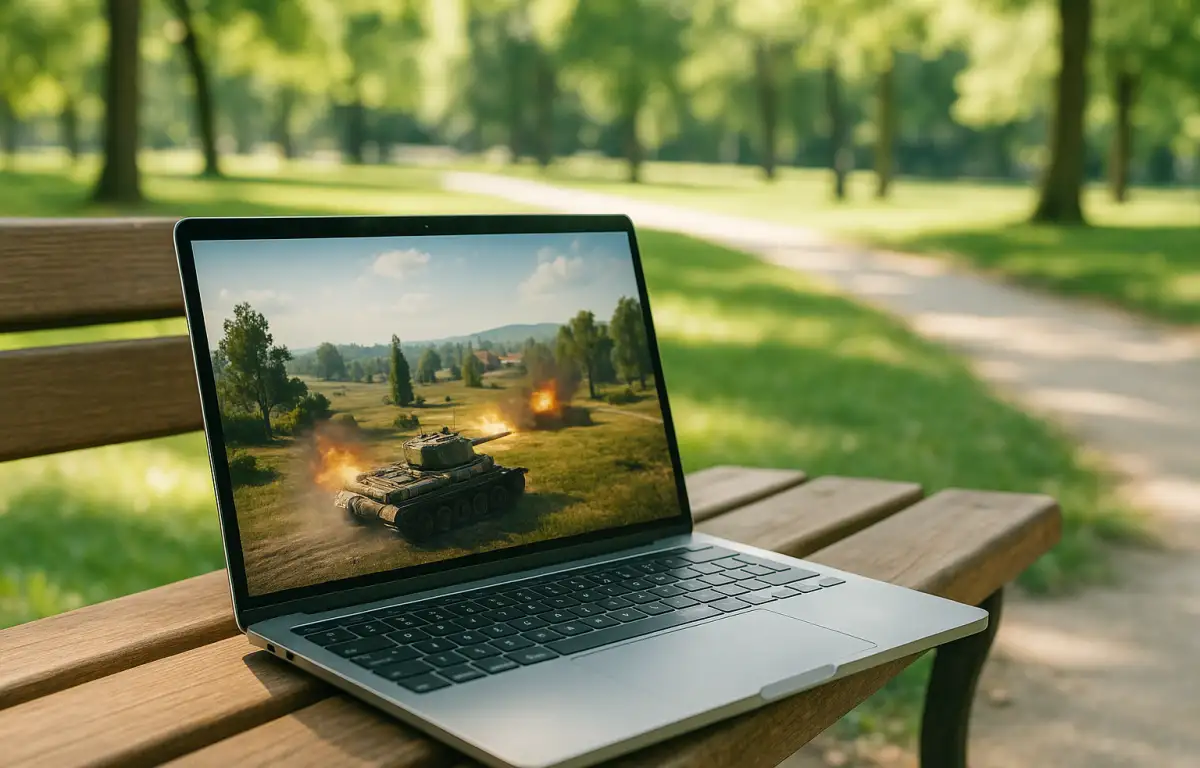
Yes, you can play World of Tanks on Mac, but the available options depend on how you want to run the game. The official macOS client is no longer developed or supported as a native Mac release, so players need an alternative way to access the Windows version. Options include compatibility software, cloud gaming, or a separate Windows PC.
Ways to Play World of Tanks on Mac
1. Use compatibility software
Compatibility tools can help run some Windows applications on macOS without installing Windows as a separate operating system. However, game compatibility depends on the specific tool, macOS version, and Mac hardware. You may need to configure the software, troubleshoot launch issues, or adjust settings before playing. Check whether the current version of World of Tanks is supported by your chosen tool before investing time in setup.
2. Play on a Windows PC instead
A Windows PC provides a conventional way to install and run the Windows version of World of Tanks. You can download the game, install updates, adjust graphics settings, and use the hardware directly for gameplay. The trade-off is that you need access to a separate computer that meets the game’s system requirements. You also need enough storage for the game and its updates, and you must manage installation, maintenance, and future patches on that machine.
3. Use a cloud gaming service
Cloud gaming lets you play World of Tanks on a Mac without running the full game locally. The game runs on remote hardware, while video and audio stream to your device and your controls are sent back to the session. This reduces the need for powerful local graphics hardware and avoids downloading game files and updates to your Mac. You still need a stable internet connection, access to a service that supports the game, and any required game account or subscription. For more details on starting the game without a full local installation, see our guide to playing World of Tanks online without a download.
Which Option Is Best for Playing World of Tanks on Mac?
The best option depends on what you want to avoid. Compatibility software may suit players who prefer a local setup and are willing to troubleshoot it. A Windows gaming PC offers a conventional installation, but requires separate hardware.
Cloud gaming is the more direct option if you want to play on your Mac without configuring a local Windows environment or maintaining another computer. The game runs on remote hardware, while your Mac handles the streamed session and your controls.
Play World of Tanks on Mac With Aristeem Play
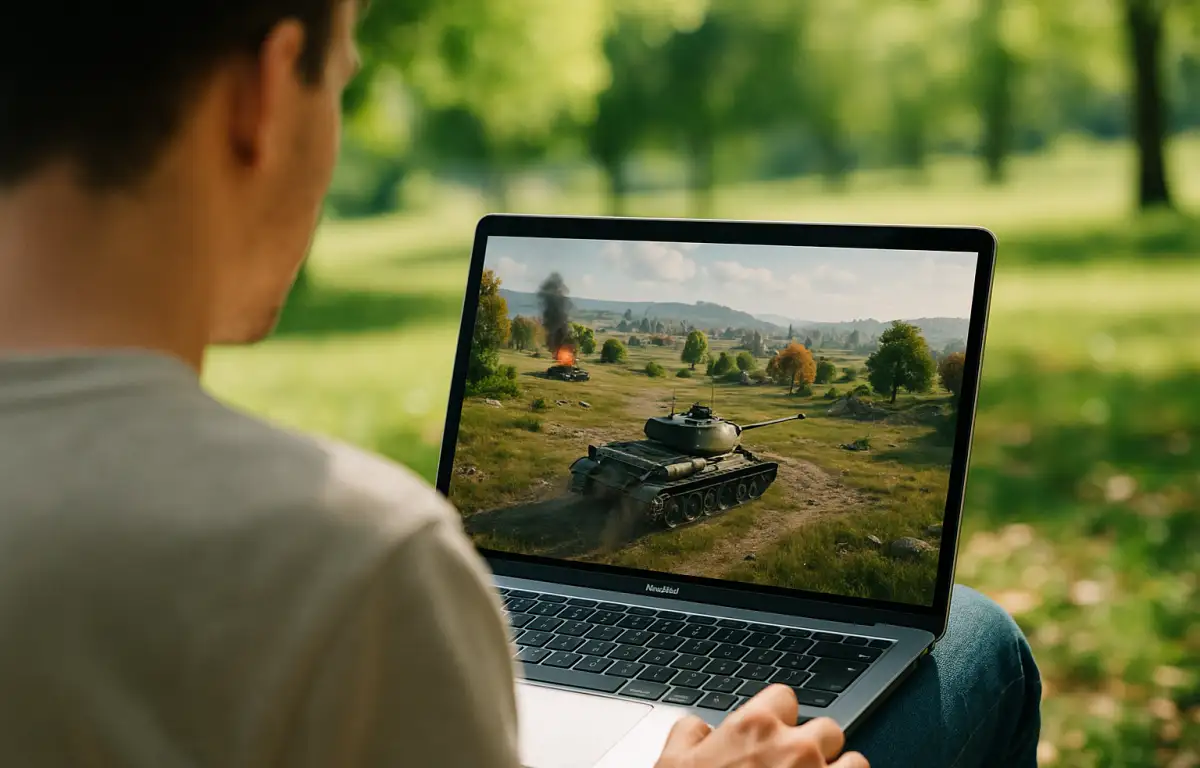
With Aristeem Play, World of Tanks runs on cloud hardware and streams to your Mac, so you do not need to install the full game on macOS. Open the Game Library, select World of Tanks, and click Install & Play to start a cloud session. You may need to sign in to the relevant game account when prompted.
This option is worth considering if you want to play from your Mac without setting up compatibility software or purchasing a separate Windows gaming PC.