

Why Skyrim Online Appeals to Players Who Want Faster Access
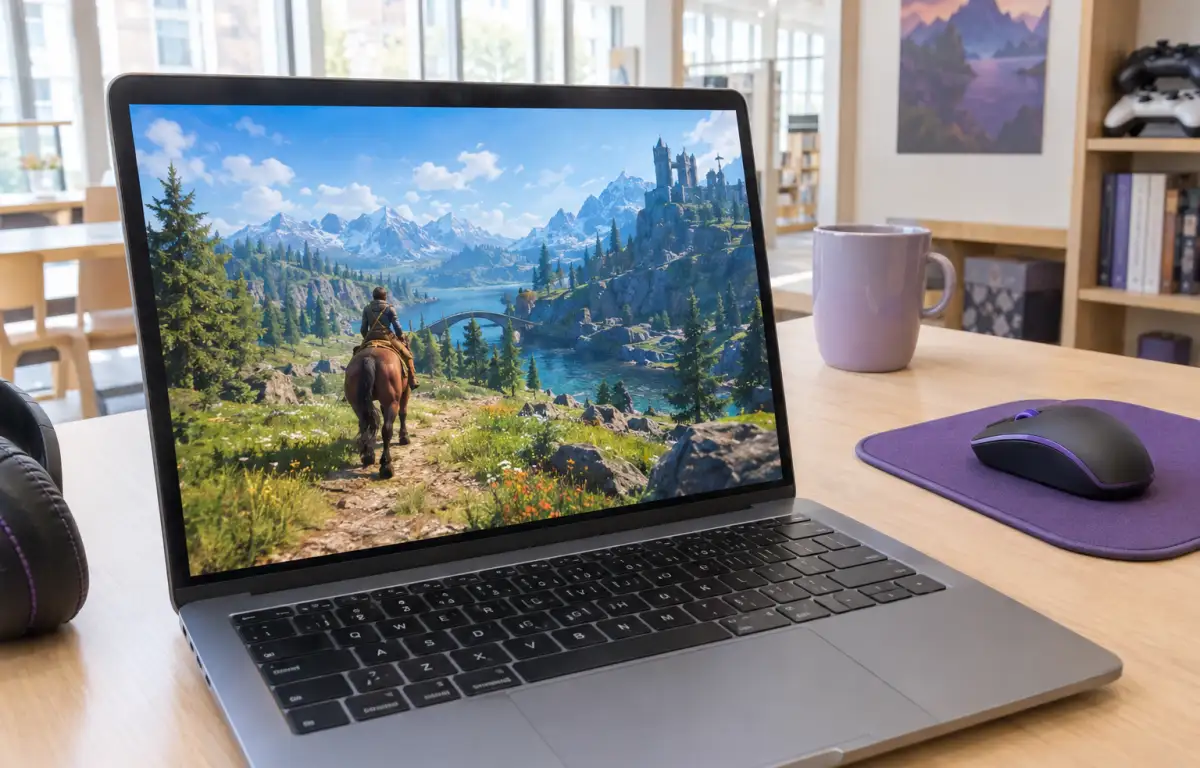
Players who want to access Skyrim without installing it locally often face a familiar problem: getting the game ready can take longer than the gaming session itself. A large download, launcher steps, patches, and limited storage can make starting the game inconvenient, especially when you only have time for a short session.
This is particularly relevant when using a shared computer, a device with limited storage, or a machine that is not suitable for running the game locally. In these situations, players may look for a way to access Skyrim without going through a full local installation.
What to Consider When Playing Skyrim Online
When playing Skyrim through cloud gaming, the quality of the session depends on several practical factors: a stable internet connection, low latency, device compatibility, and comfortable controls. These determine how responsive the game feels while it runs on remote hardware. You need a stable internet connection, reasonable latency between your input and what appears on screen, support for the device you are using, and a control method that feels comfortable for the way you play. Those details shape whether a quick session feels convenient or frustrating.
Just as important is understanding what the browser is actually doing. The browser is not a native version of the game and it is not where the game itself runs. With local play, the game runs on your own device, so its hardware, storage, installation, and updates all become part of the setup. With a cloud-based approach, the game runs on remote hardware instead, while your device connects to the active session.
A Faster Way to Play Skyrim Online
With cloud gaming, you do not need to reserve local storage for the full game installation or wait for its updates to finish before starting a session. The game runs on remote hardware, while your device receives the streamed gameplay. This makes it easier to access Skyrim when you do not want to manage a separate local installation.
The result is a simpler path when speed is the priority. Your time goes into launching and playing rather than managing installs, updates, and maintenance. That makes browser-based cloud gaming a strong fit for players who want Skyrim online now with less friction before the session even begins.
How Skyrim Online Works Through Aristeem Play
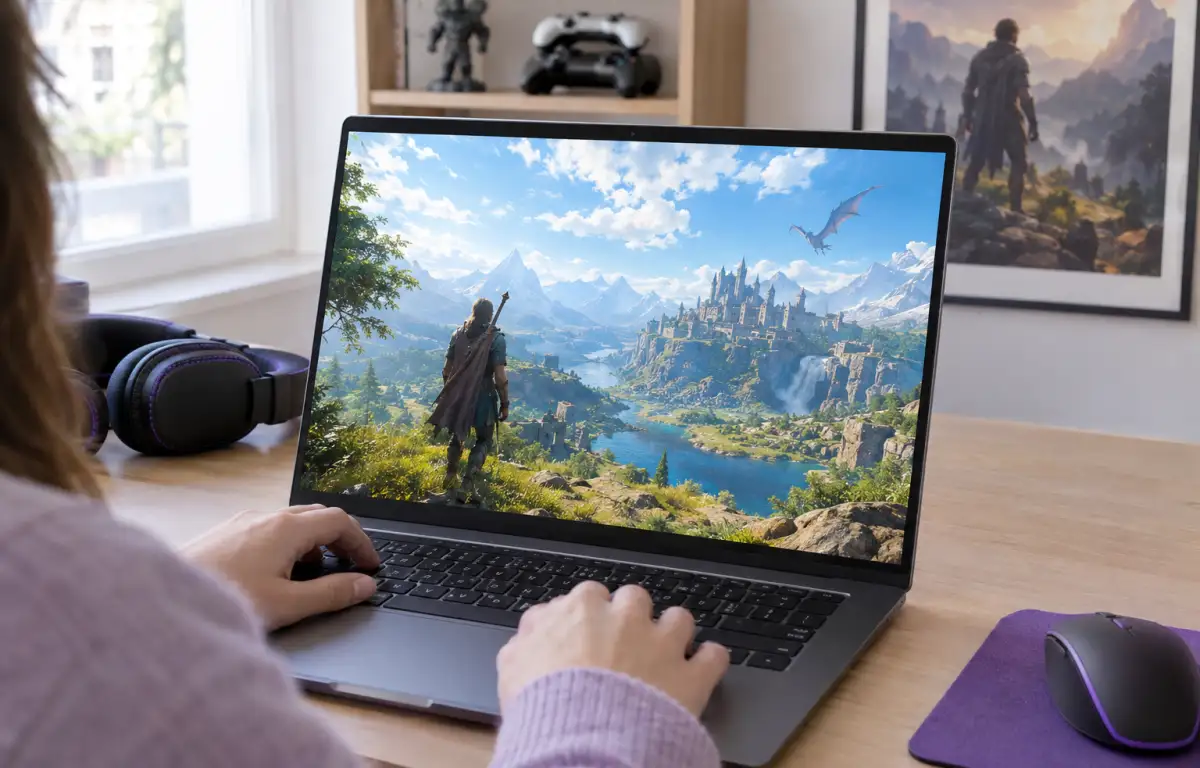
Aristeem Play fits this situation by letting you open the Game Library, choose a game, and click Install & Play instead of installing it on your own device. The session launches on Aristeem’s cloud servers, where the game runs on Aristeem’s hardware, while only video, audio, and your input are streamed to you. That means local hardware power is not what determines whether the game itself can run during the session.
Depending on the game, you may also need to sign in to a relevant game launcher or store account, such as Steam or Epic Games. If you want to understand how different cloud gaming platforms handle game access, device compatibility, and account requirements, read our guide to choosing a cloud gaming platform.
Why Skyrim Online Makes Sense for Quick Sessions
Skyrim is a better fit for short gaming sessions when you can access it without managing a separate local installation. Instead of spending time checking storage, downloading updates, or maintaining game files on your device, you can focus on the adventure itself.
Aristeem Play provides this cloud-based access. It is a practical option when you want to play Skyrim without turning local setup into another task.