
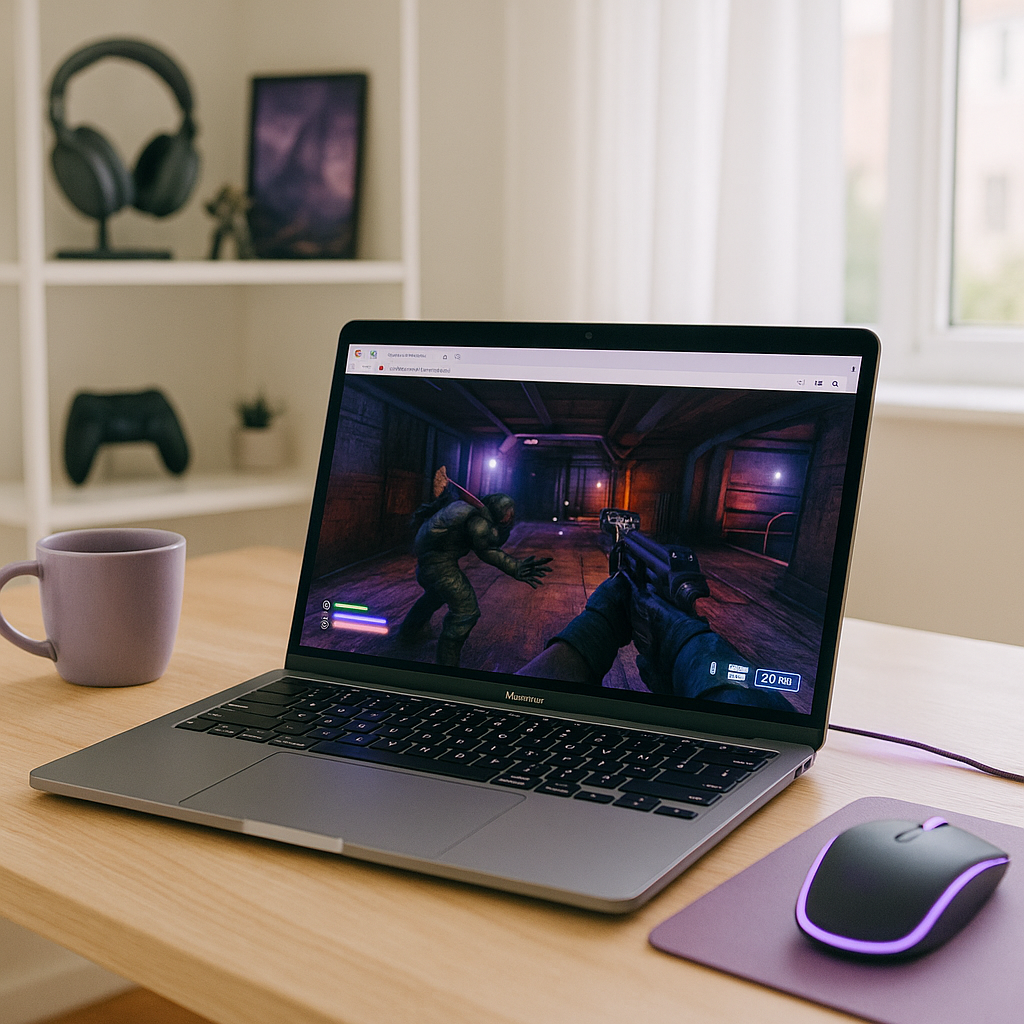
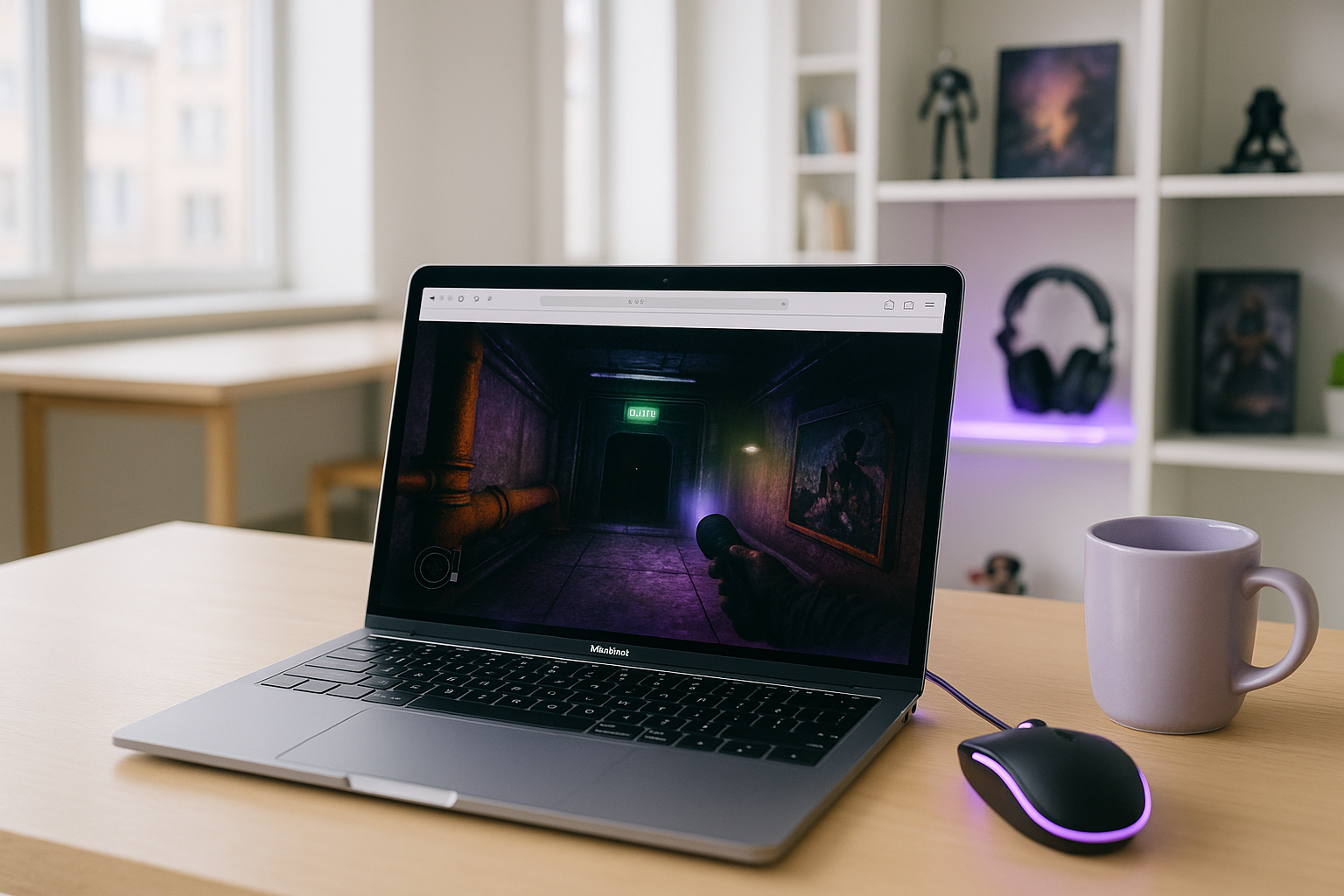
Players searching for Lethal Company Mac usually want one simple answer: can they play the game on macOS without building a full Windows setup first? The problem is that this is a Windows-focused PC title, so Mac users often face uncertainty before they even start. Instead of a normal install path, they may need extra tools, testing, and repeated adjustments just to see whether the game will launch reliably.
That creates a frustrating gap between interest and actual play. A Mac owner may be ready to join friends, but local compatibility questions, possible performance issues, and the risk of wasting time on a setup that still feels unstable can slow everything down. For anyone researching how to play Lethal Company on Mac, the real issue is not just access, but finding a method that feels dependable enough for regular sessions.
Using Another Computer for Lethal Company Mac Access
One workaround people consider is using another computer that already fits the game better. That can make sense if you have access to a separate machine, because it avoids some of the local macOS compatibility uncertainty and may let you launch the game in a more familiar PC environment. For a player who just wants to join a session quickly, it can seem easier than experimenting on a Mac.
In practice, though, this route is often inconvenient rather than clean. You need access to that second computer whenever you want to play, your progress depends on another device being available, and it does not really solve the original Mac problem. For many players, it turns into a patchwork habit instead of a reliable long-term answer, especially if the goal is to play from the Mac they already use every day.
How to Play Lethal Company on Mac Through Cloud Streaming
A more direct option is cloud streaming. Instead of asking your Mac to handle the full PC workload locally, the game runs in a cloud environment and the video, audio, and your inputs are delivered to your device. That means a Mac that is awkward for local setup can still be used to access the PC version with fewer moving parts on your side.
Compared with relying on another computer, this approach is usually more practical because it keeps the experience centered on the Mac you already have. You are not borrowing hardware, switching devices, or maintaining a separate machine just to play. For users looking to play Lethal Company on macOS with less trial-and-error, browser-based cloud access is often the cleaner path.
Lethal Company Mac With Aristeem Play
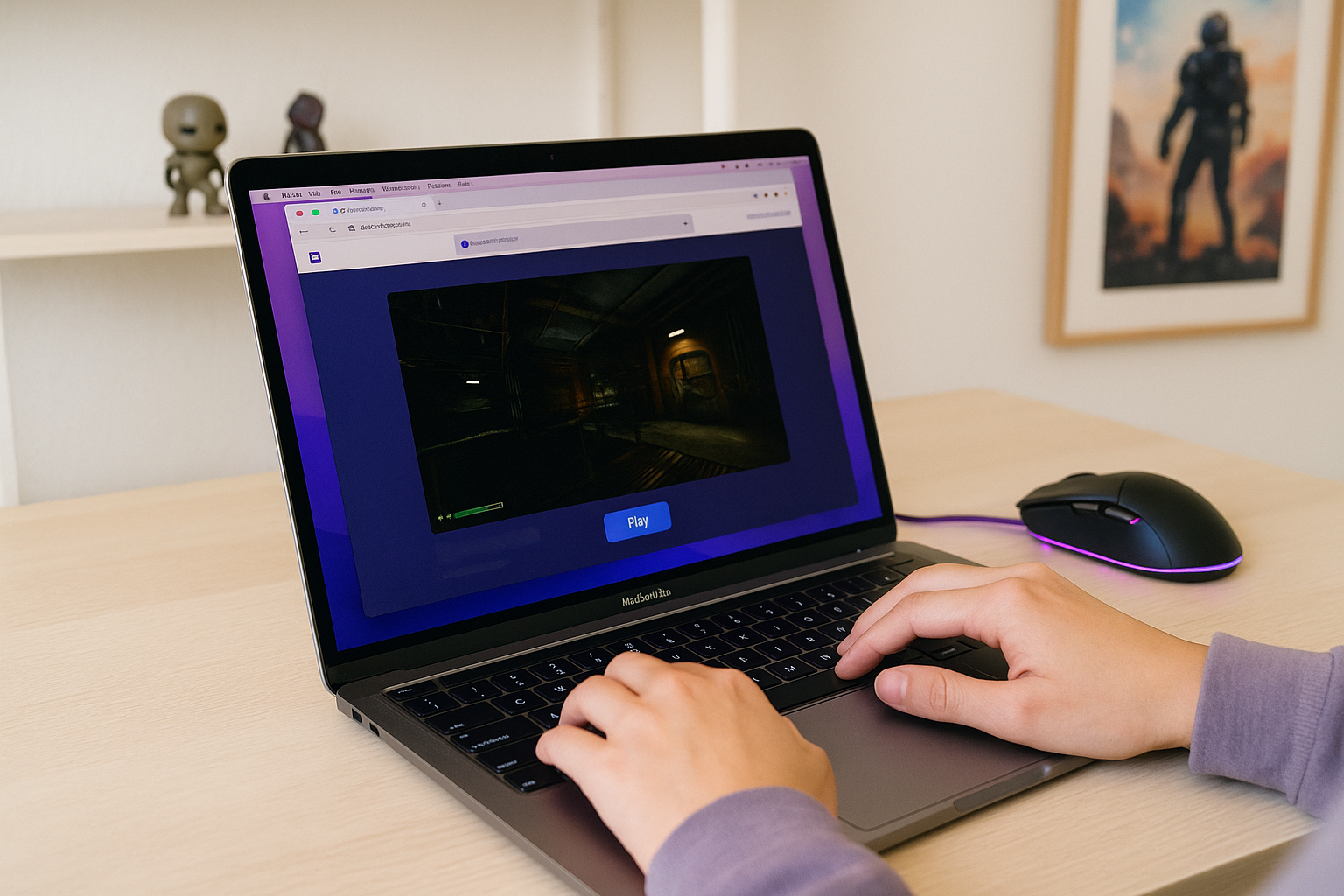
In this situation, Aristeem Play fits as a practical browser-based option. Instead of installing the game on your own Mac, you open the Game Library on Aristeem Play, select the game, and click Install & Play. That starts a session on Aristeem’s cloud hardware, while only video, audio, and your inputs are streamed to your device.
This matters because your Mac is no longer doing the main work of running the game locally. Depending on the title, you may still need to sign in to the relevant store to launch it, but the process avoids turning your Mac into a trial-and-error compatibility project. If you want a practical way to play Lethal Company Mac while staying focused on the game rather than local setup, this approach makes the most sense.
A Practical Lethal Company Mac Path Forward
The core issue with Lethal Company Mac is finding a practical way to play a Windows-focused game without dealing with extra setup on macOS. Using another computer can work in some situations, but it depends on separate hardware. Cloud gaming offers a simpler approach by running the game on remote hardware while you play from your Mac.
If your goal is a simpler way to start, Aristeem Play is a practical option because the game runs on cloud hardware instead of relying on your Mac to run it locally. For players comparing local workarounds with a faster browser route, launching Lethal Company on Mac through a browser-based session is the clearest next step.


